
A retail bank's Nexus switches exchange OSPF hellos in the same area number with matching timers and matching MTU, but the adjacency never reaches Full and the options field differs. Which setting should the engineer compare?
Select an answer to reveal the explanation.
Short Explanation
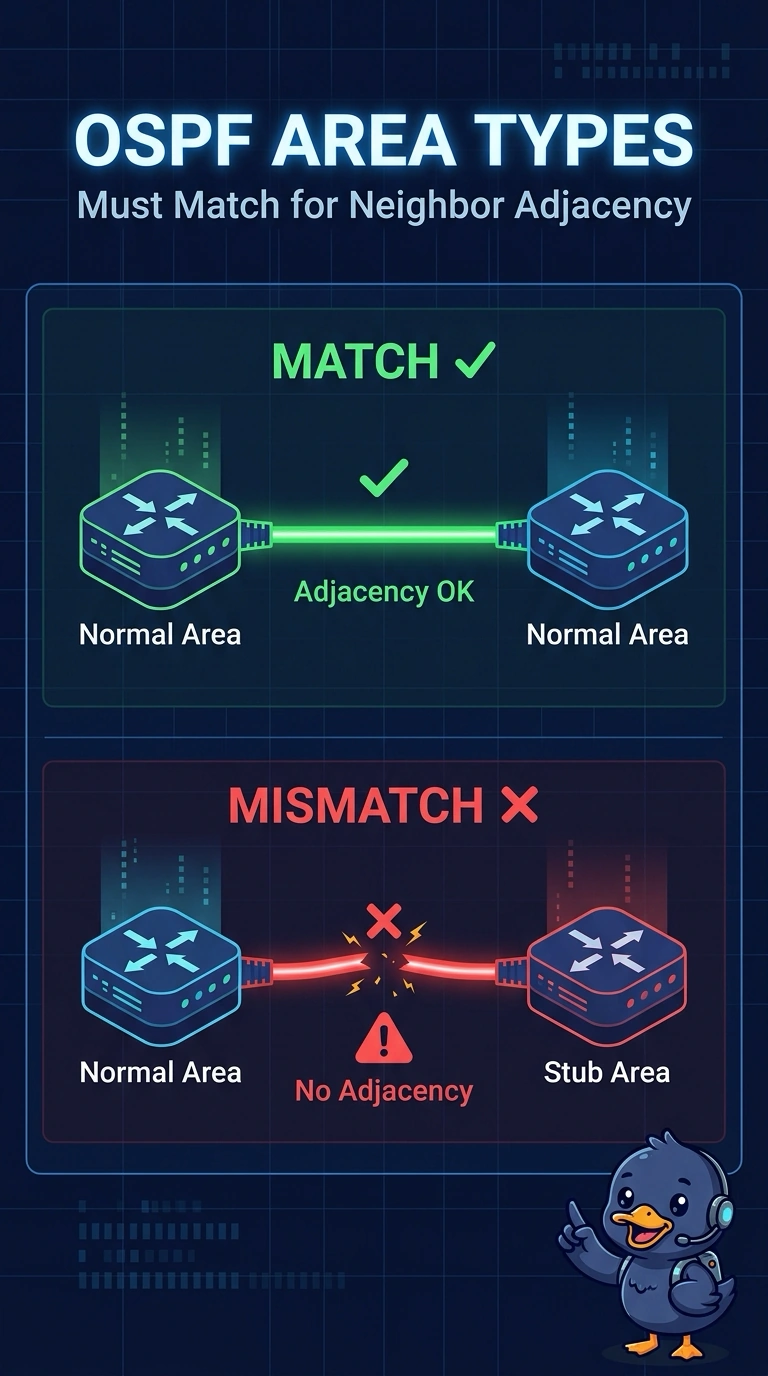
You’ve already confirmed the area number, timers, and MTU match, so compare the area type on both switches. A stub area on one side and a normal area on the other can cause the options mismatch and keep the adjacency from reaching Full; an MTU mismatch instead points to an EXSTART stall.
Full Explanation
OSPF hellos carry an options field that includes area-type information. If one switch treats the area as a stub and the other treats it as a normal area, their options do not match and the adjacency does not reach Full, even when the area number, timers, and MTU agree. Comparing the area type on both switches therefore fits the reported symptom. An unequal IP MTU can stall a neighbor in EXSTART when database description packets are refused, but the stem says the MTUs match, so that explanation does not fit this case. OSPF process tags are local to each switch; neighbors do not need identical tags to form an adjacency. Router IDs must be unique within the routing domain, so configuring the same ID on both switches would create a duplicate-ID problem rather than explain this options mismatch. Exam caveat: an area-type disagreement can be easy to mistake for an MTU-related adjacency problem, so use the stated symptom and the confirmed MTU match to distinguish them. Practical check: display the area type on both interfaces, make the settings agree, and confirm that the neighbor reaches Full without changing the MTU.