
A hospital chassis is still cabled to both fabric interconnects. UCS Manager lists it as decommissioned, and acknowledging the chassis does not return it to inventory. What brings it back?
Select an answer to reveal the explanation.
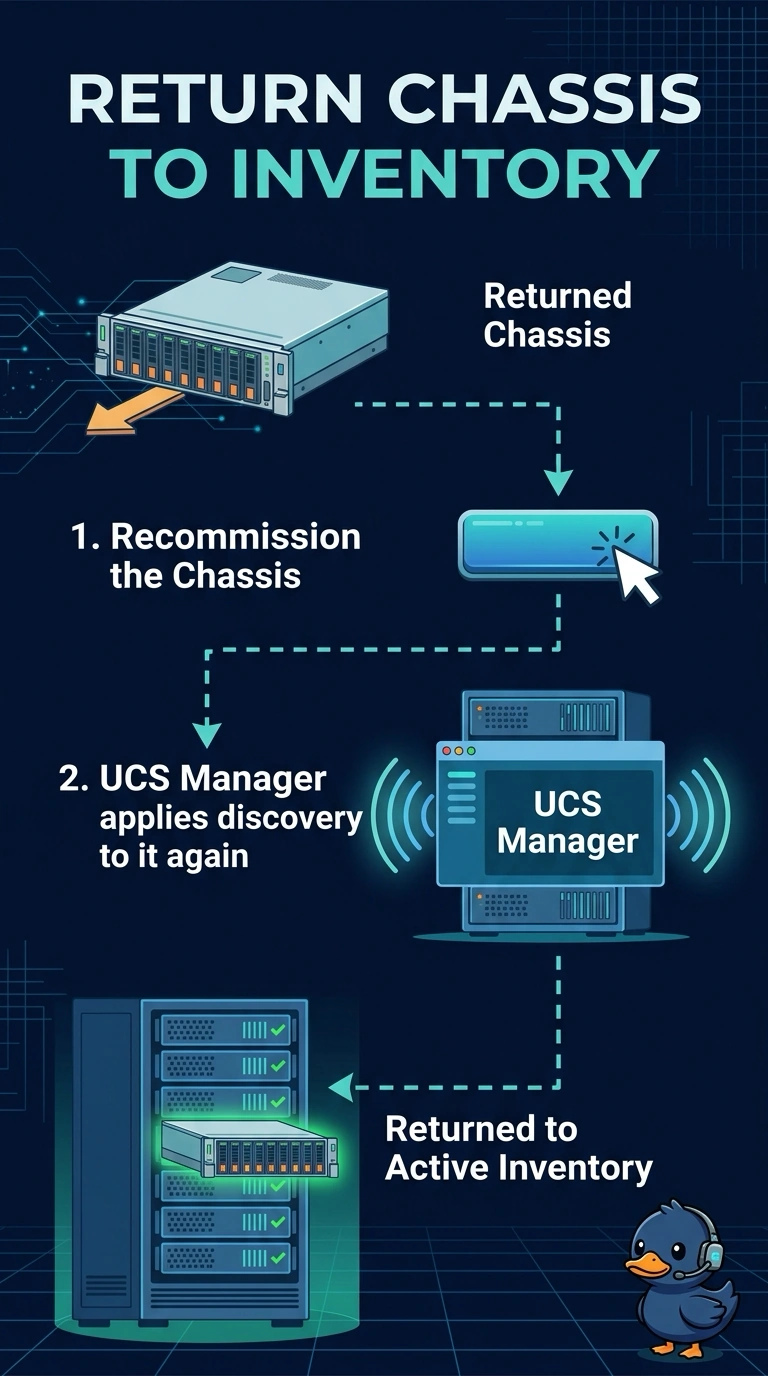
Short Explanation
You took the chassis off the roster on purpose, and plugging the cables back in does not put the name back on the list. A decommissioned chassis stays out until you recommission it. Acknowledge is for a chassis that is already waiting to be accepted, which this one is not.
Full Explanation
Decommission removes a chassis from the active UCS Manager configuration while the hardware is still connected. UCS Manager keeps enough identity to bring that same chassis back, and the action that does it is recommission. Recommission returns the chassis and runs the discovery policy against it. Acknowledge tells UCS Manager to accept a chassis it has already discovered and is holding for an operator. It does not reverse a decommission. Raising the discovery link count only changes how many server-port links a future discovery demands. It does not restore a chassis that was taken out of configuration. The power policy chooses how the power supplies back the chassis up. It does not change the decommissioned state. Clearing a host firmware package changes which server BIOS and adapter code a profile may use. It does not re-add a chassis. Caveat: recommission can reapply discovery and disturb traffic on that chassis, so do it in a window. Operational check: after recommission, confirm the chassis leaves the decommissioned list and shows up under Equipment once discovery finishes.