
Blades on one fabric interconnect in a SaaS platform can reach each other in a VLAN, but none of them can reach the upstream router in that VLAN. The vNIC template already allows the VLAN, and the uplink port-channel does not. Where must the VLAN be allowed?
Select an answer to reveal the explanation.
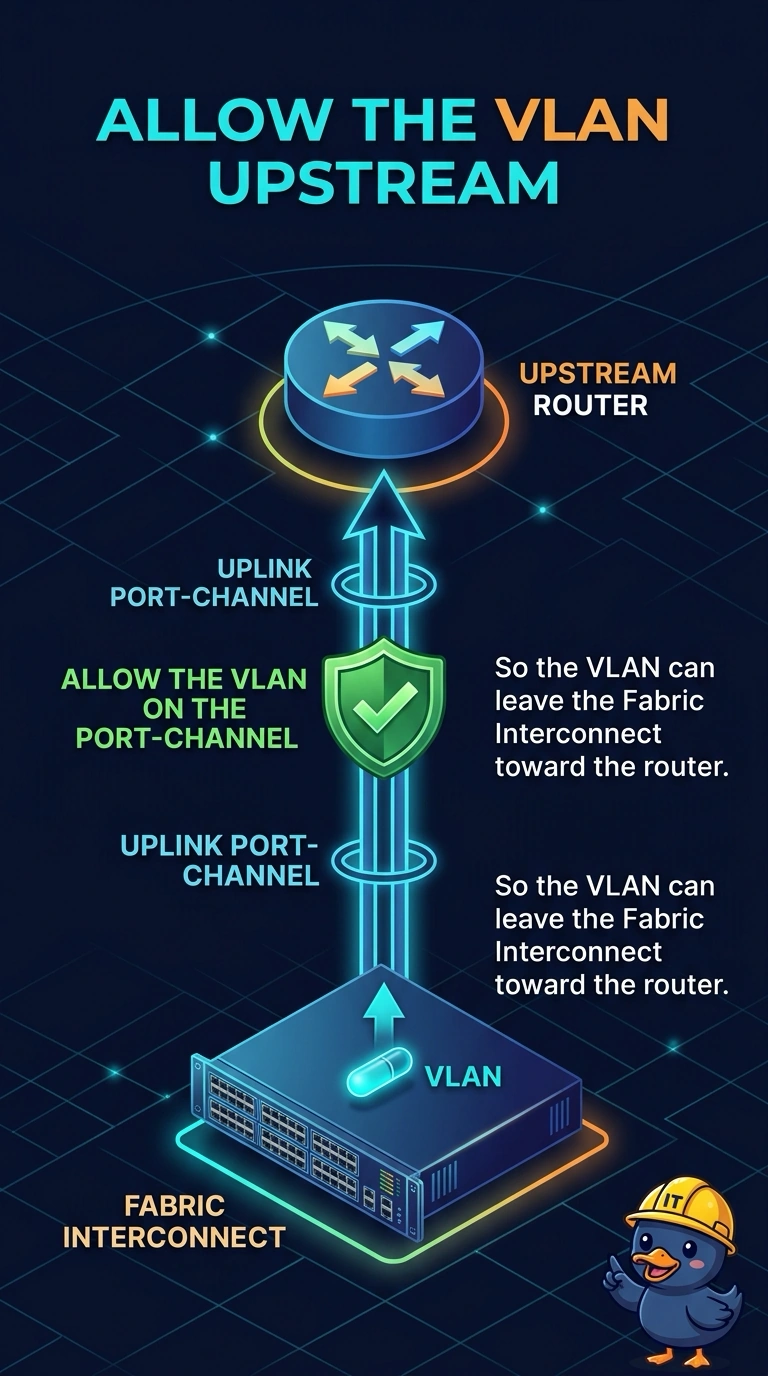
Short Explanation
The people inside one office can talk to each other, and the door to the street is locked. You allow the VLAN on the uplink port-channel so traffic can leave the fabric interconnect toward the router. Adding it to the vNIC template again does not help, because that template already permits the VLAN.
Full Explanation
In end-host mode a fabric interconnect switches traffic between blades on the same interconnect inside a VLAN that their vNICs allow. Traffic toward an upstream router has to leave on an uplink that also allows that VLAN. These SaaS blades can reach each other, and the vNIC template already lists the VLAN, so the missing permission is on the uplink port-channel. The uplink does not copy its allowed list from the vNIC template. A second entry on the template leaves the northbound path unchanged. A WWNN pool allocates Fibre Channel node names for vHBAs. The interconnect does not consult it when building an Ethernet uplink allowed list. The chassis discovery policy decides how a newly cabled chassis is brought into the domain. Acknowledging a chassis does not rewrite uplink VLAN permissions. Caveat: if the two fabrics use different uplink port-channels, each side that should reach the router needs the VLAN, or blades on the other interconnect still fail. Operational check: add the VLAN to the uplink port-channel allowed list, confirm the upstream switch allows it too, and test from a blade to the router.