
A media company has a standalone UCS C-series server and no fabric interconnects. The server should appear in the Intersight inventory and receive advisories. What accomplishes that?
Select an answer to reveal the explanation.
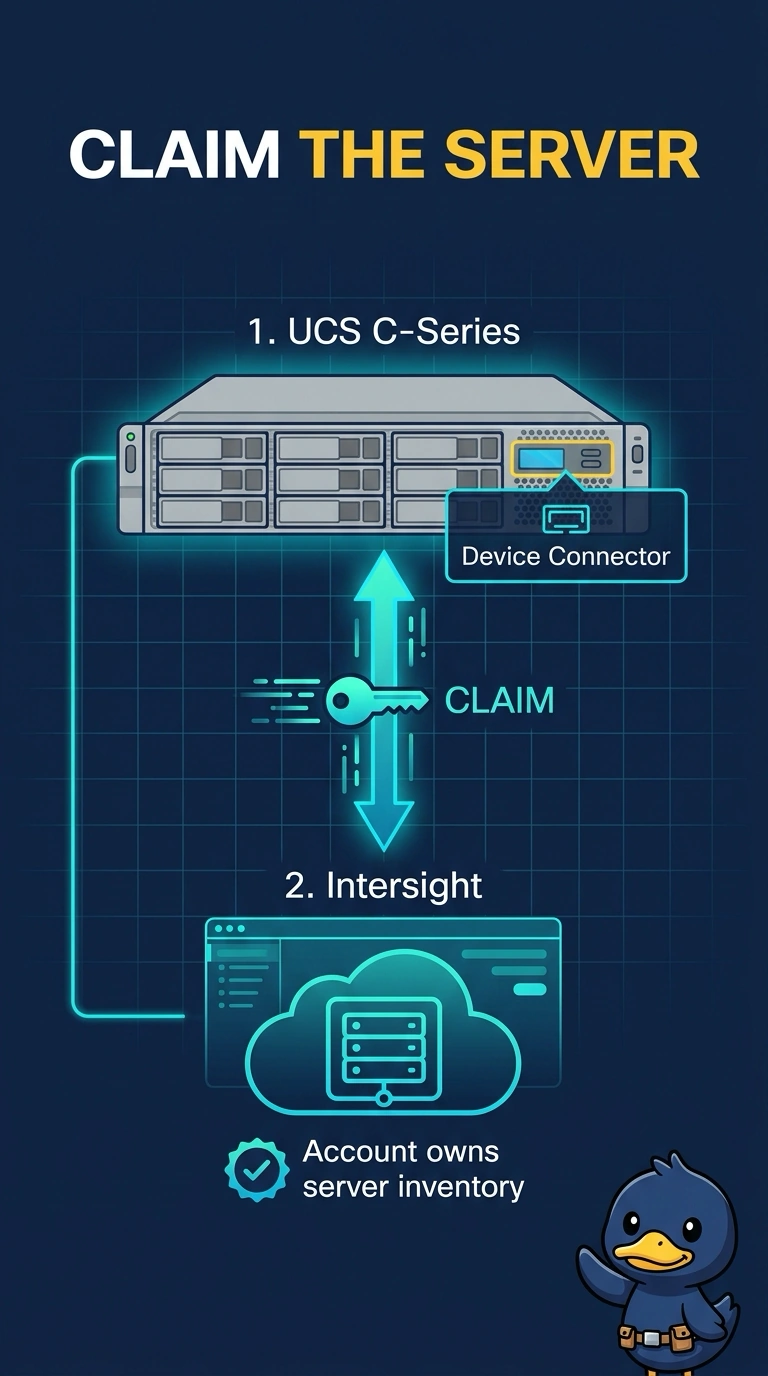
Short Explanation
Claiming the server is signing it into the cloud ledger, not just walking into its local office. You use the device connector so the media company's Intersight account owns the inventory and can match advisories. A CIMC session still runs the local keyboard and BIOS, and it does not by itself attach the box to that account.
Full Explanation
A standalone C-series server is claimed into Intersight through its device connector. Once the account owns the device, the server shows in inventory and Intersight can raise advisories against it. That is the step this media company still needs, and it does not require fabric interconnects. A local CIMC login reaches virtual KVM, BIOS, and the management controller for that one server. Opening CIMC does not automatically create an Intersight claim. UCS Manager exists on a fabric interconnect cluster. A standalone rack server does not create a UCS Manager virtual address, so there is no domain there to open. An IOM is part of a blade chassis. This rack server has no IOM, and an IOM would not register the server with Intersight. Caveat: the device connector needs a path to Intersight and a working claim, or the server stays local even though CIMC is healthy. Operational check: complete the claim, confirm the server appears in the account inventory, and confirm advisories can match that device.