
A SaaS platform runs UCS X-series in Intersight Managed Mode. An engineer edits a server profile to change which fabric ports are uplinks, and the ports do not change. Where does that port role belong?
Select an answer to reveal the explanation.
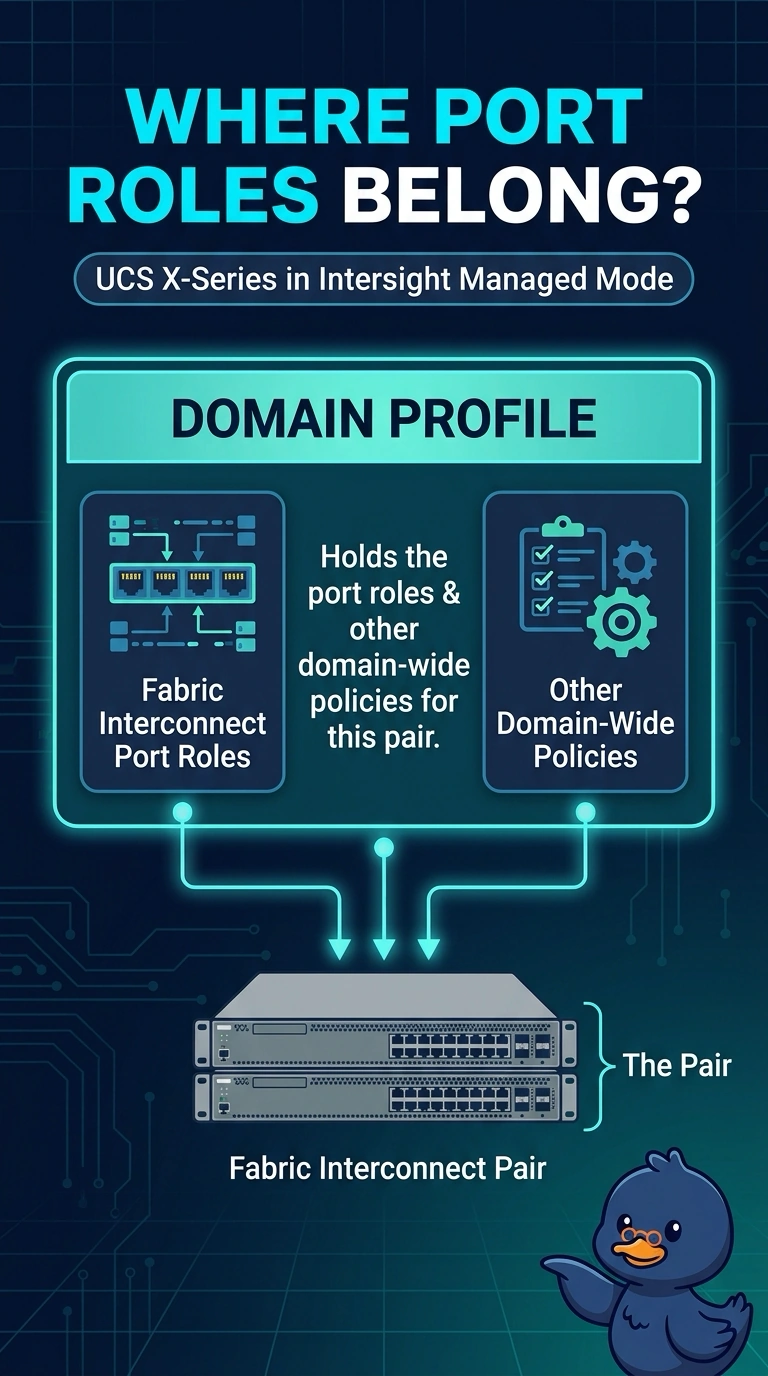
Short Explanation
A server profile dresses one node, and a domain profile dresses the whole fabric interconnect pair. You change uplink port roles in the domain profile, which is why editing the server profile left the ports alone. Boot order and a SAN zoneset do not redraw those ports.
Full Explanation
In Intersight Managed Mode the domain profile carries the policies for the fabric interconnect pair, including the port policy that marks ports as uplinks, server ports, or other roles. A server profile configures one compute node: identity, boot, adapters, and the virtual interfaces that node presents. Editing the server profile cannot redraw the physical port roles, so the SaaS ports stay as they were. The boot policy tells the node which device to boot. It is not applied to the fabric interconnect port map, and a node reboot does not reclassify uplinks. Standalone CIMC manages a rack server that is not in this domain. An X-series node in Intersight Managed Mode does not own the fabric interconnect port map through CIMC. An MDS zoneset enforces Fibre Channel membership in a VSAN. Activating it does not program Ethernet port roles on a fabric interconnect. Caveat: a server profile still chooses how that node's vNICs and vHBAs are presented, so a connectivity policy on the server profile can look like a port change and still leave the physical uplink roles untouched. Operational check: edit the port policy on the domain profile, deploy the domain profile, and confirm the fabric port role changes without another edit to the server profile.