
A media company blade loses its only vNIC whenever one specific uplink fails, even though another uplink on the same fabric interconnect stays up. The vNIC belongs to a pin group aimed at the failing uplink. What removes that single-uplink dependency?
Select an answer to reveal the explanation.
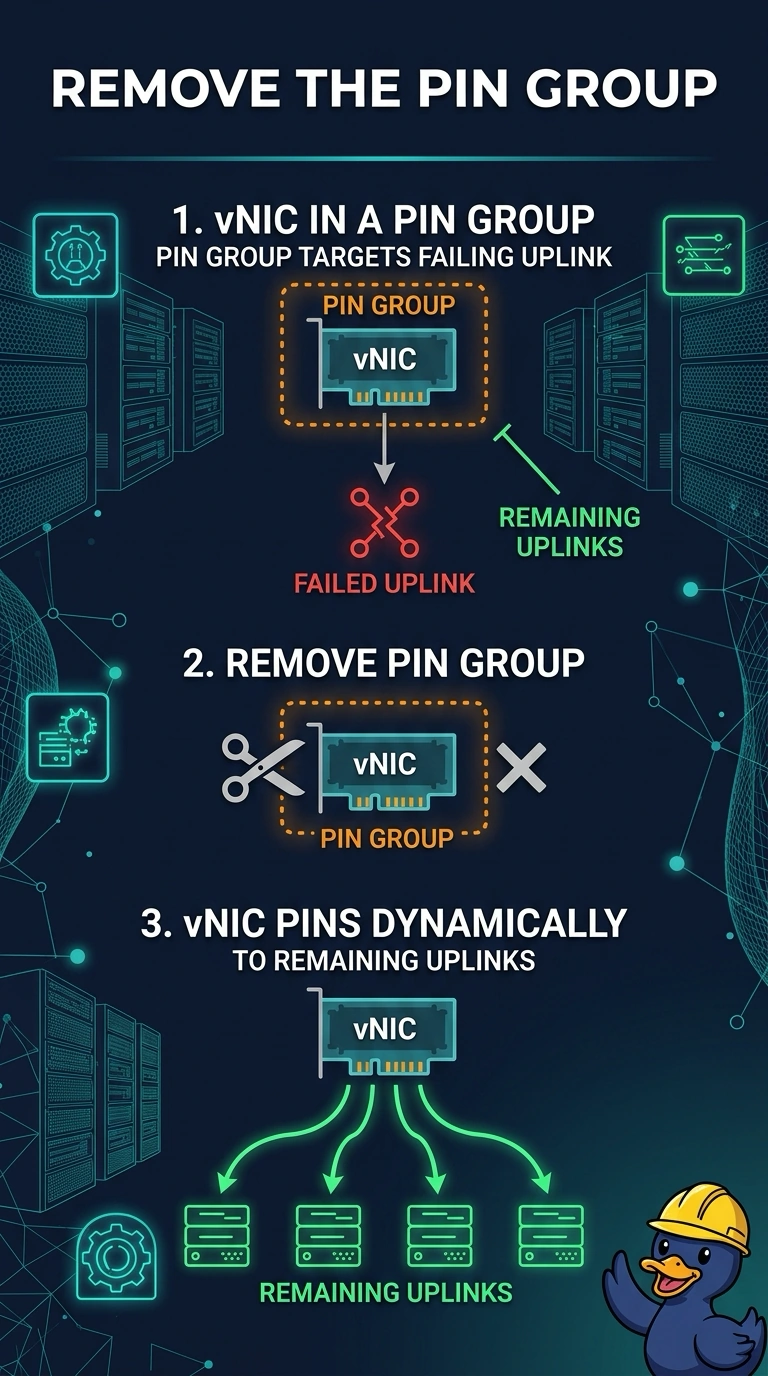
Short Explanation
A pin group is a padlock on one door. You locked this vNIC to a single uplink, so when that door closes the vNIC stays dark even though another uplink is open. Take the padlock off and let the vNIC pin dynamically to the uplinks that remain.
Full Explanation
A pin group statically binds a vNIC to the uplinks in that group. If the vNIC is pinned to one uplink and that uplink fails, the vNIC loses its path even when other uplinks on the same fabric interconnect are up, because those other uplinks are not in the pin group. Removing the pin group returns the vNIC to dynamic pinning, which can use the remaining uplinks. Putting the pin group on a vHBA template affects Fibre Channel pinning, not the Ethernet uplink this vNIC is stuck to. The boot policy selects disks or network boot targets during startup. It does not decide which uplink carries the vNIC after the operating system is up, and a pin is enforced for the life of the vNIC, not only during POST. A UUID is an identity for the service profile. Changing it does not move a pin group and does not create a second uplink path. Caveat: dynamic pinning can still drop a vNIC if every uplink on that fabric interconnect fails, and a vNIC pinned to one fabric does not automatically move to the other fabric. Operational check: clear the pin group, confirm the vNIC shows a dynamic pin, and shut the original uplink to see the vNIC stay up on another uplink.