
A SaaS platform runs a UCS X-series chassis in Intersight Managed Mode. An engineer adds a VLAN and an uplink port policy inside a server profile, and the fabric interconnect ports do not change. Where do those domain-wide policies belong?
Select an answer to reveal the explanation.
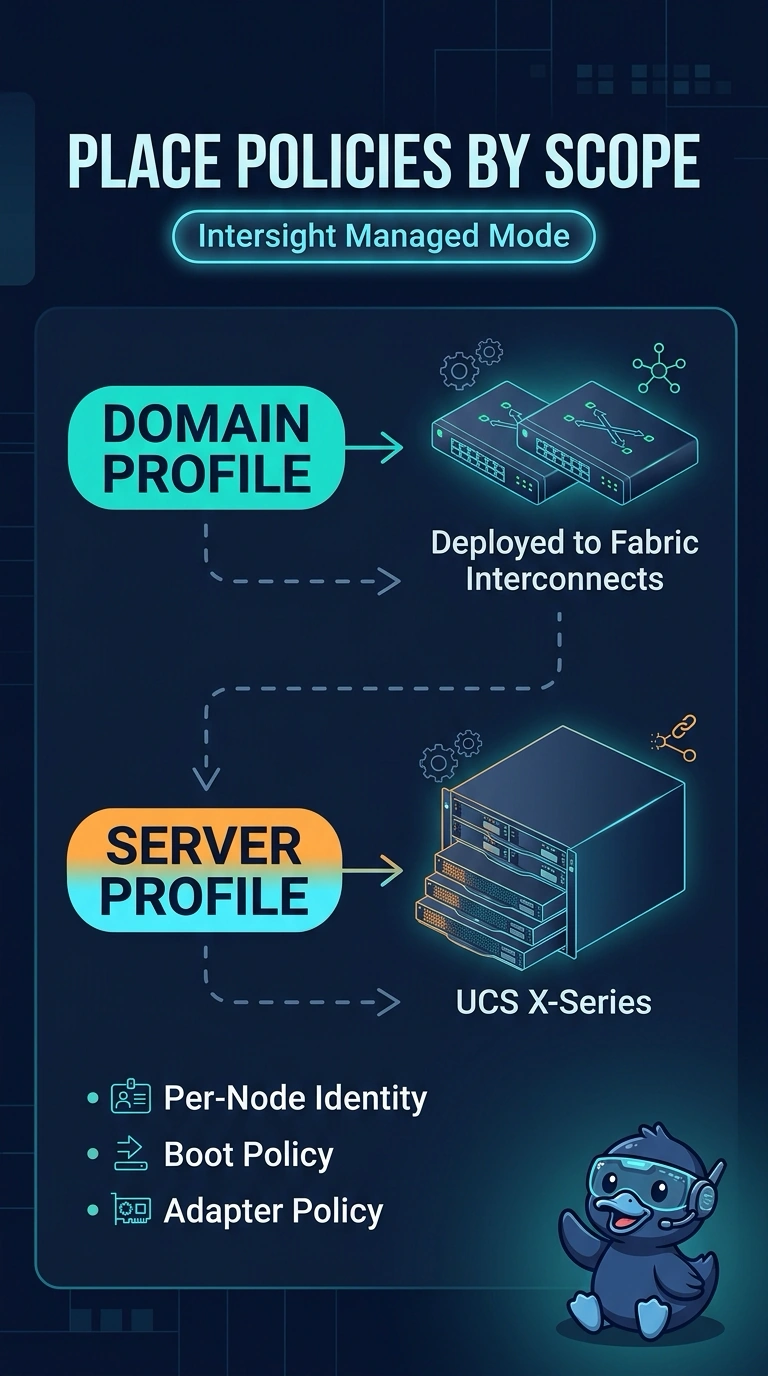
Short Explanation
A domain profile dresses the building, and a server profile dresses one room. You put VLAN and uplink port policy in the domain profile that deploys to the fabric interconnects. A server profile does not reprogram those domain ports.
Full Explanation
Intersight Managed Mode splits domain policy from server policy. The domain profile carries the policies that configure the fabric interconnects, including port roles and the VLAN and VSAN policy those ports use. A server profile carries the identity, boot, BIOS, and adapter settings for one node. Adding a VLAN or an uplink port policy inside the server profile does not change the interconnect ports, which is why the SaaS fabric did not move. Those objects belong in the domain profile, and that profile has to be deployed. Intersight Managed Mode is not configured through a local UCS Manager service profile. The interconnects are not in UCS Manager mode, so editing a UCS Manager profile is not where this port policy lives. Grid is a power-redundancy model and does not publish VLANs or port roles. Standalone CIMC manages a rack server that is not in this X-series domain. It does not override a domain profile on the fabric interconnects. Caveat: a domain profile change can be disruptive to ports, so deploy it in a window and confirm both interconnects report the profile in sync. Operational check: move the VLAN and uplink policy into the domain profile, deploy it, and confirm the interconnect ports show the new VLAN while the server profile still owns only the node.