
A SaaS platform blade vHBA never logs into the VSAN where the array lives. The vHBA template names a different VSAN, and the Fibre Channel uplinks carry only the array VSAN. What should change?
Select an answer to reveal the explanation.
Short Explanation
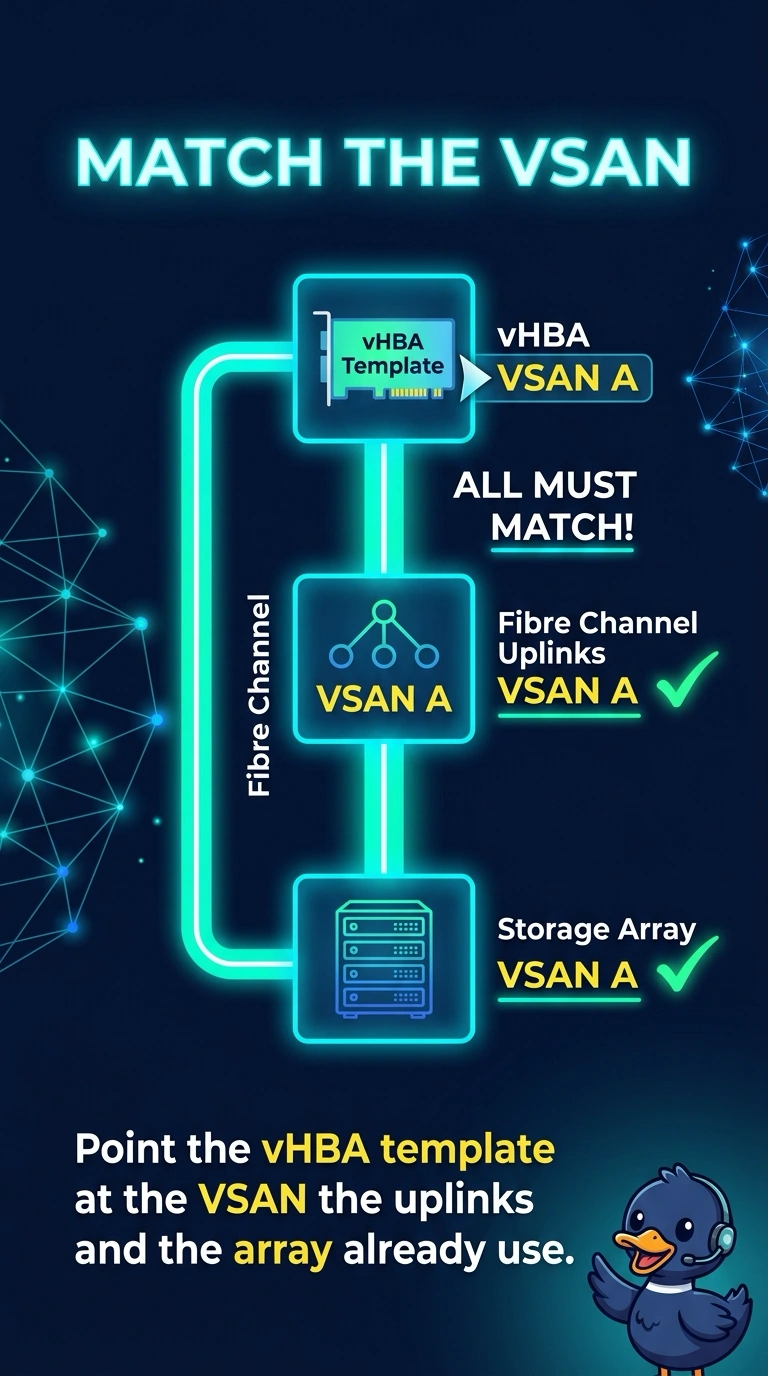
Your vHBA can only use the VSAN named by its template, so point the template at the VSAN that the uplinks and array already share. That aligns the Fibre Channel path so the blade can log into the fabric where the LUN lives. A UUID pool entry gives the profile an identity; it does not select a VSAN.
Full Explanation
A vHBA is placed in a VSAN by the vHBA or its template, and the fabric interconnect Fibre Channel uplinks must carry that same VSAN or the blade has no path. The array is in the VSAN already carried by the uplinks, but the template names a different VSAN, so the SaaS blade never logs into the fabric where the array lives. Point the vHBA template at the VSAN shared by the uplinks and array to align the path. A PXE target using the blade management address as an iSCSI portal does not solve this: PXE is an Ethernet boot method, the management address is not an iSCSI portal, and the failure is a Fibre Channel VSAN mismatch, not a missing LAN boot entry. A UUID pool entry gives the service profile an identity; it does not select a VSAN. Clearing the name server on the array also cannot fix the mismatch: the Fibre Channel name server lists devices that have logged in, clearing it on a storage array is not an MDS operation that rewrites a vHBA VSAN, and the array does not push a VSAN back onto the template. Caveat: if profiles were bound to an initial template, editing that template will not update them, so change the VSAN on those vHBAs directly. Practical check: set the vHBA VSAN to the uplink VSAN, confirm the vHBA logs in on the MDS in that VSAN, and confirm the array WWPN is visible there.