
A logistics company wants each Nexus switch to save its interface counter output to a local file every hour, on the switch itself, whether or not a syslog event fired and with no external automation host. Which tool should run that job?
Select an answer to reveal the explanation.
Short Explanation
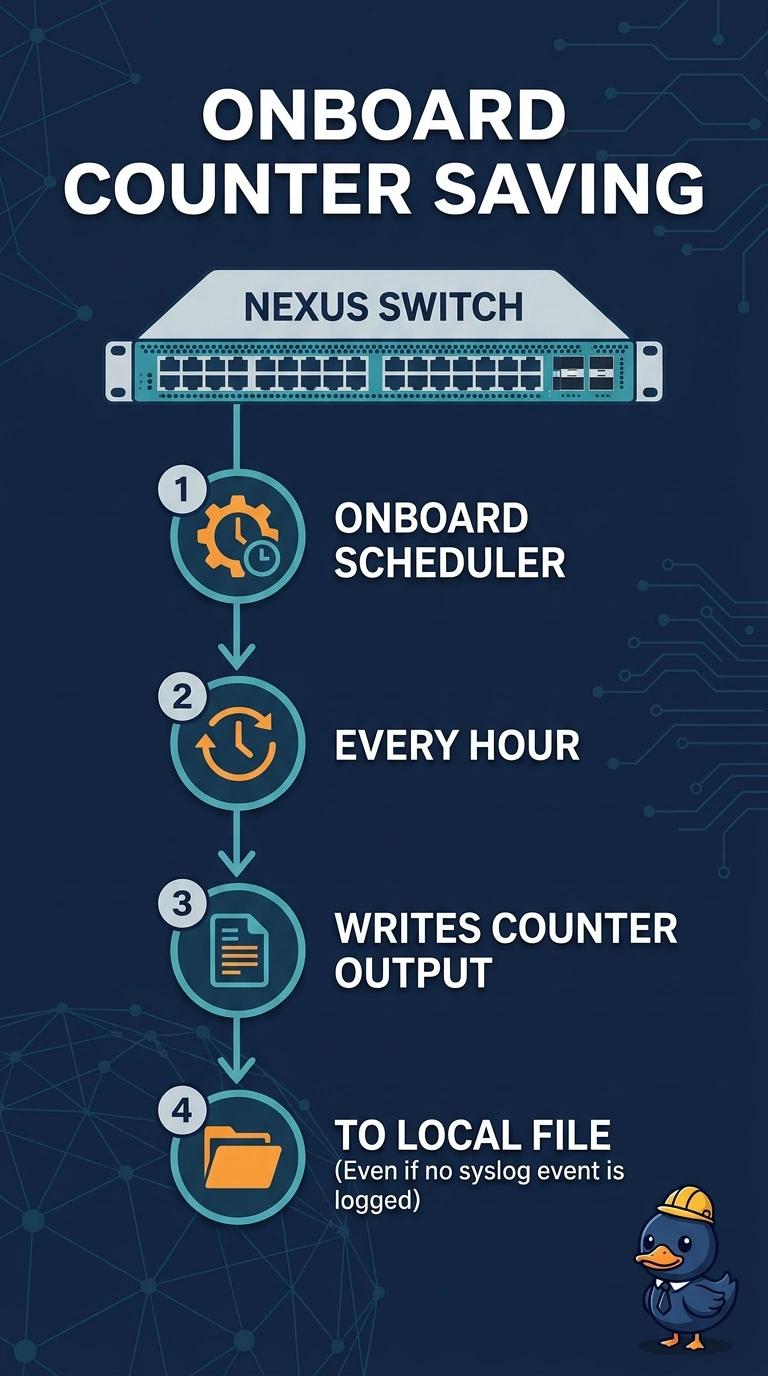
An hourly counter save is a kitchen timer, and it has to live on the switch itself. You put the command on the onboard scheduler so it runs every hour with no syslog event and no external automation host. An applet would wait for a message that may never come, and first boot will not repeat the job all week.
Full Explanation
The NX-OS scheduler runs a CLI job on a clock. Saving interface counter output every hour does not depend on a syslog line or on a server outside the switch, so the onboard scheduler is the tool that matches the logistics requirement. An EEM applet whose trigger is a syslog pattern runs only when that pattern appears. A quiet hour produces no file, which misses a job that must run whether or not anything was logged. POAP runs when a switch boots without a startup configuration and is trying to find an initial image and config. It does not repeat an hourly production job, and it does not run because a startup configuration is present. A SPAN session copies frames to a destination. It does not execute a show command and it does not write interface counters into a file at the end of the hour. Caveat: the scheduler uses the switch clock, so a wrong clock saves the file on the wrong hour even though the job itself is correct. Operational check: enable the scheduler, attach the hourly timetable, and confirm a new counter file appears after a quiet hour with an empty matching syslog.