
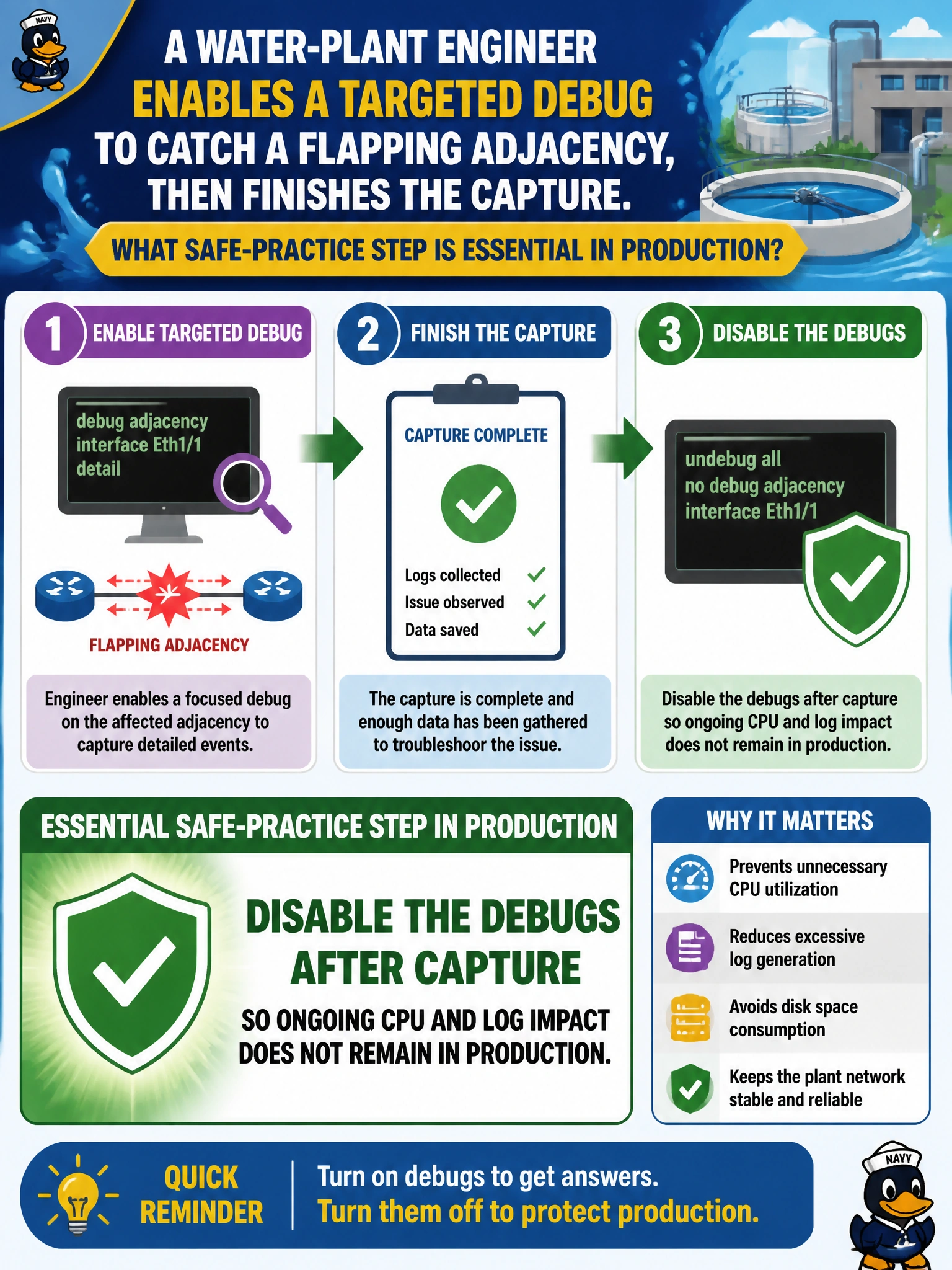
A water-plant engineer enables a targeted debug to catch a flapping adjacency, then finishes the capture. What safe-practice step is essential in production?
Select an answer to reveal the explanation.
Short Explanation
Debugs are power tools—great for a careful cut, dangerous if you leave them spinning on the bench. Capture what you need, then undebug. Water plants don’t need leftover debug load fighting the PLC traffic.
Full Explanation
A water-plant engineer who enables a targeted debug to catch a flapping adjacency and then finishes the capture must disable the debugs afterward so ongoing CPU and log impact does not remain in production. Scoped debugs are powerful during a short diagnostic window; leaving them enabled continues to tax CPU and logging long after the flap evidence is collected, risking collateral impact on PLC and SCADA traffic. Safe municipal OT-adjacent practice is capture, then clean up—every time.
Leaving all debugs enabled permanently so future flaps are never missed fails because permanent debug load is an availability risk, not a monitoring architecture. Redirecting every debug to the five highest CPU processes without timestamps fails as both unsafe and nonsensical relative to adjacency diagnosis. Enabling unrestricted debug all on peer routers at the same time for correlation fails because debug all is the classic production hazard and multiplies impact across devices.
Exam caveat: ENCOR operational safety language repeatedly favors targeted debugs and explicit undebug/disable after use. Prefer ongoing tools (syslog, SNMP, NetFlow) for standing visibility; use debugs briefly. Conditionals help, but cleanup remains mandatory.
Operational check: after capturing the adjacency flap, issue undebug all (or disable the specific debugs), confirm show debugging is clear, recheck CPU and logging rates, and rely on syslog/SNMP for continued surveillance.