
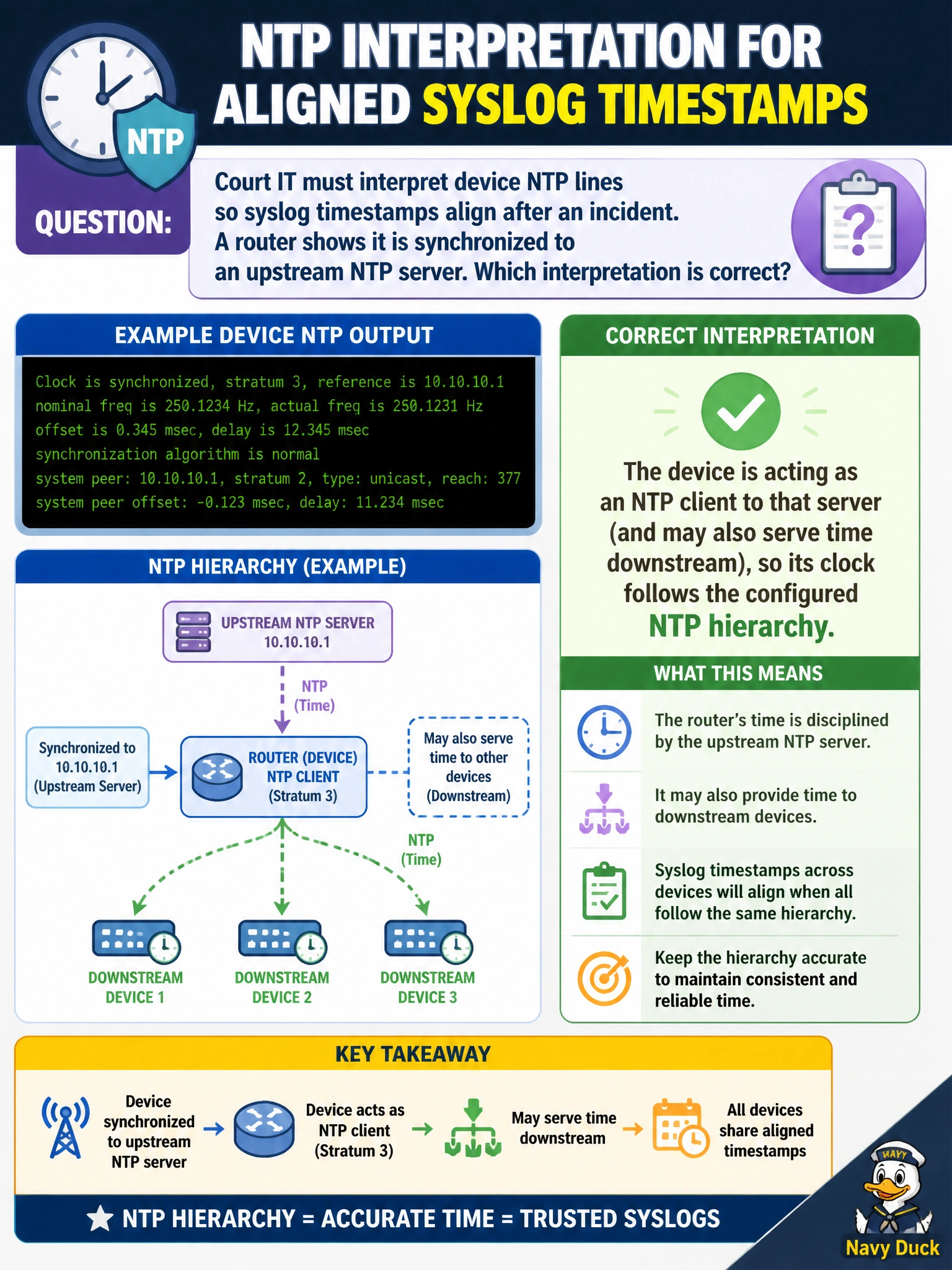
Court IT must interpret device NTP lines so syslog timestamps align after an incident. A router shows it is synchronized to an upstream NTP server. Which interpretation is correct?
Select an answer to reveal the explanation.
Short Explanation
Seeing sync to an upstream server means this box is a client of that clock — like setting your watch from the courthouse master clock. It does not become stratum 0 magic by itself.
Full Explanation
Court IT interpreting NTP so syslog timestamps align after an incident should read a router synchronized to an upstream NTP server as an NTP client of that server (and possibly still serving time downstream). Its clock follows the configured NTP hierarchy rather than inventing authoritative time on its own. Correct hierarchy is what makes incident logs comparable across courthouse routers, switches, and controllers.
Interpreting NTP client mode as inventing stratum-0 atomic time without external reference fails by concept—stratum 0 is reserved for reference clocks; a client synchronized to a server inherits a lower stratum. Claiming any ntp server statement disables logging timestamps permanently fails because NTP enables consistent timestamps rather than turning logging clocks off. Saying NTP is only valid on WLCs and cannot run on routers fails—NTP is a general IP service on routers, switches, and wireless controllers alike.
Exam caveat: “Synchronized” does not guarantee the upstream server itself is correct; validate the whole chain (and authentication if used) after an incident so aligned logs are also trustworthy for court investigations.
Operational check: On the router, confirm NTP status shows sync to the intended upstream; compare syslog timestamps with the courthouse time source and peer devices; fix stratum or server list if drift remains; document the hierarchy used for forensic alignment.