
A library wants guest devices blocked from a staff server. An engineer looks for that block inside a Spaces engagement campaign. Where does the block belong?
Select an answer to reveal the explanation.
Short Explanation
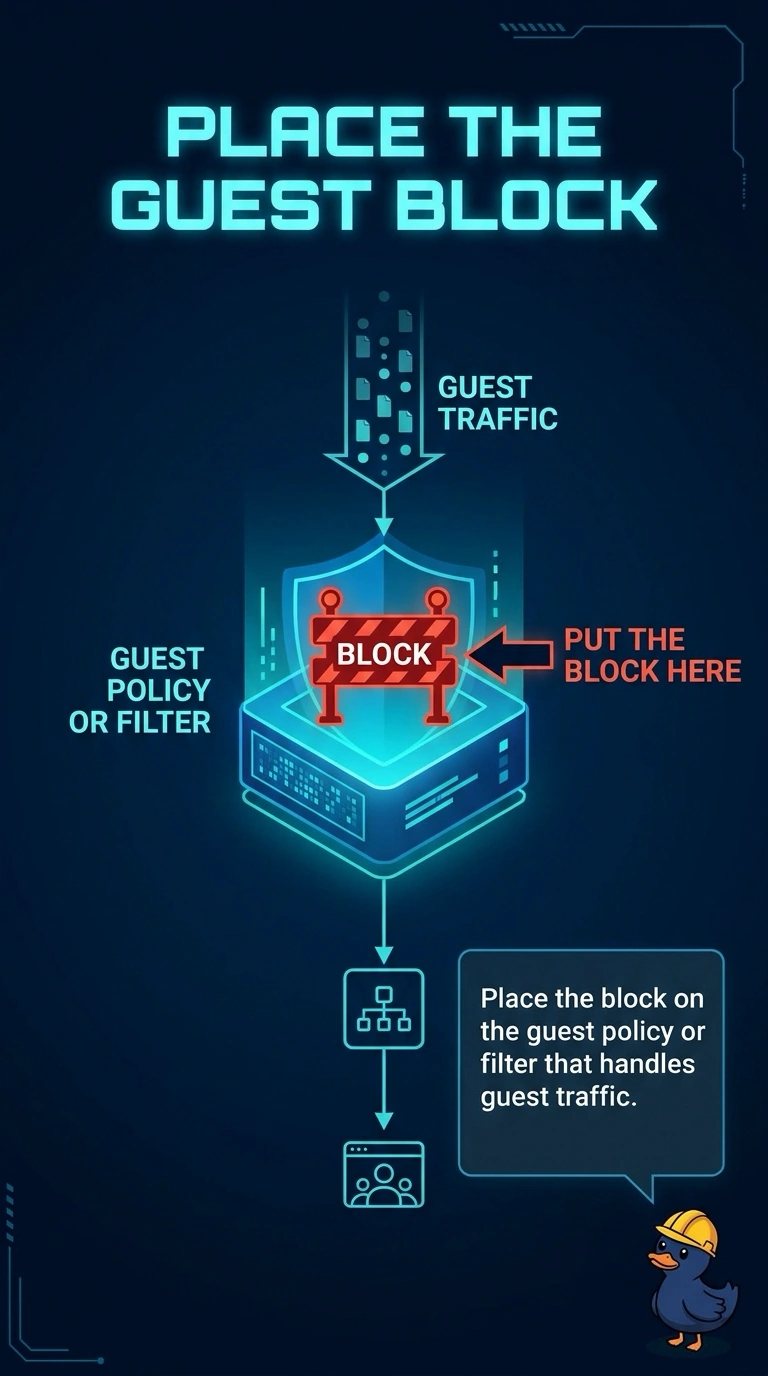
A campaign can put a message on the guest's screen. It does not stand at the door of your staff server. Put the block on the guest policy that handles the traffic, and channel utilization will not build that door.
Full Explanation
Spaces engagement delivers a message or a location-based experience. It does not filter guest packets on their way to a staff server. The block belongs on the guest policy or the filter that actually handles that traffic. Publishing a campaign does not drop packets. An RF profile sets radios. Utilization does not decide which servers a guest may reach. The country code is the regulatory domain. It does not list forbidden servers. A Spaces campaign cannot block guests from a server. The block is a policy or a filter, not an engagement message. Check one live client after the change and leave the rest of the floor alone until that client matches the result you expected. Exam caveat: a guest VLAN that still routes to the staff server will ignore a polite campaign and a WLAN name that says Guest. The filter and the routing have to agree. Read the live counters after you retest. Operational check: join a guest, try the staff server, and confirm the policy denies it while the campaign is left out of the test.