
An engineer adds a FlexConnect profile to a site tag and the access points stay in local mode. Local Site is still enabled on that site tag. Why did the access points ignore the flex profile?
Select an answer to reveal the explanation.
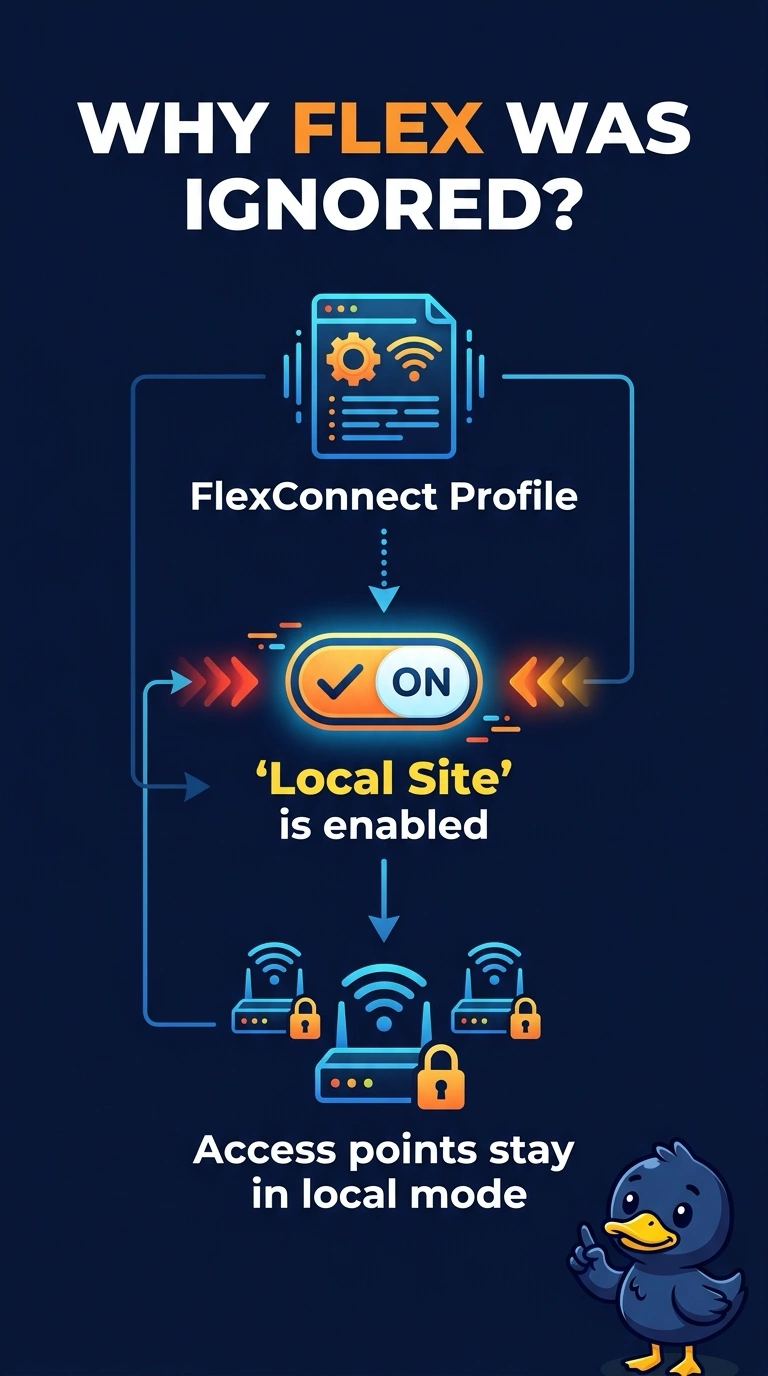
Short Explanation
The tag still says this is a local site, so your access points stay in local mode. Disable Local Site when you want the flex profile to matter. Attaching the profile does not flip that switch by itself.
Full Explanation
On a Catalyst 9800 site tag, Local Site enabled means local mode. The flex profile on that tag is not what puts the access point into FlexConnect while Local Site stays enabled. Disable Local Site so the access points use the flex profile. Attaching a flex profile does not force local mode. It is the Local Site setting that does. Local Site does not have to be enabled for FlexConnect. Enabled is the local-mode choice. Sniffer mode is unrelated. A flex profile is not applied by turning an access point into a capture device. The site tag still has Local Site enabled, so the access points stay in local mode and ignore the FlexConnect profile the engineer attached. Check one live client after the change and do not retune the rest of the floor until that client matches the result you expected. Exam caveat: the access point may rejoin when the site tag changes. Check the mode after the rejoin, not only the tag object you edited. Operational check: disable Local Site, confirm the access point comes back in FlexConnect, and confirm it is using the flex profile on that tag.