
A branch FlexConnect WLAN is locally switched and mapped to VLAN 20. VLAN 20 does not exist on the branch switch. Clients associate and never get an address. What is wrong?
Select an answer to reveal the explanation.
Short Explanation
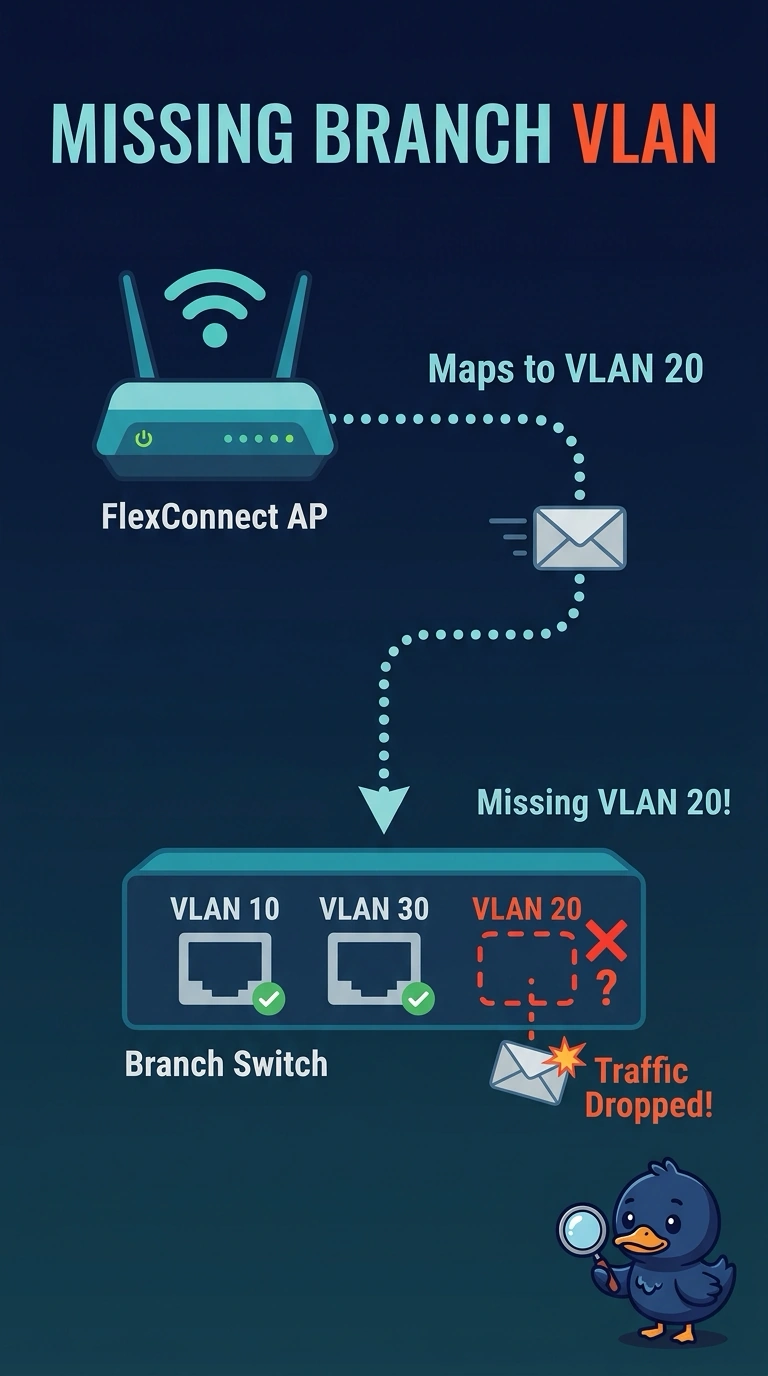
The access point is dropping clients onto VLAN 20, and that VLAN is not on your branch switch. They associate and then have nowhere to get an address. Put the VLAN on the switch, or map the WLAN to a VLAN that is already there.
Full Explanation
FlexConnect local switching bridges the client onto the VLAN named in the FlexConnect mapping. If that VLAN does not exist on the branch switch, the client can associate and still never see DHCP. The mapping names a VLAN the branch does not have. Local switching can use VLAN 20. Nothing about the number requires central switching. The fix is to create and trunk VLAN 20, or to map the WLAN to a VLAN the branch already routes. Monitor mode does not serve clients and is not a prerequisite for a local VLAN. A hidden beacon does not control whether a locally switched client sends DHCP. Clients who have associated will request an address if the VLAN is real. Local switching bridges onto the mapped VLAN. If the branch switch does not have that VLAN, association still leaves the client without an address. Exam caveat: the native VLAN and the allowed list on the trunk both matter. A VLAN that exists on the switch and is not allowed on the access-point trunk fails the same way. Operational check: confirm VLAN 20 is created, allowed on the trunk, and has a gateway, then retest a client address.