
A government office finishes a Catalyst 9800 install and EAP-TLS fails for every laptop. The laptop certificates are inside their validity dates, and the controller clock is several hours behind. Which initial-setup item should be corrected first?
Select an answer to reveal the explanation.
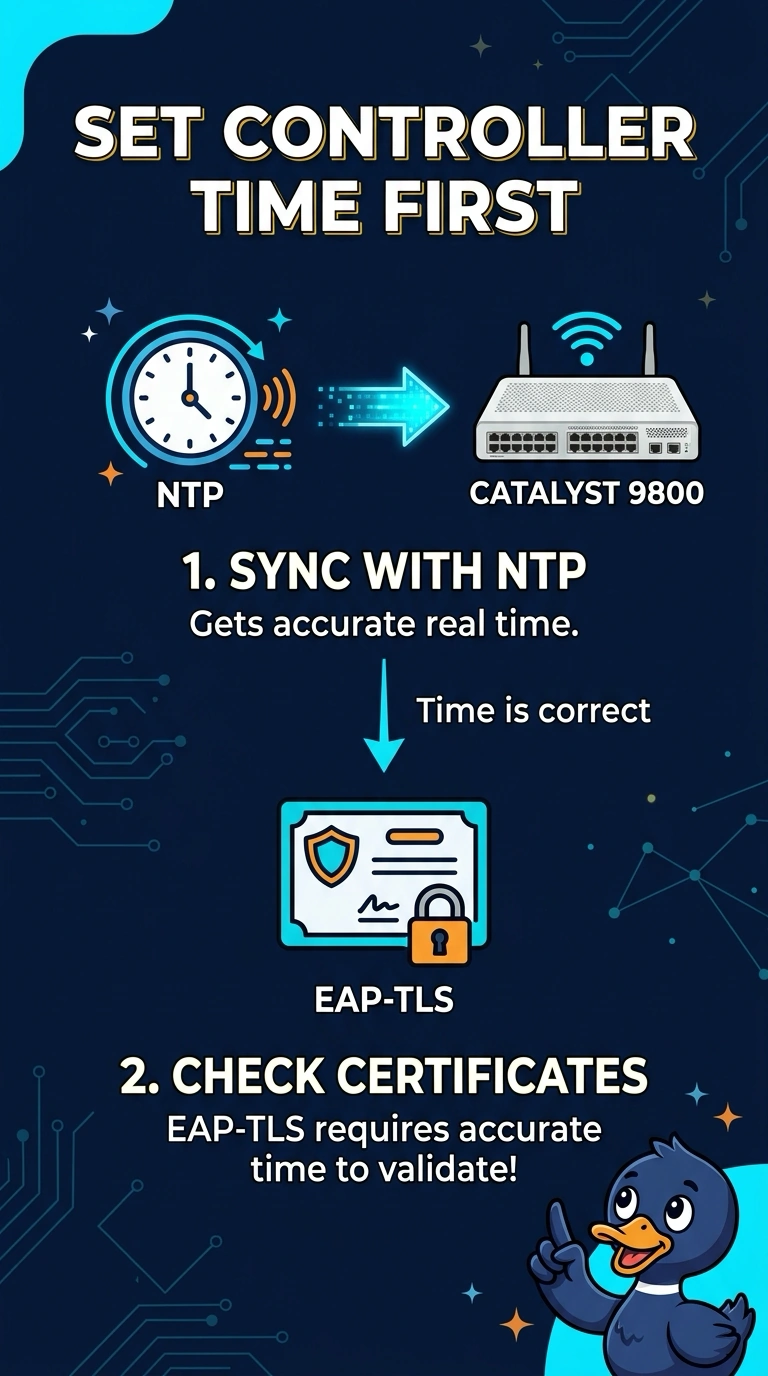
Short Explanation
Certificates are picky about what time it is, the same way a badge reader rejects you if its clock says the badge is from tomorrow. Your controller is hours behind, so the certificates look wrong even though the dates are fine. A new SSID will not wind that clock.
Full Explanation
EAP-TLS checks certificate validity against the clock of the system making the decision. A controller that is hours behind can treat a currently valid certificate as not yet valid, or otherwise fail the exchange, even when the laptop store is correct. Setting NTP during initial setup brings the controller to real time and is the item that matches this failure. A guest SSID does not own certificate time checks. EAP-TLS fails here on the employee WLAN because the clock is wrong, and adding a guest network leaves that clock in place. Sniffer mode captures frames. It does not synchronize the controller clock, and putting office access points into sniffer mode would stop client service. The mandatory data rate changes which clients can associate at the edge. It does not inspect certificates, so lowering it cannot repair a time-skewed EAP-TLS failure. Exam caveat: the RADIUS server clock matters too. If only the controller is wrong, fix the controller. If the server rejects the certificate for time, set NTP there as well. Operational check: compare the controller clock with a known source, enable NTP, and retry one laptop after the clocks agree.