
A logistics site places new access points on a VLAN that has no wireless controller. Discovery is supposed to come from DHCP. Which DHCP information gives those access points the controller address?
Select an answer to reveal the explanation.
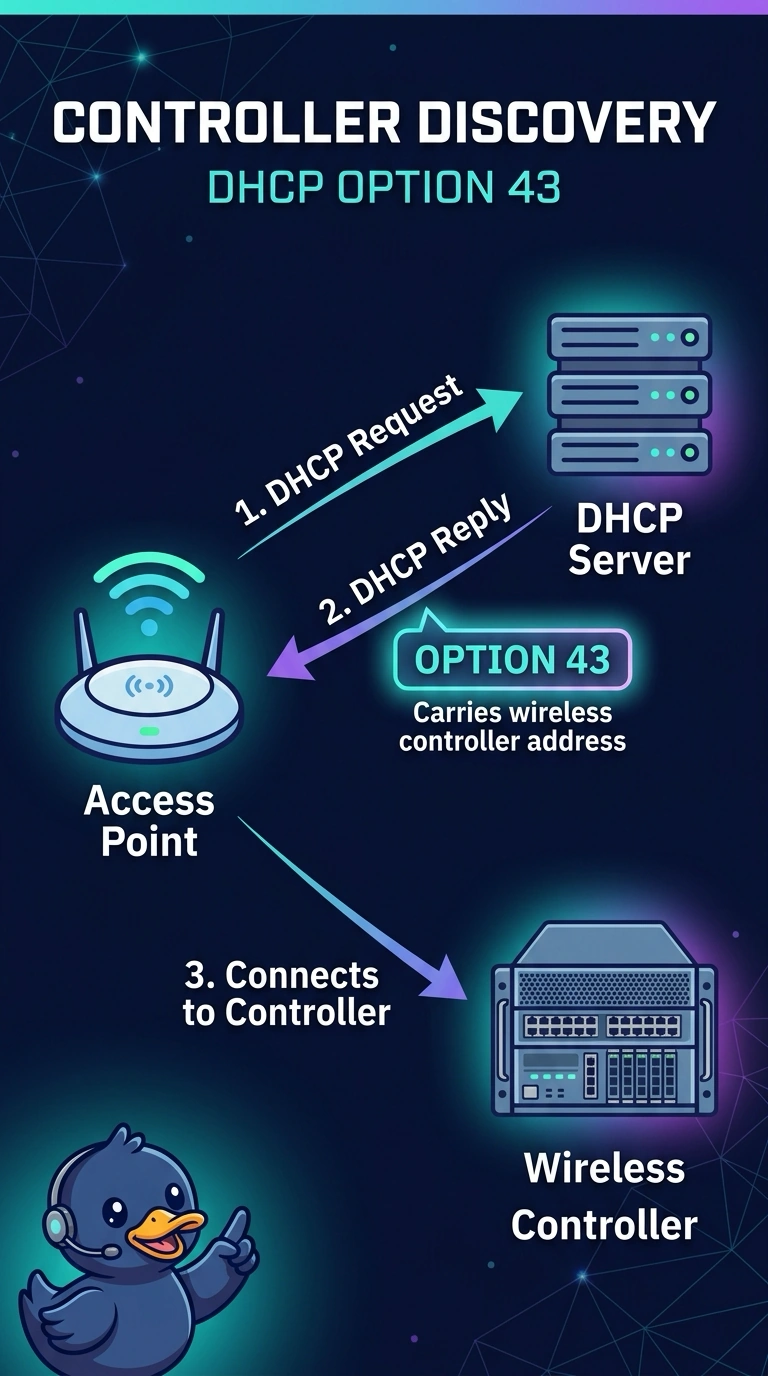
Short Explanation
Think of option 43 as the note on the DHCP lease that says where the front office is. Your access points are not on the controller's subnet, so a local shout will not find it. The gateway is a router, not a controller, even when it is the only address on the lease.
Full Explanation
When a controller is not on the access point's subnet, Cisco access points can learn controller addresses from DHCP vendor-specific option 43. The option carries one or more controller addresses, and the access point uses them as CAPWAP discovery targets. That is the DHCP method this logistics site is trying to use. The default gateway is how the access point leaves the subnet. It is not implied to be a wireless controller, and pointing discovery at the router address fails the join. Option 6 supplies DNS resolver addresses. Those resolvers can help a different discovery method, a lookup of the controller's well-known name, but the resolvers themselves are not the join targets, and handing out option 6 does not by itself encode the controller address. The TFTP server name is a phone and PXE habit. Lightweight access points joining a Catalyst controller are not loading their join target from that phone option. Exam caveat: option 43 has to use the vendor format the access point expects, and the address inside it must be reachable on UDP CAPWAP, not merely present in the lease. Operational check: capture the DHCP offer on the access-point VLAN and confirm option 43 decodes to the controller address you intend, then watch the access point move from discovery to join.