
Store clients get an address from the access point and cannot reach anything on the store VLAN. The dashboard SSID is set to NAT at the access point. The store VLAN and its gateway are on the switch. What should the SSID do instead?
Select an answer to reveal the explanation.
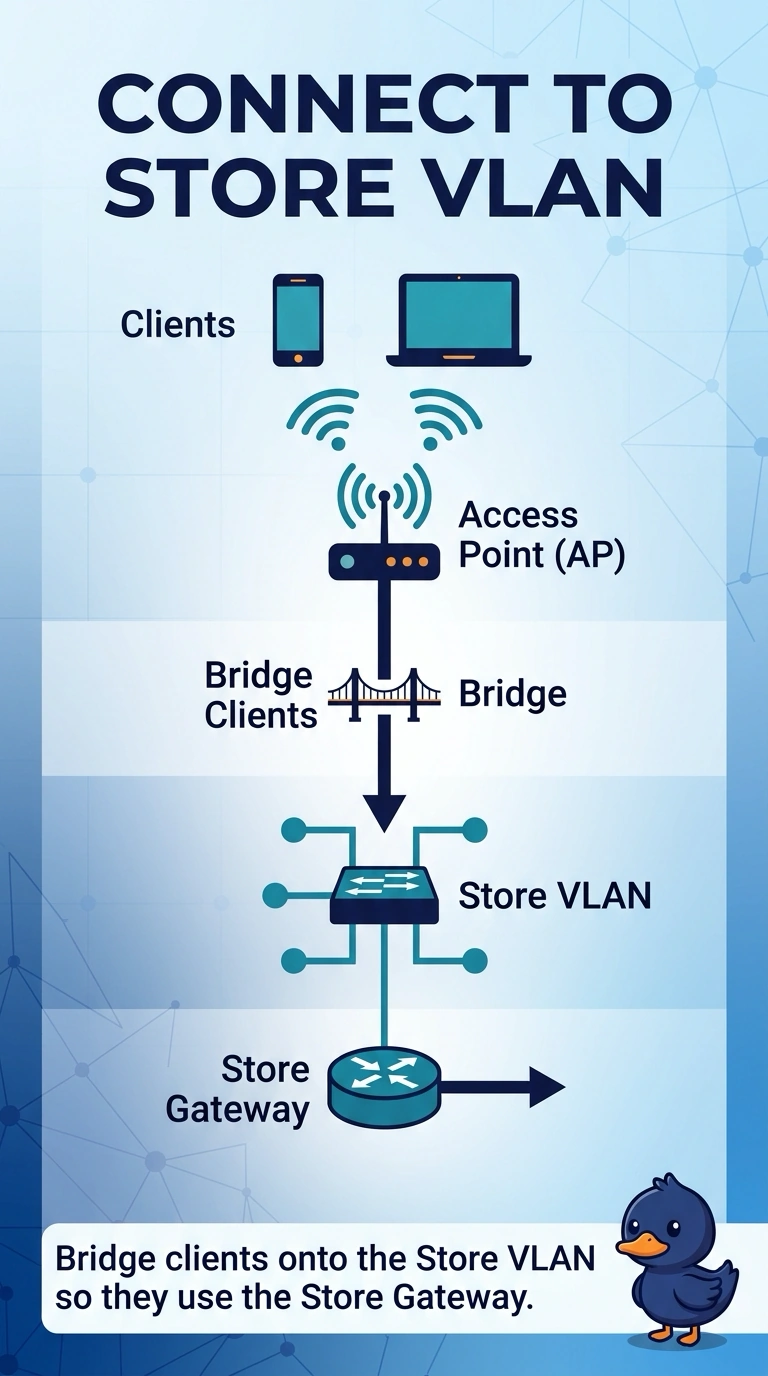
Short Explanation
The access point is handing out its own little network, and the store VLAN is on the switch where those clients never arrive. Bridge them onto that VLAN. Hiding the name does not change where your packets go.
Full Explanation
A dashboard SSID set to NAT at the access point gives clients an address from the access point and hides them from the store VLAN. That matches clients who cannot reach the store gateway. Bridge the SSID onto the store VLAN so clients use that gateway. Staying in NAT mode is the current failure, not the way onto the VLAN. Sniffer mode captures traffic. It does not bridge a NAT SSID onto a gateway. A hidden SSID does not disable NAT or tag a VLAN. The dashboard SSID is in NAT mode, so clients get an address from the access point and never reach the store VLAN. Bridge mode puts them on that VLAN. Check one live client after the change and leave the rest of the floor alone until that client matches the result you expected. Exam caveat: the switch port has to carry the VLAN you bridge onto. An access port in a different VLAN will put clients somewhere else, which is a wiring problem on top of a correct bridge setting. Operational check: set the SSID to bridge, renew a client, and confirm the address comes from the store scope.