
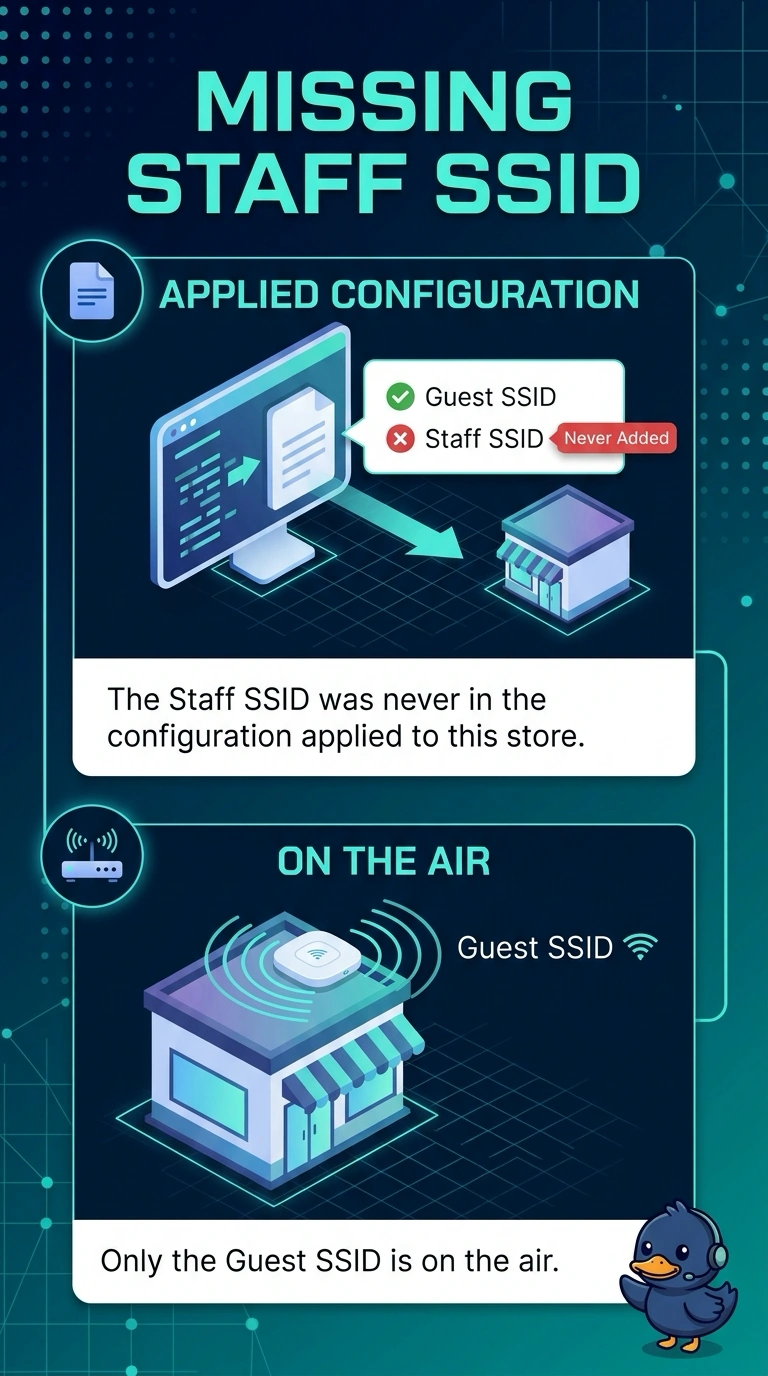
A new store comes online from the dashboard with only a guest SSID. The staff SSID was never in the configuration applied to that store. Other stores that received the full configuration have both. What is missing at the new store?
Select an answer to reveal the explanation.
Short Explanation
The new store got a configuration that only knows the guest name. Your staff SSID was never in what you applied there. Put it in that configuration, because a beacon timer will not copy it from the store next door.
Full Explanation
Dashboard-managed stores advertise the SSIDs in the configuration applied to them. This store received a configuration with only the guest SSID, and the staff SSID was never in it, while other stores that received the full configuration have both. The missing piece is the staff SSID in the configuration applied to the new store. A dashboard store does not need to join a Catalyst 9800 to advertise a staff SSID. A capture mode does not invent a network name the pushed settings left out. A shorter beacon does not copy an SSID from another store. A new store inherited a dashboard configuration that has only the guest SSID. The staff SSID was never part of what got applied. Check one live client after the change and leave the rest of the floor alone until that client matches the result you expected. Read the live counters after you retest. Exam caveat: adding the SSID in the dashboard and forgetting to bind it to this store's configuration leaves the floor unchanged. Confirm the store is using the configuration you just edited. Operational check: add the staff SSID to the configuration the new store uses and confirm the access points beacon it.