
Retail clients associate and complete PSK authentication, then show a 169.254 address and no network access. The access point is joined and the WLAN is up. What should be checked next?
Select an answer to reveal the explanation.
Short Explanation
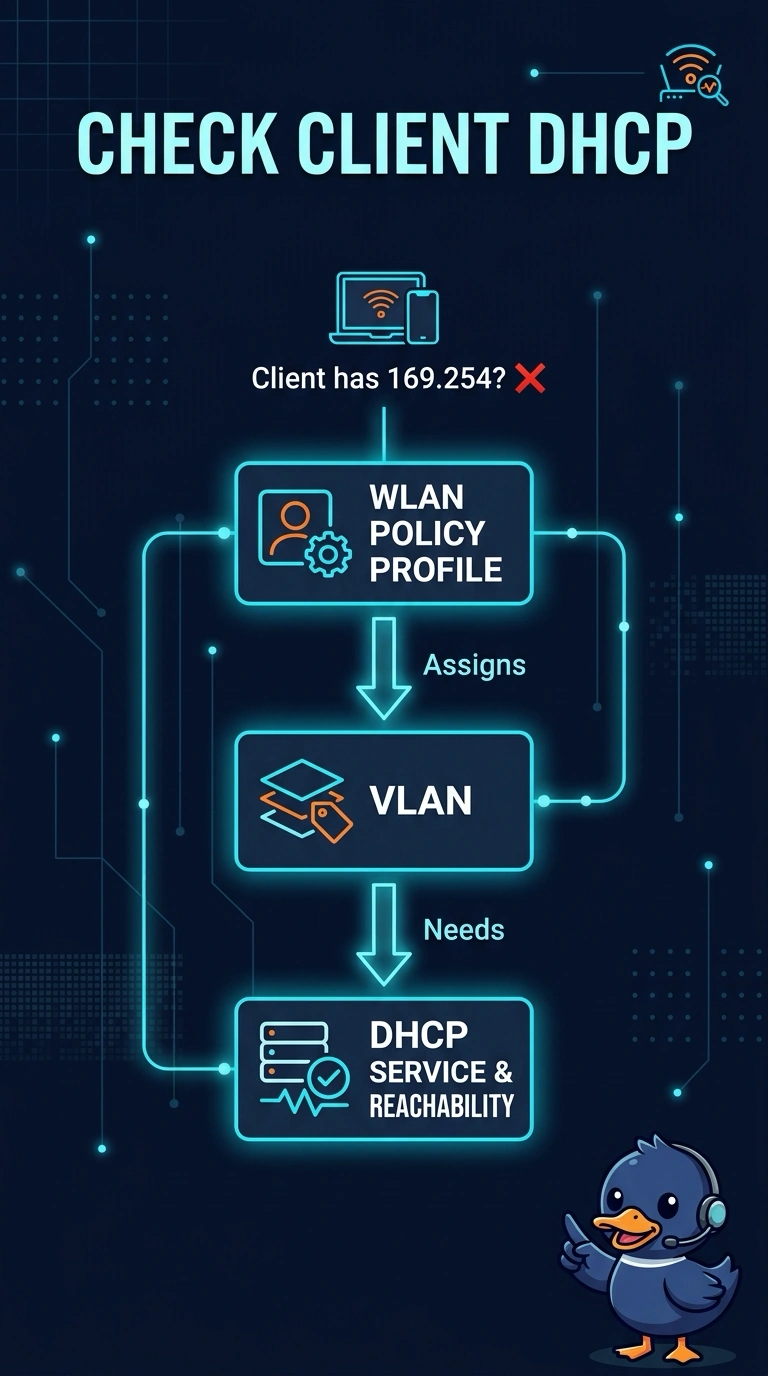
169.254 is the address a device gives itself when nobody answered the DHCP request. Your clients already got through the PSK, so the radio is not the layer that failed. Check whether DHCP can actually reach the VLAN that WLAN drops them on.
Full Explanation
An address in 169.254.0.0/16 is an automatic link-local address, used when a client does not get a DHCP lease. These clients have already associated and completed PSK, and the access point is joined, so the failure is at address assignment, not at RF join or at the passphrase. The next check is whether a DHCP server is reachable on the VLAN that the WLAN's policy profile assigns, including the VLAN number, the switch trunk, and any helper or local server. The beacon interval changes how often the access point advertises the BSS. Clients that have associated are hearing beacons well enough to join, and a beacon timer does not mint a link-local address. Antenna gain changes coverage. A signal that is too high is not represented as 169.254, and these clients completed authentication, which means they could exchange frames. The Wi-Fi certification logo is a product mark. The stem says PSK authentication completed, so sending the technician to prove that authentication has not finished contradicts the symptom. Exam caveat: a policy ACL that drops DHCP, or a VLAN that exists on the controller but not on the switch, fails the same way as a dead DHCP server. The check is the whole path, not only the server process. Operational check: on a failed client, confirm the VLAN and that a DHCP discover leaves the controller or the access point and that an offer comes back.