
A laptop fails EAP-TLS after a user logs on. The machine certificate is present and valid. The profile is set for user authentication, and this user has no certificate. What is missing?
Select an answer to reveal the explanation.
Short Explanation
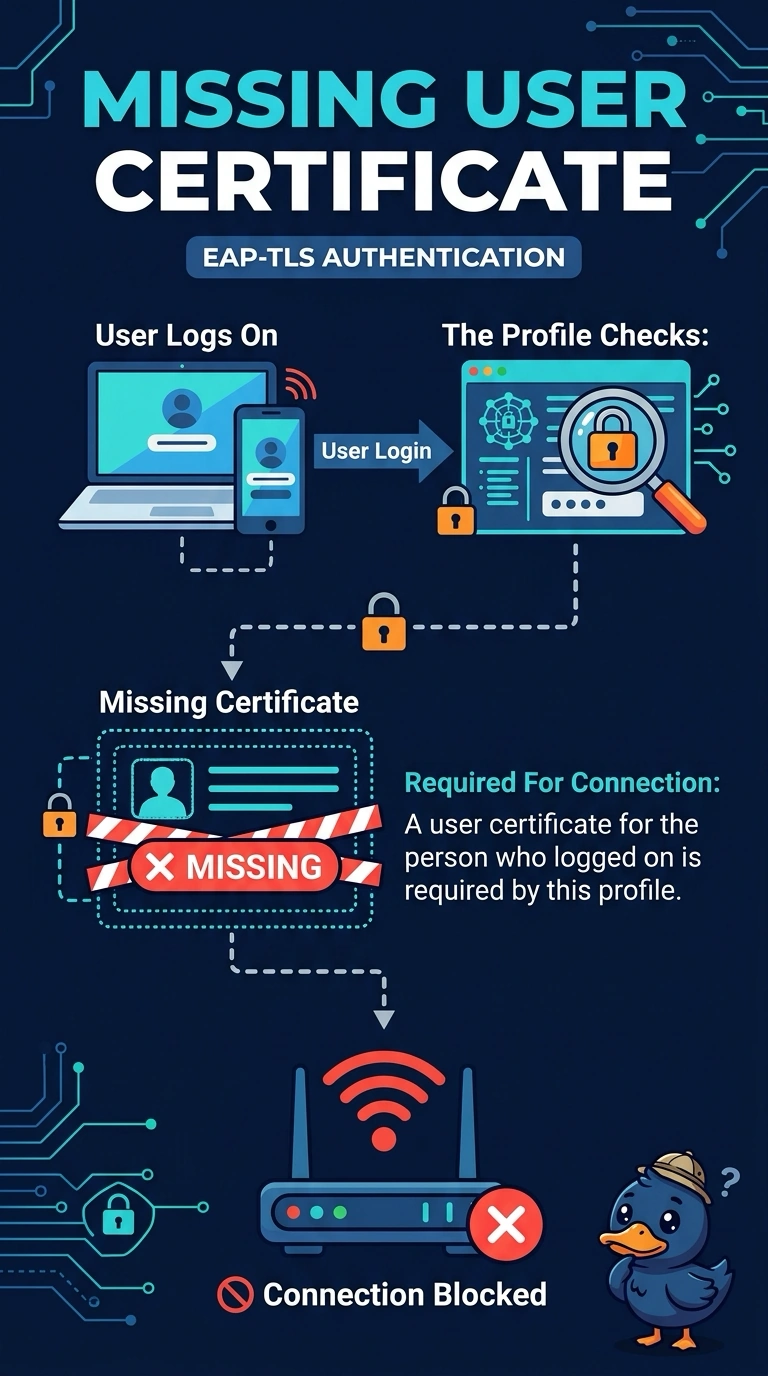
Your laptop has a valid machine certificate, but your profile asks for a certificate for you. Since you have no user certificate, issue one; pointing the profile at the existing machine certificate is a different choice. User authentication needs your certificate.
Full Explanation
A user-authentication profile presents the certificate belonging to the person who logged on. You have no user certificate, while the laptop’s valid certificate belongs to the machine, so the profile cannot use that certificate to authenticate you. The missing item is a user certificate for the logged-on person. The machine certificate is not absent; it is present but is not the certificate this profile requests. A hidden SSID does not turn user authentication into machine authentication or change which certificate the profile uses. A shorter lease does not copy the machine certificate into the user store; DHCP lease duration does not provide or move certificates. Exam caveat: pointing the profile at the machine certificate may let the laptop connect before anyone logs on, but that is a different choice from issuing a user certificate. Choose the approach required by the WLAN policy. For a practical check, issue a user certificate or change the profile as intended, then test one live client and confirm EAP-TLS succeeds for that logon before applying the change more broadly.