
A new phone fails EAP-TLS on a campus WLAN. The same certificate works in a laptop. The phone's clock is set a year behind, and the certificate's start date is last month. What should change on the phone?
Select an answer to reveal the explanation.
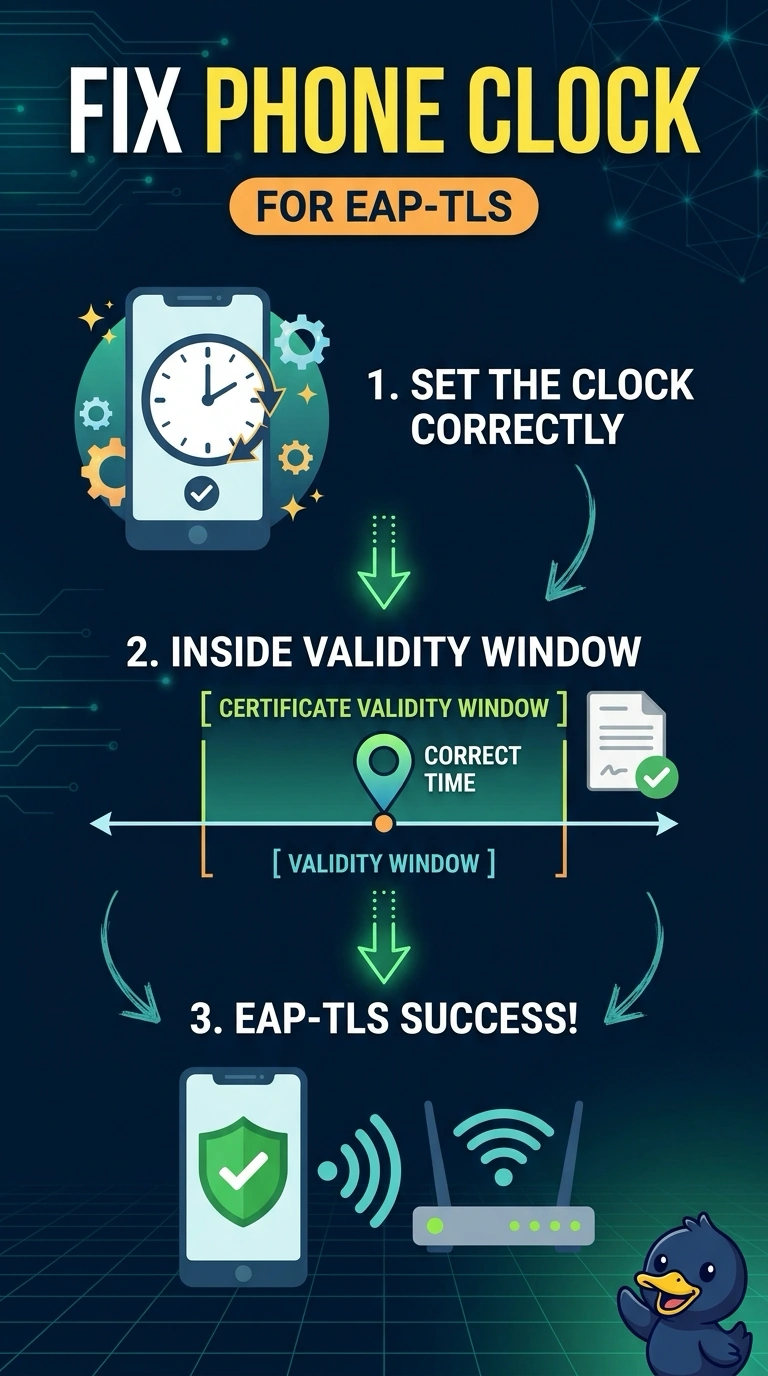
Short Explanation
The certificate is fine in the laptop, and the phone thinks today is last year. You are presenting a certificate that, on the phone's clock, has not started yet. Set the clock, because a shorter lease will not wind it forward.
Full Explanation
A supplicant treats a certificate as not yet valid when the device clock is before the certificate's start date. This phone is a year behind and the certificate started last month, so EAP-TLS fails on the phone and succeeds on a laptop with a correct clock and the same certificate. Set the phone's clock. Hiding the SSID does not relax certificate dates. The data rate does not move a start date. DHCP does not set the phone clock from the lease, and a shorter lease will not make a not-yet-valid certificate acceptable. The laptop proves the certificate itself is fine. Only the phone's clock places today before the certificate's start date. Confirm the result on one live client before changing anything else. Exam caveat: an automatic clock that depends on the network can stay wrong if the phone cannot pass traffic before authentication. Set the clock from the setup screen or a trusted time source the phone can reach without this WLAN. Operational check: correct the clock, join again, and confirm EAP-TLS succeeds with the same certificate.