
Bank Windows laptops must be on the domain WLAN at the logon screen, before any user signs in, so they can run startup scripts. They only join the WLAN after the user enters a password. What is the supplicant missing?
Select an answer to reveal the explanation.
Short Explanation
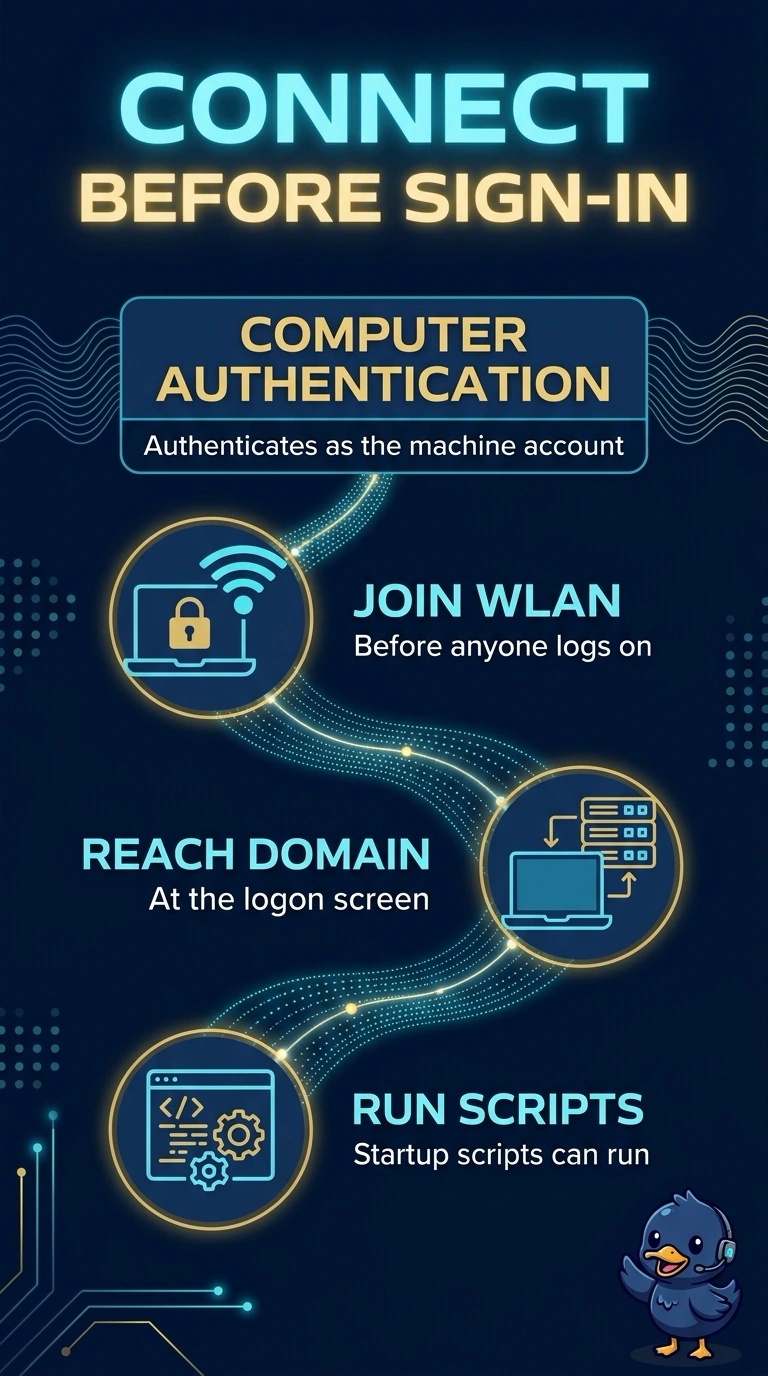
The laptop is waiting for a person before it will speak, and your startup scripts needed it on the network while the logon screen was still empty. Turn on computer authentication so the machine account connects first. Hiding the SSID does not create that machine logon.
Full Explanation
Windows can authenticate as the computer, using the machine account and a machine certificate or machine credentials, before a user logs on. Startup scripts and domain processing at the logon screen need that computer authentication enabled on the supplicant. These laptops join only after a user password, which means the supplicant is doing user authentication only, so the machine stays off the WLAN until someone is sitting there. A hidden SSID changes how the name is advertised. It does not enable machine authentication, and Windows will not start a machine account just because the beacon omits the name. A 6 GHz-only radio policy limits the band. It does not log the computer on, and startup scripts are not unlocked by a band choice. MAC randomization changes the address the client presents. It is not a machine certificate and it does not run at logon as the computer account. Turning it off would not by itself enable computer authentication. Exam caveat: the RADIUS policy has to accept the machine identity, and the machine certificate has to be on the laptop. Enabling the checkbox on a laptop with no machine certificate still fails. Operational check: at the logon screen, before typing a password, confirm the laptop already has an address and that the authentication log shows the computer account.