
A university laptop fails the dorm PSK on every try. A new phone, given the same passphrase by the help desk, joins immediately. The laptop has an old passphrase saved for that SSID. What should the student do on the laptop?
Select an answer to reveal the explanation.
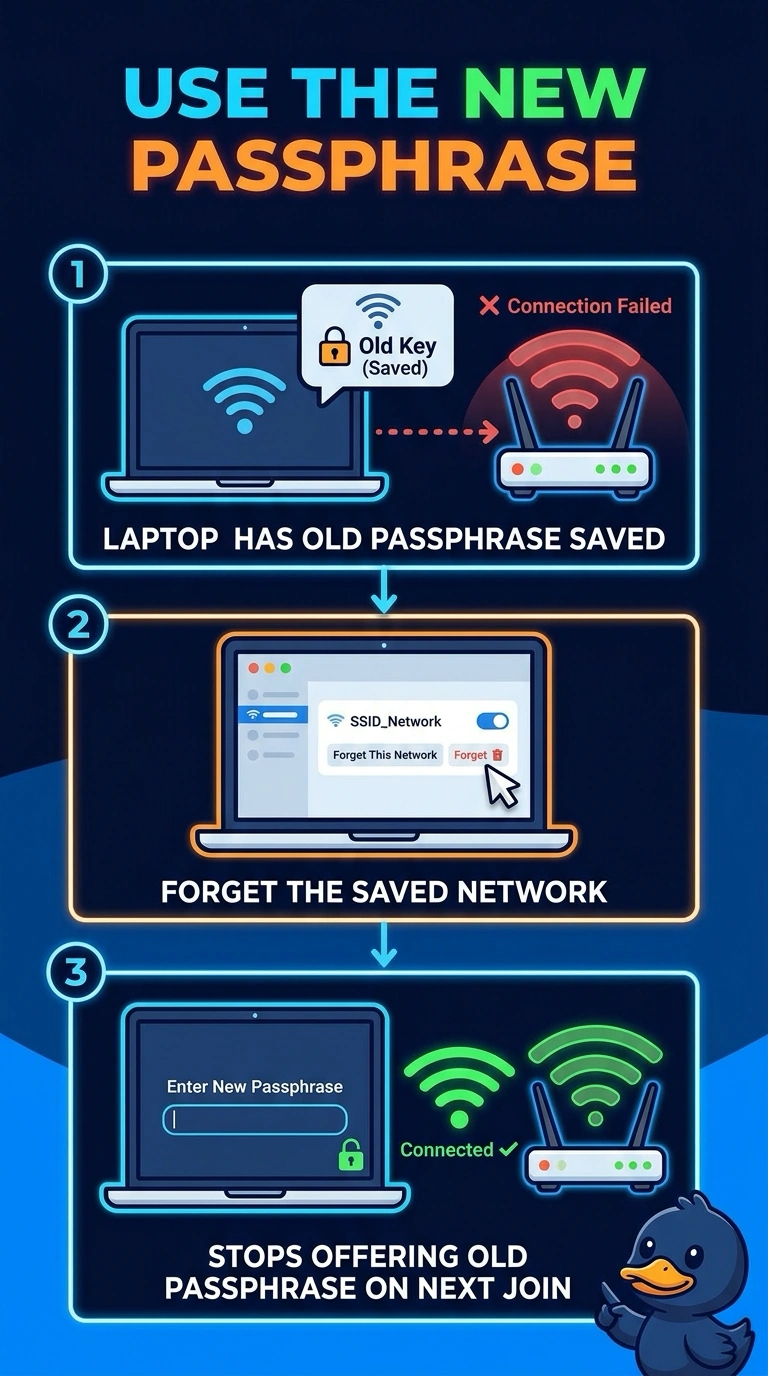
Short Explanation
Your new phone confirms the current passphrase works, while your laptop is still offering the old one it saved. Forget the saved network on the laptop, then join again with the current passphrase; shortening the DHCP lease will not erase it.
Full Explanation
Wireless clients store a PSK for each SSID and can keep offering that saved secret. Here, the new phone joins with the current passphrase, while the laptop is known to have an old one saved. Forgetting the saved network clears that entry so the laptop can join again using the current passphrase. Hiding the SSID on the controller neither generates a passphrase nor clears the laptop’s saved entry; the laptop may still offer the old secret for that network. A DHCP lease controls how long an assigned address is valid after authentication. It does not expire a saved passphrase, and the laptop is failing before it receives an address. Moving the access point to monitor mode takes it out of service; it does not tell clients to ignore saved passphrases, and the phone already shows the current secret is accepted. Exam caveat: some operating systems retain a saved network after a failed join, so repeated attempts may continue using the old passphrase. Practical check: forget the SSID, join with the passphrase used by the phone, and confirm the controller records a successful PSK handshake for the laptop.