
University laptops associate to the 802.1X campus WLAN, then fail authentication. The external RADIUS server log says the wireless controller is not a known network device. What must be added on that server before students can pass authentication?
Select an answer to reveal the explanation.
Short Explanation
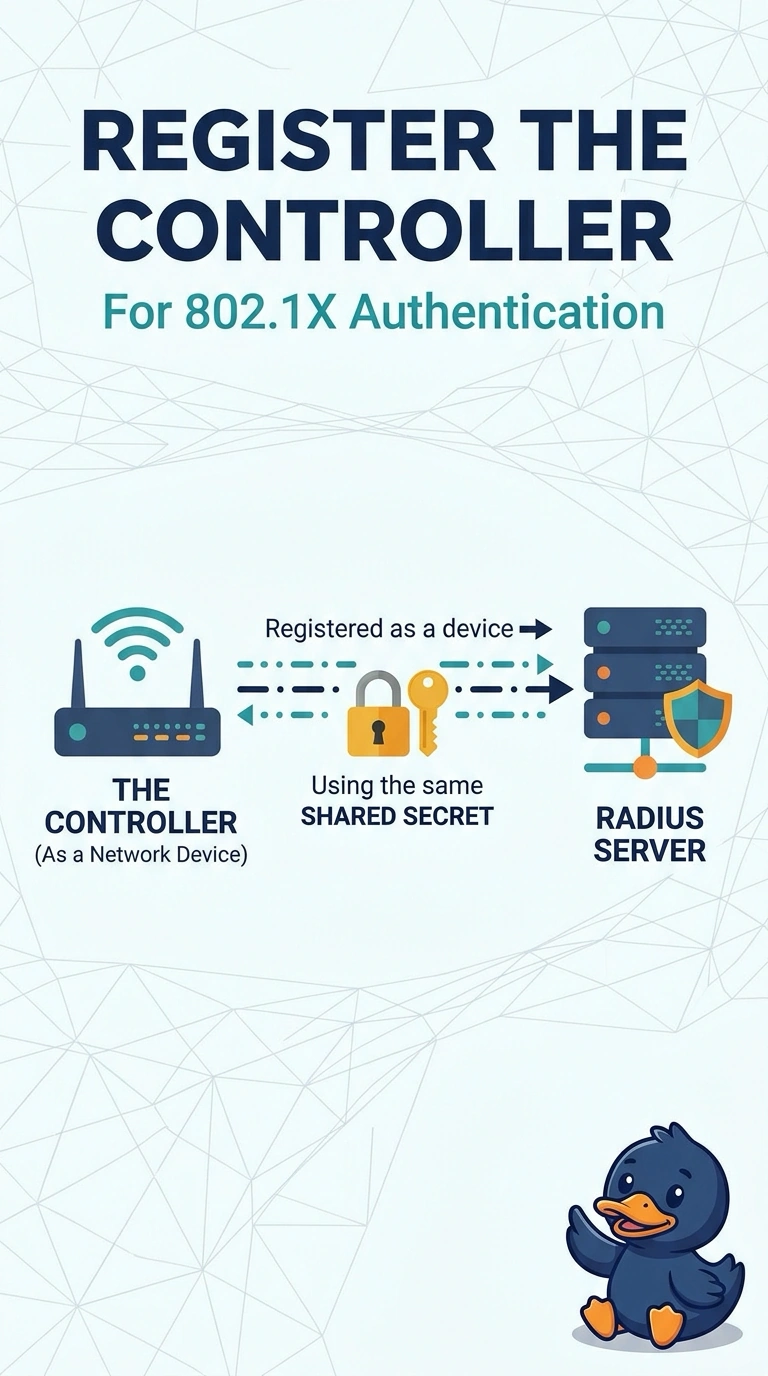
RADIUS will not open the door for a stranger, even when your students typed the right password. The controller has to be a known network device, and the shared secret has to match on both ends. A longer address lease does not make that introduction.
Full Explanation
In 802.1X the wireless controller is the authenticator, also called the network access device. The external RADIUS server drops or ignores requests from an address it has not been told to trust, and the log that the controller is not a known network device is exactly that rejection. Adding the controller with the same shared secret configured on the controller's RADIUS entry lets the server accept the Access-Request and evaluate the student identity. Replacing the WLAN with a pre-shared key would abandon 802.1X rather than fix the server that is already receiving, and rejecting, the attempt. An 802.11r mobility domain is a roaming construct between access points. It is not a field on the RADIUS server certificate, and this failure happens on the first association, before any roam. DHCP runs after a successful authentication on a typical 802.1X WLAN, so a longer lease cannot finish an authentication the server is refusing. Exam caveat: the secret, the controller source address, and the server address all have to agree; a device entry for the wrong interface still looks unknown. Operational check: compare the shared secret and the source address on the controller RADIUS config with the network-device object, then retry one laptop and look for an Access-Accept.