
A script loads a JSON list of access points and, for each object, prints the hostname field. The list contains three access points named dock-1, dock-2, and dock-3. What does a successful run print?
Select an answer to reveal the explanation.
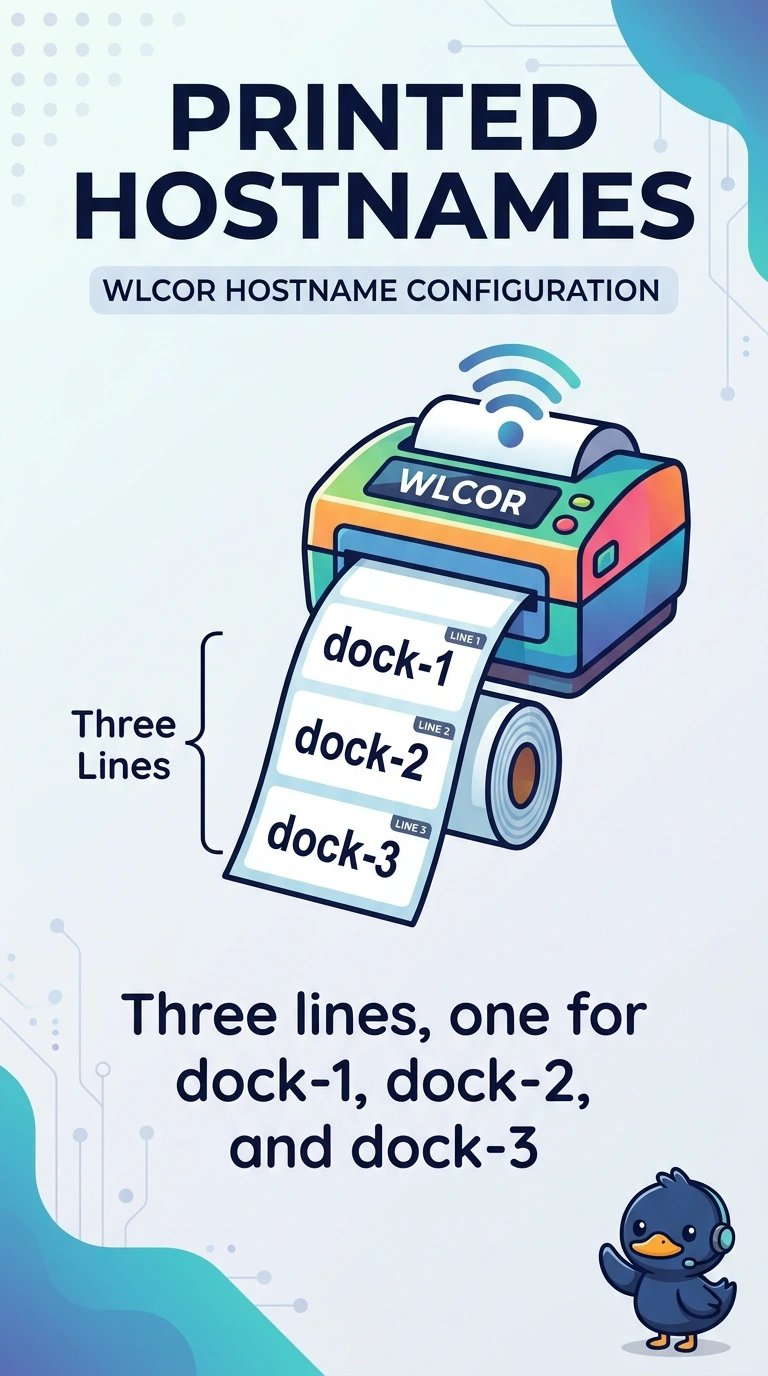
Short Explanation
The loop walks the list and says each name out loud. You should see dock-1, dock-2, and dock-3 on their own lines, not the number 3 and not the whole JSON blob. A normal hostname field does not throw just because you asked for it.
Full Explanation
The script iterates the list and prints one field, hostname, from each object. Three objects named dock-1, dock-2, and dock-3 therefore produce three lines, one name each. Nothing in the description prints the length or dumps the rest of the object. Printing the integer 3 would be a length of the list, which is a different script. This one prints the hostname field, so the names appear and the count does not. Printing the raw JSON would mean writing the whole response or each object, not one field. The other fields stay unprinted. A loop can read a hostname field as long as the key exists. An exception would mean a missing key or a bad decode, not a successful run over three well-formed objects. The question states the run succeeds. Exam caveat: key names are case-sensitive. hostname and Hostname are different keys, and a successful run implies the key in the script matches the payload. Operational check: run the script against a lab list of three known access points and confirm the three names, with no extra fields, match the dashboard or controller inventory.