
On one warehouse switch a phone is registered to Webex, but a room device on the same switch is not. The room device has never been activated for the cloud. What should the technician do?
Select an answer to reveal the explanation.
Short Explanation
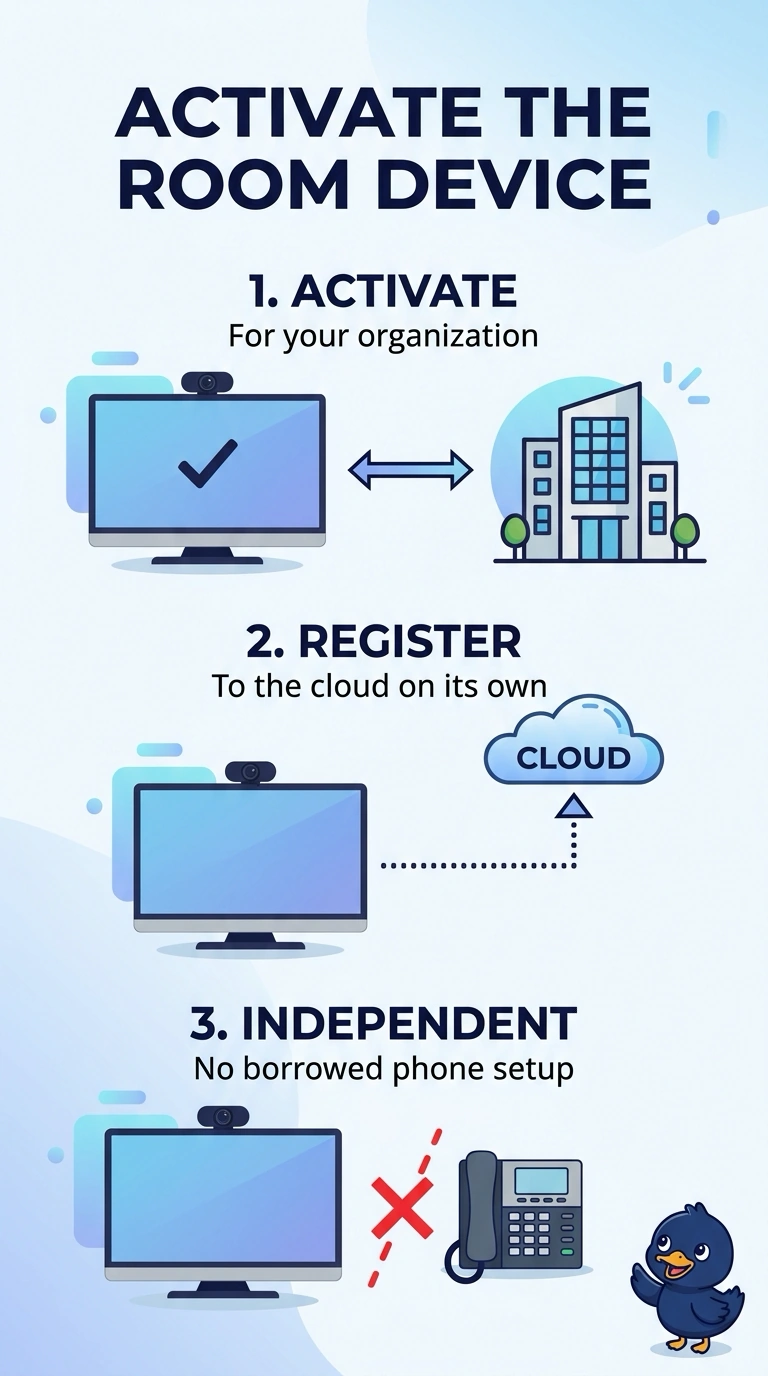
One truck checked in at the gate does not mean the second truck can borrow that paperwork. You activate the room device for this organization, because the phone is registered only because it was activated and the room device was not. Do not paste the phone's trunk settings onto it.
Full Explanation
A room device registers to the cloud when it is activated for the organization and can reach the cloud. This room device has never been activated, while the phone on the same switch already has, so the technician should activate the room device for this organization. The registered phone proves its own path works. Activate the room device and verify that it can reach the Webex destinations required for its device type. Changing the registered phone's extension edits a directory number. A phone that is already online does not block other devices on that switch from reaching the cloud. Copying the phone's trunk configuration onto the room device treats a room system like a local gateway. A room device does not register by reusing the phone's local gateway trunk settings. Putting the room device into a hunt group with the phone only adds a calling destination. Hunt group membership is not the cloud activation step, and it will not make an unclaimed room system appear as registered. Exam caveat: a local-gateway trunk registration and a room device registration are different objects even when the hardware sits on one switch. Operational check: activate the room device with this organization's code and confirm it registers while the phone's trunk configuration is left unchanged.