
An airline reservation auto attendant plays the after-hours greeting at local noon. The auto attendant’s configured time zone does not match the desk clocks, so the schedule thinks the office is closed. Location changes do not update existing features. What should be corrected?
Select an answer to reveal the explanation.
Short Explanation
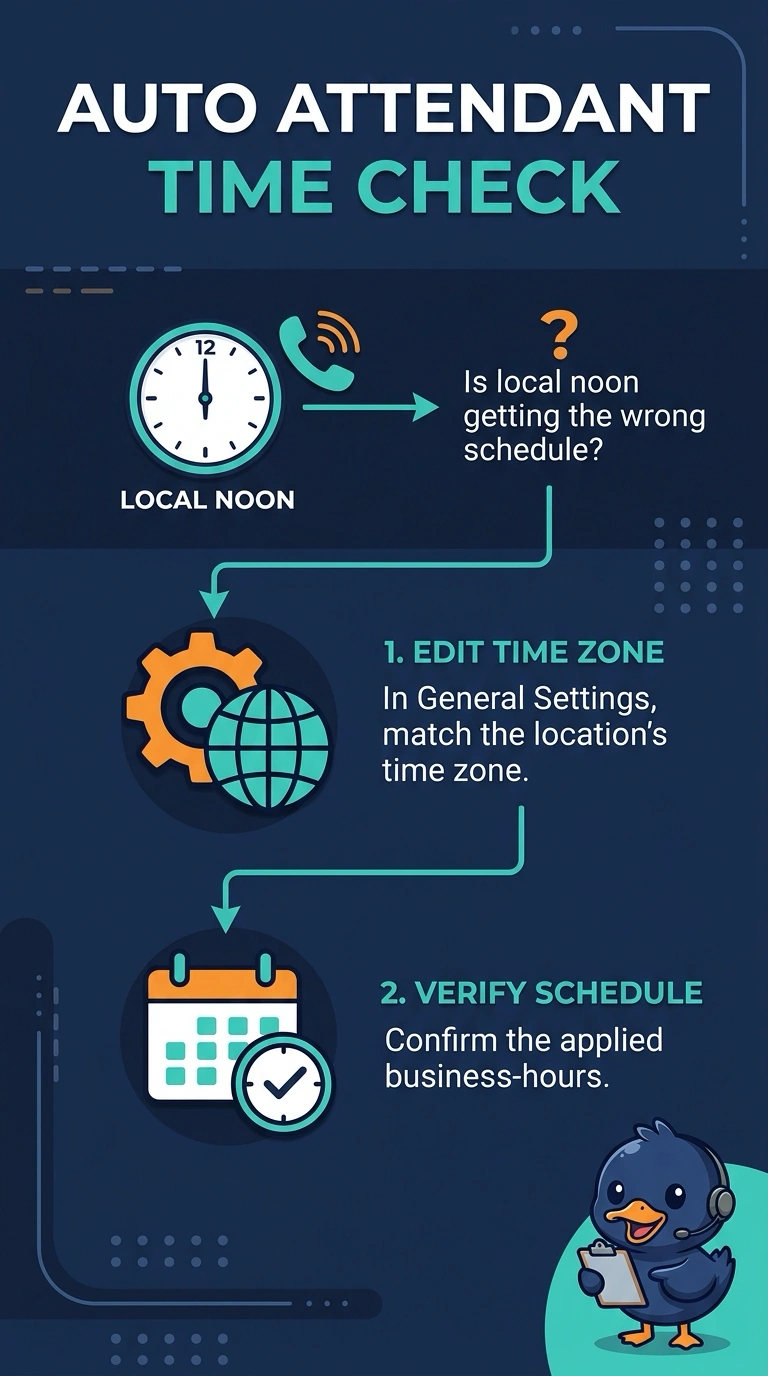
Think of a shop clock that says evening while the street outside is still lunchtime, so the door sign flips to closed. You edit the auto attendant’s Time Zone in General Settings and verify the business-hours schedule so noon counts as open. Don't try to rewrite dialed digits hoping to fix the clock.
Full Explanation
Each auto attendant uses its own configured Time Zone in General Settings to evaluate its assigned business-hours schedule and decide whether to play the open-hours, after-hours, or holiday greeting. When that configured zone does not match local wall-clock time, local noon can fall outside open hours, so the after-hours greeting plays even though the office is open. Editing the auto attendant’s Time Zone in General Settings and verifying the applied business-hours schedule restores the correct evaluation without changing what callers dial. Location changes do not update existing features, so correcting a location setting alone leaves the existing attendant on the wrong clock. A translation pattern rewrites called or calling digits for routing and does not change how time is evaluated, so rewriting the reservation number leaves the closed greeting in place. A meetings site password policy controls meeting join security and never serves as the clock for calling schedules. Hot desking allows a user to sign in to a shared Board or Desk device for personal calls and meetings, and an agent sign-in does not replace the attendant time zone that drives the menu.