
A factory shared line rings the desk phone and never the Webex app, and the app on that user's laptop is signed out. The shared line is already provisioned on the user’s Webex App. What makes the shared line reach the app?
Select an answer to reveal the explanation.
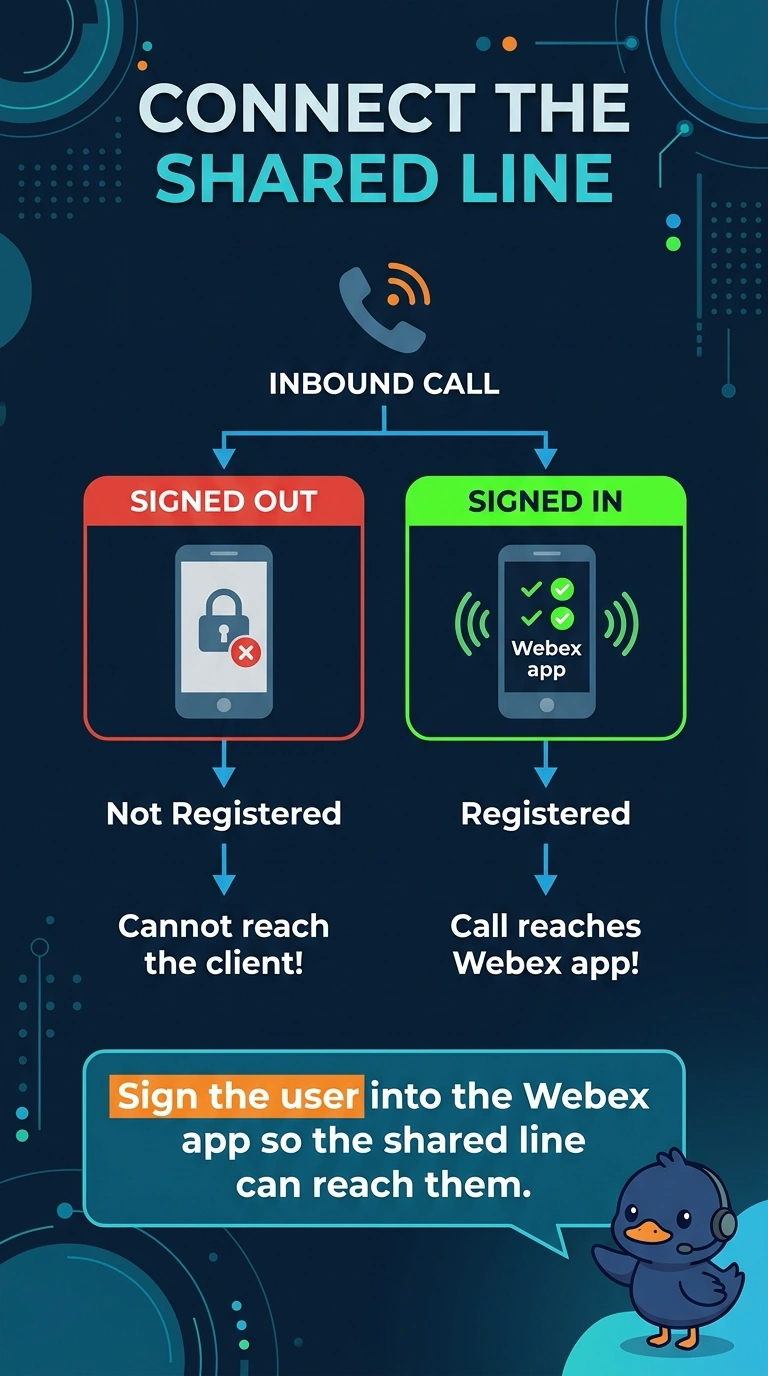
Short Explanation
Think of a shared bell that rings the phone on the bench while the second phone is still in a drawer. You sign the user into the Webex app so the shared line can reach that client. The trap is renaming a location, renaming a meetings site, or rebooting the desk phone that is already ringing.
Full Explanation
A shared line can ring only the clients that are actually signed in for that user. The desk phone rings and the Webex app does not, and the app is signed out, so it is not a registered client for the call. The fix is to sign the user into the Webex app so the shared line can reach that client, because a signed-out app is not registered for the call. Signing back in restores the client’s ability to receive calls on the configured line. Renaming the factory location, because a new location name registers the signed-out Webex app to the shared line, changes a label on the location and does not sign the app in. Changing the meetings-site name, because the site name is what rings the Webex app for a shared line, edits a meetings site, and a site name is not registration for a call. Rebooting only the desk phone, because a phone restart registers the signed-out Webex app for the same line, restarts the phone that is already ringing and leaves the app signed out. Exam caveat: a location owns site calling behavior, and renaming it does not register a client that nobody has signed in. Operational check: sign the user into the Webex app, place a test call to the shared line, and confirm both the desk phone and the app ring.