
A utility dispatcher places Webex app calls successfully on the office network, then the same signed-in user loses calling as soon as the laptop moves to a remote network. Where is the fault?
Select an answer to reveal the explanation.
Short Explanation
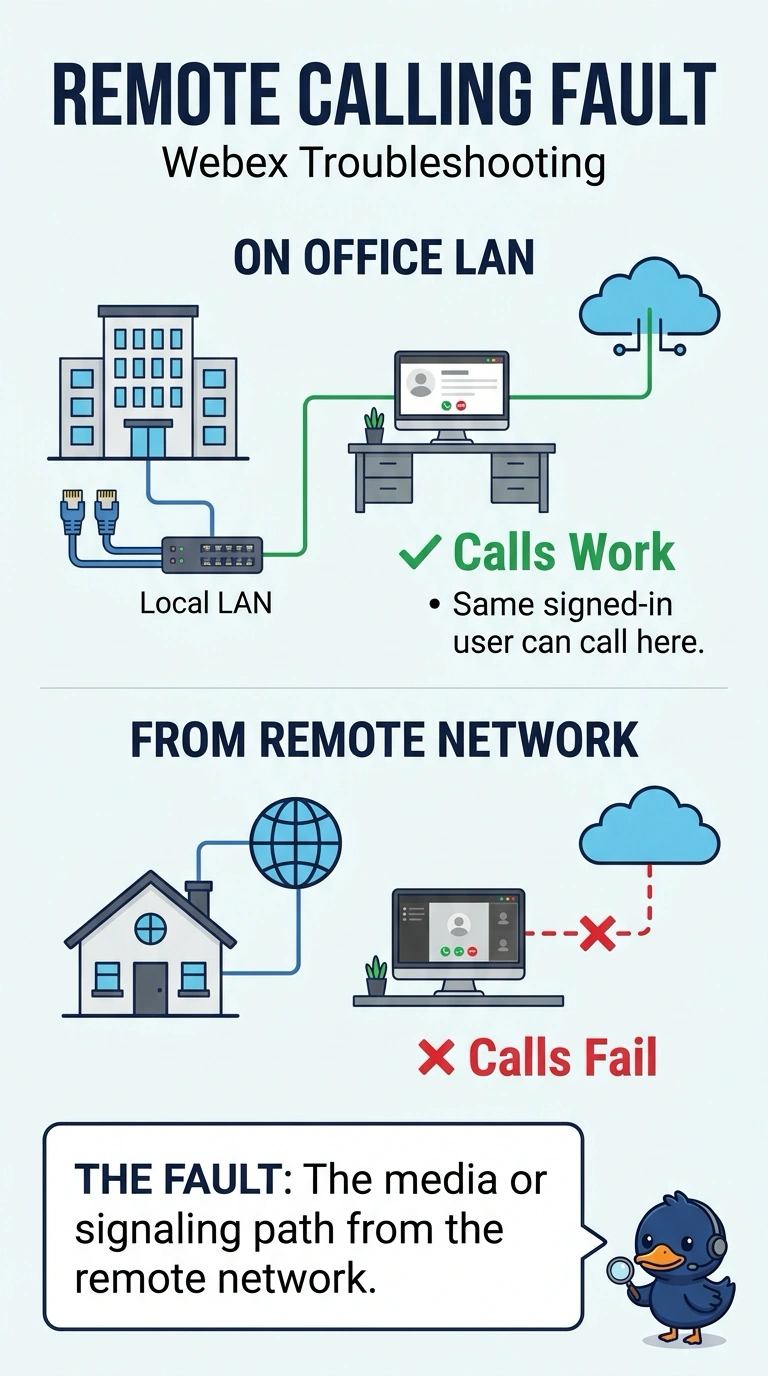
Think of a radio that is clear in the yard and goes silent the moment the truck reaches the highway. You look at the media or signaling path from the remote network, because this same signed-in user can still call on the office LAN. The trap is reissuing a license, changing a meeting join rule, or signing into a shared Board back at the office.
Full Explanation
The same user is still signed in, and calling works on the office network, so the account and the license are already able to place calls. The failure starts only when the laptop moves off that network, which puts the fault on the media or signaling path from the remote network, because the same signed-in user can call on the office LAN. Removing the dispatcher calling license and assigning it again, because an off-network failure means the license was never valid, would break or rebuild a license that already works on the LAN. The meetings-site join rule, which decides whether a guest can enter a utility briefing with no host, is a meeting control and does not carry the call setup from a remote network. A hot-desking sign-in on an office Board, which would register a shared desk for the dispatcher, signs someone into a device that is still at the office and does not open the remote path. Exam caveat: a license problem follows the user onto every network, and a failure that appears only off the office LAN is a path problem. Operational check: place a call on the office LAN and again from the remote network with the same signed-in user, and compare signaling and media on the remote attempt before changing the license.