
Research phones at a lab registered to the Survivability Gateway during an outage. The cloud path is back, yet the phones stay on that gateway for a short time. What should the lab do?
Select an answer to reveal the explanation.
Short Explanation
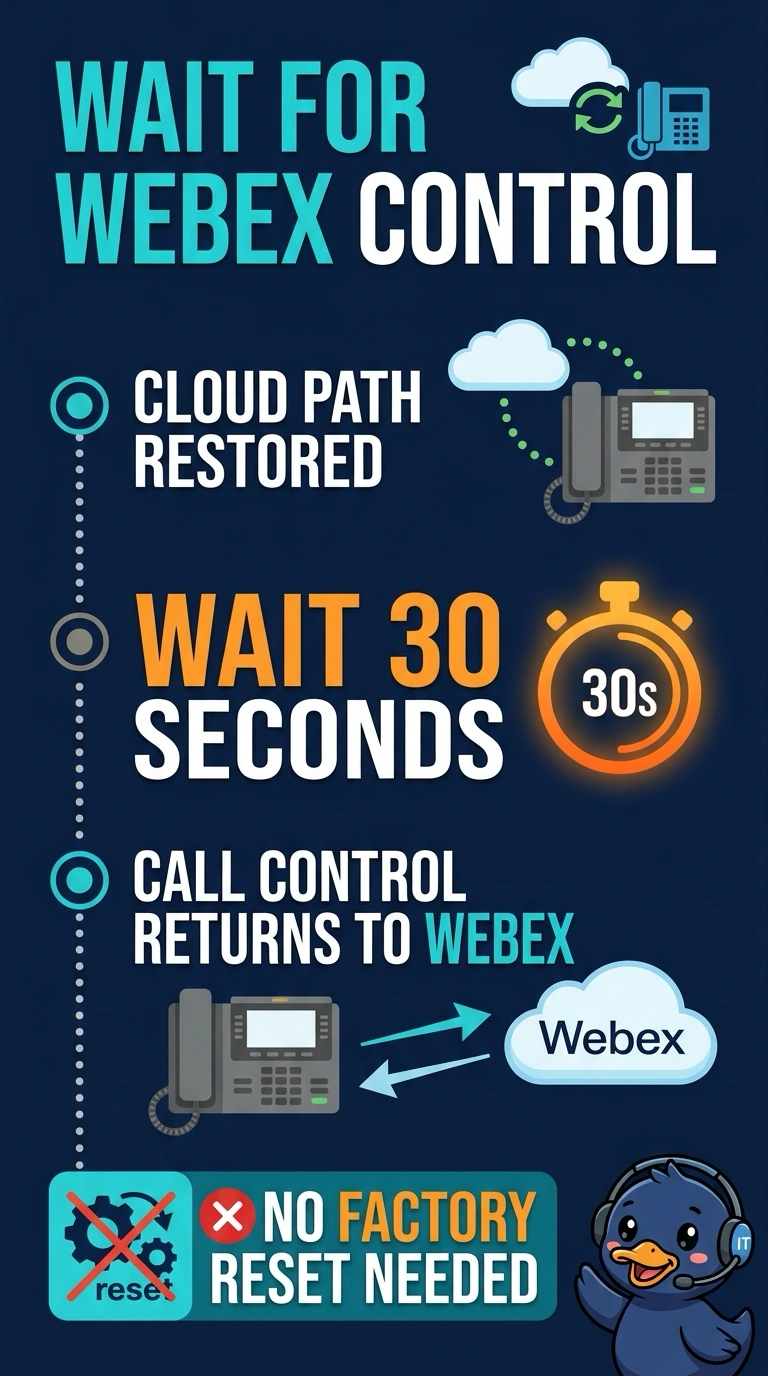
When the main lights come back, you do not throw every lamp in the trash. Phones return to Webex after the cloud path has been up for at least 30 seconds, so you wait that interval out. A factory reset is the trap.
Full Explanation
Call control returns to Webex after the cloud path has been restored for at least 30 seconds. Phones can remain on the Survivability Gateway during that short interval, and they do not need to be wiped. Wait until the cloud path has been restored for at least 30 seconds, because call control returns to Webex after that interval without a factory reset. Factory-reset every phone, because a phone that used the Survivability Gateway will not return to Webex unless the phone is wiped. Return to Webex follows the restored cloud path, and a factory reset is not that mechanism. Build a new PSTN trunk on the lab gateway and complete an outside call, because phones leave survivability only after that outside call succeeds on the first try. A PSTN trunk lets outside calls leave during the outage. A completed outside call is not what moves registration back to Webex. Delete the lab location in Control Hub, because a location object keeps phones on the gateway until that location is removed. Deleting the location removes site calling data and is not how call control returns to the cloud. Exam caveat: The interval is about how long the cloud path has been back, not about how long the outage lasted, and it does not require a new trunk. Operational check: Restore the lab path to Webex, wait at least 30 seconds, and confirm the phones register to Webex again without a factory reset and without deleting the location.