
A school uses only Google Workspace. An administrator connects Exchange hybrid calendar to a tenant that has no Exchange mailbox, and the room devices still omit Google meetings. What should be connected instead?
Select an answer to reveal the explanation.
Short Explanation
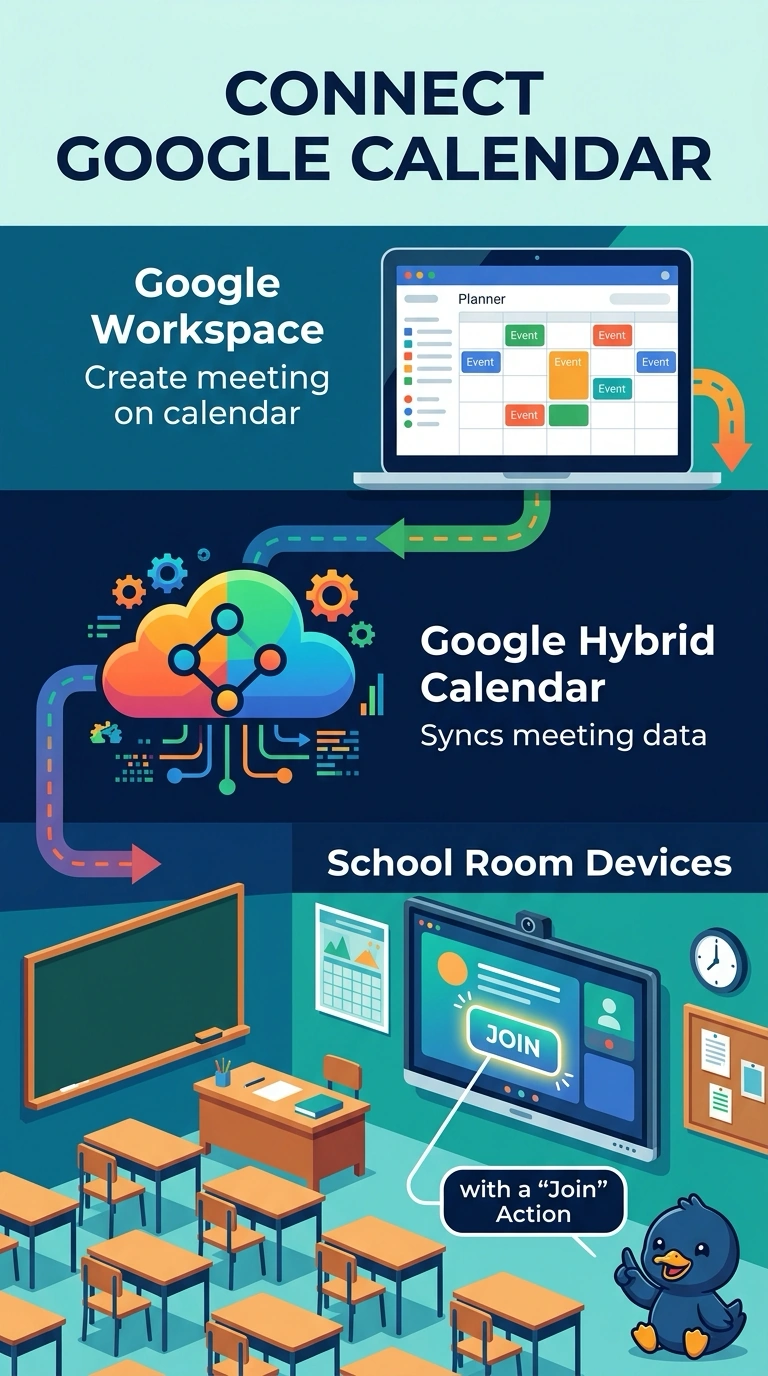
Think of subscribing the lobby screen to an empty paper inbox while the real appointments live in a different calendar book. Connect Google hybrid calendar so your Google Workspace meetings appear on the room devices with a join action. An Exchange connection pointed at a tenant with no Exchange mailbox won’t help.
Full Explanation
Hybrid calendar must connect to the cloud mailbox service your organization actually uses. Because the school uses Google Workspace, connect Google hybrid calendar; it delivers Google Workspace meetings to the room devices, including a join action. Keeping Exchange hybrid calendar pointed at a tenant with no Exchange mailbox will not list those meetings: it connects to the wrong mailbox type, and an Exchange connection does not retrieve Google Workspace calendar data. A calling translation pattern rewrites digits on room numbers; it does not subscribe a device to a calendar or deliver meeting details. Cloud-Connected UC insights provide an operations view of connected Unified CM; they do not push Google meetings onto room devices. A missing calendar service, or a connection to the wrong mailbox type, leaves a device without meetings even when they exist in Google Workspace. Exam caveat: a disabled hybrid calendar on a hot-desk workspace leaves bookings on the device only, which differs from connecting the wrong calendar product. Practical check: connect Google hybrid calendar for the school, invite a room to a test meeting on a Google Workspace calendar, and confirm that the meeting appears on the device with a join action.