
A factory Directory Connector dry run lists user deletes the team did not expect, and the full synchronization has not run. What should happen before those Webex users disappear?
Select an answer to reveal the explanation.
Short Explanation
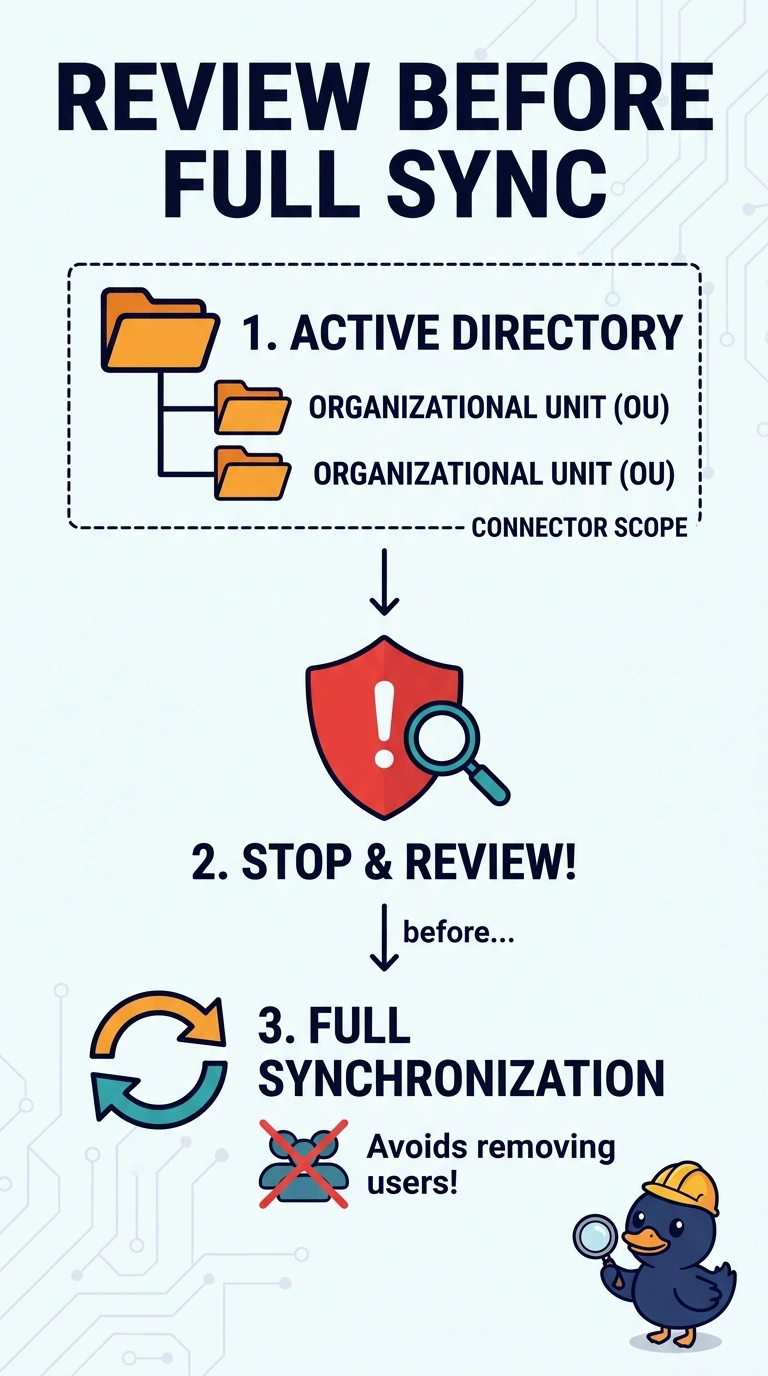
Think of a shipping list that marks half the warehouse for disposal before anyone checks the shelf labels. You stop and review the Active Directory organizational unit in scope before a full sync deletes those users. The trap is running the full synchronization and planning to add the people back by hand.
Full Explanation
A Directory Connector dry run is the warning before Active Directory, the source of truth, removes users from Webex. Unexpected deletes mean the connector scope is likely pointed at the wrong organizational unit or a unit that no longer holds those accounts. Stopping to review that organizational unit, and fixing the scope, prevents a full synchronization from removing users the factory still needs. Running the full synchronization and recreating the users by hand fights the connector, and hand-added users are not how a connector-owned directory is maintained. Turning on SCIM beside Directory Connector so both sources own the users violates the one-owner rule and does not make the dry-run deletes safe. Cloud-Connected UC insights do not recreate users a connector is about to remove, and that view is not a directory undo button. Exam caveat: once a full synchronization deletes the users, the repair is still in the source directory and the connector scope, not a manual rebuild in Control Hub. Operational check: compare the dry-run delete list with the organizational unit the connector is set to read, correct the scope, and rerun the dry run until the unexpected deletes are gone.