
A school installed Directory Connector on a staff laptop that sleeps each night, and the morning Active Directory synchronization does not run. Where should that connector live?
Select an answer to reveal the explanation.
Short Explanation
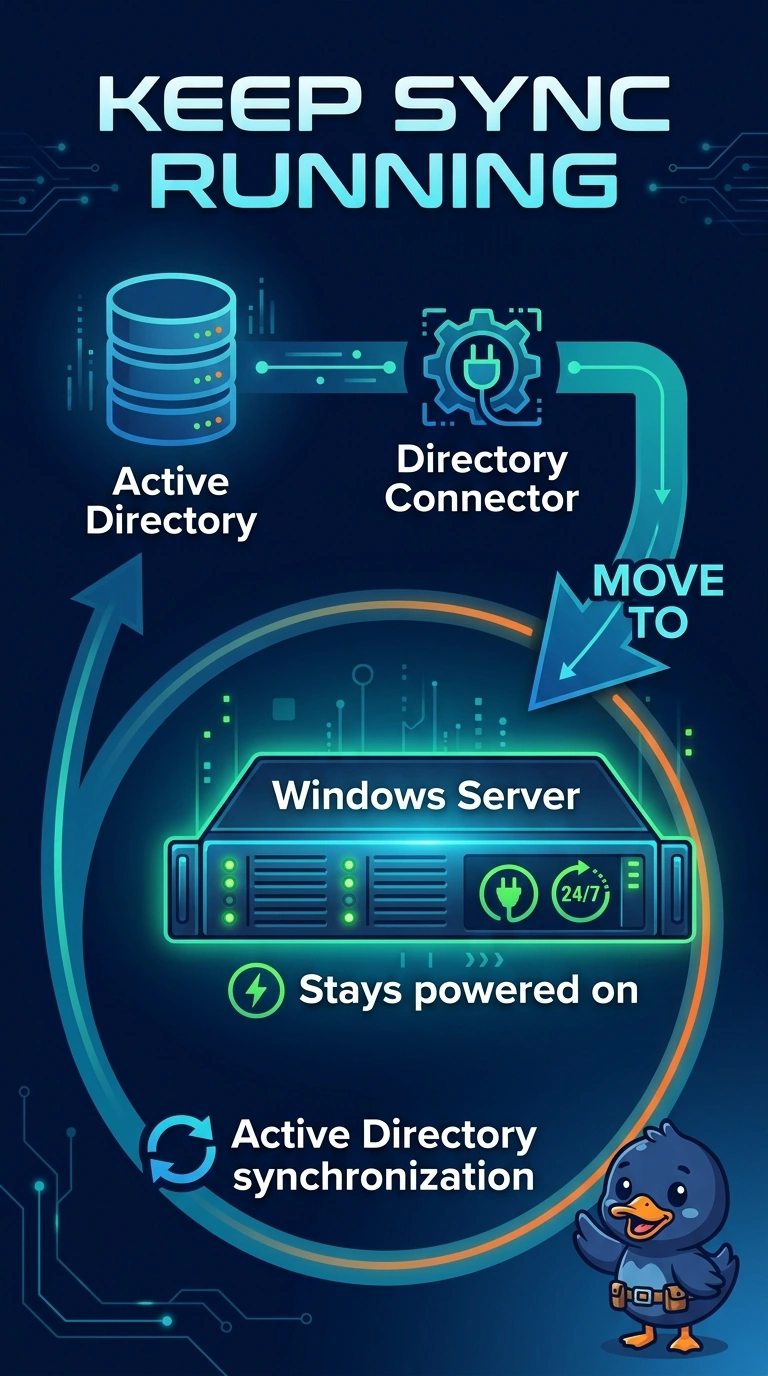
Think of leaving the night watchman asleep in a car instead of at the gate, then blaming the doors. You can keep synchronization running by placing Directory Connector on a Windows server that stays powered on, rather than relying on a sleeping laptop or a room-device macro to read Active Directory.
Full Explanation
Directory Connector is the on-premises Windows service that synchronizes Active Directory into Control Hub, and it can run only while its host is powered on. Moving it to a Windows server that stays powered on lets the morning synchronization finish even when the staff laptop sleeps. Leaving the connector on the sleeping laptop and factory-resetting desk devices does not wake the connector; a device reset is not a directory synchronization. Enabling Okta SCIM in the same organization would make SCIM and Directory Connector both own the school directory, which is not allowed. A RoomOS macro runs on the classroom device and uses the xAPI; it cannot read Active Directory or replace Directory Connector overnight. Exam caveat: when the connector service is down, address the connector sync; rotating a SCIM token does not repair an on-premises connector. Practical check: confirm the connector service is running on the always-on Windows server during school hours, then verify that a test account change in Active Directory appears after the next synchronization.