
A warehouse enabled single sign-on and then deleted the identity-provider metadata in order to try local passwords again. What restores the required sign-in design?
Select an answer to reveal the explanation.
Short Explanation
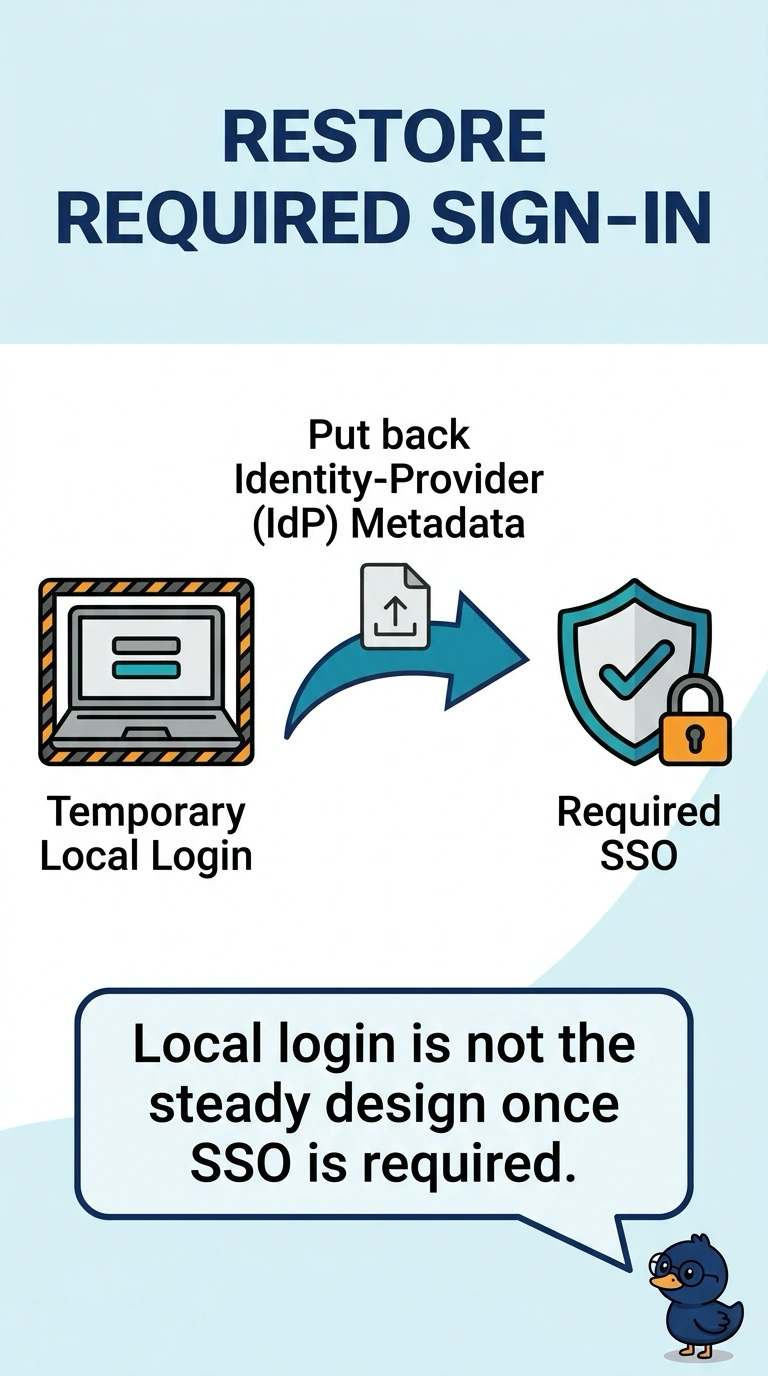
Think of someone who pulled the lock paperwork out of the frame to see if a side entrance would become the official door. You put the identity-provider metadata back, because local login is not the steady design once single sign-on is required. The trap is keeping local passwords, rebooting a gateway, or adding a translation pattern, none of which restores that trust.
Full Explanation
Once single sign-on is the required design, the identity-provider metadata is what keeps Webex sending users to that provider. Deleting the metadata to try local passwords removes the trust, and local login is not the steady design, so the repair is to put the identity-provider metadata back, because local login is not the steady design once single sign-on is required. Leaving local passwords as the ongoing sign-in design now that the identity-provider metadata has been removed from the organization keeps the test state and abandons the required trust. Rebooting the local gateway so the deleted identity-provider metadata is rebuilt from the trunk registration restarts a calling trunk, and a trunk does not store or restore identity-provider metadata. Adding a translation pattern that lets warehouse extensions authenticate when the metadata is missing rewrites digits, and a translation pattern does not authenticate anyone. Exam caveat: a local password prompt after metadata is removed means single sign-on is no longer in the path, which is the fault to undo. Operational check: restore the identity-provider metadata, sign in as a warehouse user, and confirm the browser is sent to the identity provider rather than to a local password.