
Teachers who use a school's primary email domain are sent to the identity provider, but staff who use an unverified alias domain still get a local password prompt. What brings that alias domain into single sign-on?
Select an answer to reveal the explanation.
Short Explanation
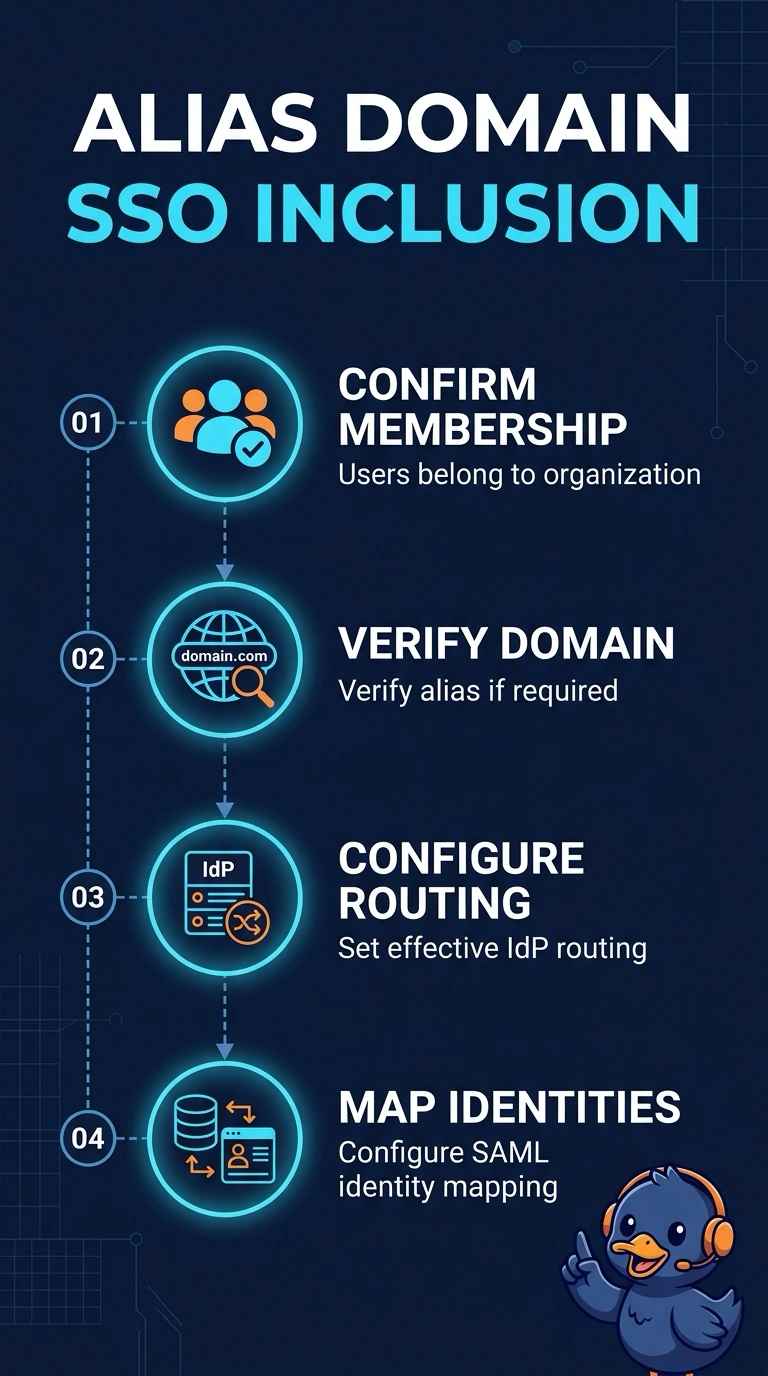
Think of a side entrance that was left off the guard list, so people who use that entrance still stop at a local desk. You verify the alias domain and include it in single sign-on so those staff are sent to the identity provider. The trap is touching the primary certificate, call permissions, or a handset reboot while the alias domain stays unverified.
Full Explanation
Single sign-on sends a user to the identity provider only for a domain that is verified and included in that configuration. The primary domain already does this, and the alias domain still prompts for a local password, which is the sign that the alias is not in the path. The fix is to verify the alias domain and include it in single sign-on so those users are sent to the identity provider. Resetting the signing certificate used by the primary domain and leaving the alias domain unverified may refresh a certificate the primary domain already trusts, and it leaves the alias out. Changing call permissions so alias-domain staff can place outside calls from the school campus allows or blocks a call type, and a call permission does not choose the sign-in path. Rebooting the staff handsets so the local password prompt is replaced by the identity provider restarts phones, and a reboot does not verify a domain or add it to single sign-on. Exam caveat: an unverified domain keeps single sign-on out of the path for the users on that domain even when the primary domain already works. Operational check: verify the alias domain, include it in the single sign-on configuration, and confirm an alias-domain account is redirected to the identity provider.