
A hotel collaboration assistant appears in the Webex app but not for staff who only have a phone in a calling location. Where does that assistant belong?
Select an answer to reveal the explanation.
Short Explanation
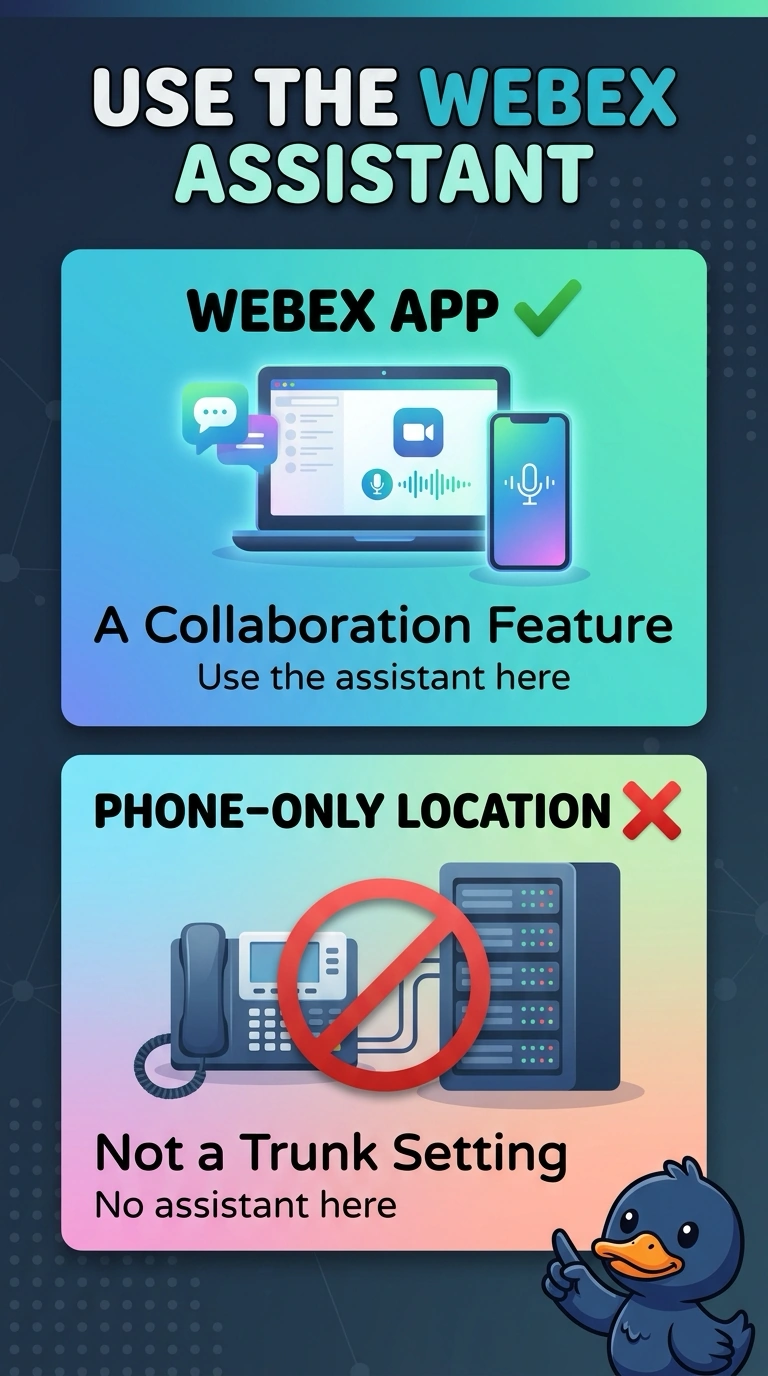
Think of the assistant as a concierge you meet in the Webex app, not a button hidden inside the desk phone. You use it in the app because it is a collaboration feature, not a trunk setting. An auto attendant menu and a calling license do not turn it on for a phone-only location.
Full Explanation
The hotel collaboration assistant is a collaboration feature available in the Webex app, not a setting that makes a phone-only calling location display the assistant. You use the assistant from the Webex app; enabling it on a local gateway trunk treats it as call routing, but a trunk connects the local gateway and does not present the assistant during each call. An auto attendant answers calls and plays menus for business hours, after hours, holidays, or dial-by-name. Adding the assistant as a menu choice confuses that call menu with the collaboration assistant; they are different features. Assigning a calling license provides calling, but does not turn on the assistant for people who only have a phone in the location or convert a calling feature into this collaboration feature. Exam caveat: the assistant does not route PSTN calls, so enabling it on the local gateway trunk still leaves a phone-only user without it. Practical check: open the Webex app as a hotel user who also has a phone and confirm the assistant is available there, while the phone-only location still has no such setting.