
A utility company gives a subsidiary its own meetings site. Common site settings force a join policy the subsidiary does not want. Where should that join policy be changed?
Select an answer to reveal the explanation.
Short Explanation
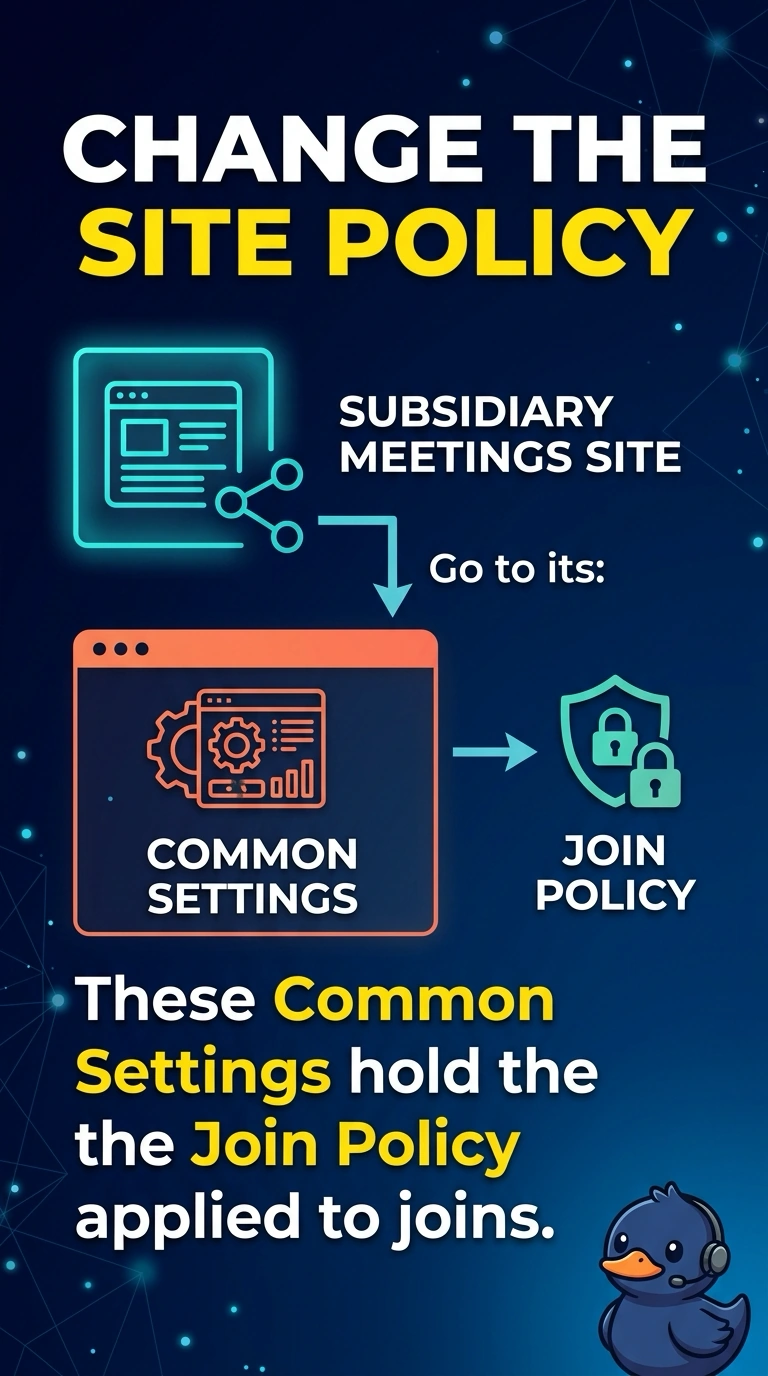
You’ll find the join rule in the subsidiary’s meetings site, not in the company directory. Change the site’s common settings; directory synchronization copies user accounts but does not store the site join policy.
Full Explanation
A meetings site has its own features and common settings, so when a join policy is forced for one site, you change it on that subsidiary meetings site rather than across the organization. Organization directory synchronization copies user accounts but does not store a meetings site join policy, so another sync pass will not relax the join rule. The subsidiary calling location owns numbers and trunks and is a different object from the meetings site; editing the location does not change how meetings are joined. A full-administrator grant broadens who can administer but does not edit the join policy itself. The common settings on the subsidiary meetings site hold the join policy that the site applies to joins, so neither user synchronization nor a calling location replaces those settings. Exam caveat: distinguish changing the site’s join behavior from broadening administrative access; an administrator grant does not change the policy. Practical check: start a meeting on the subsidiary site and confirm that the join behavior matches the common settings saved on that site alone.