
Clinic users cannot obtain message keys after Hybrid Data Security nodes are installed. The firewall denies those nodes any path to Webex. A macro is already loaded on the desk devices. What should be allowed?
Select an answer to reveal the explanation.
Short Explanation
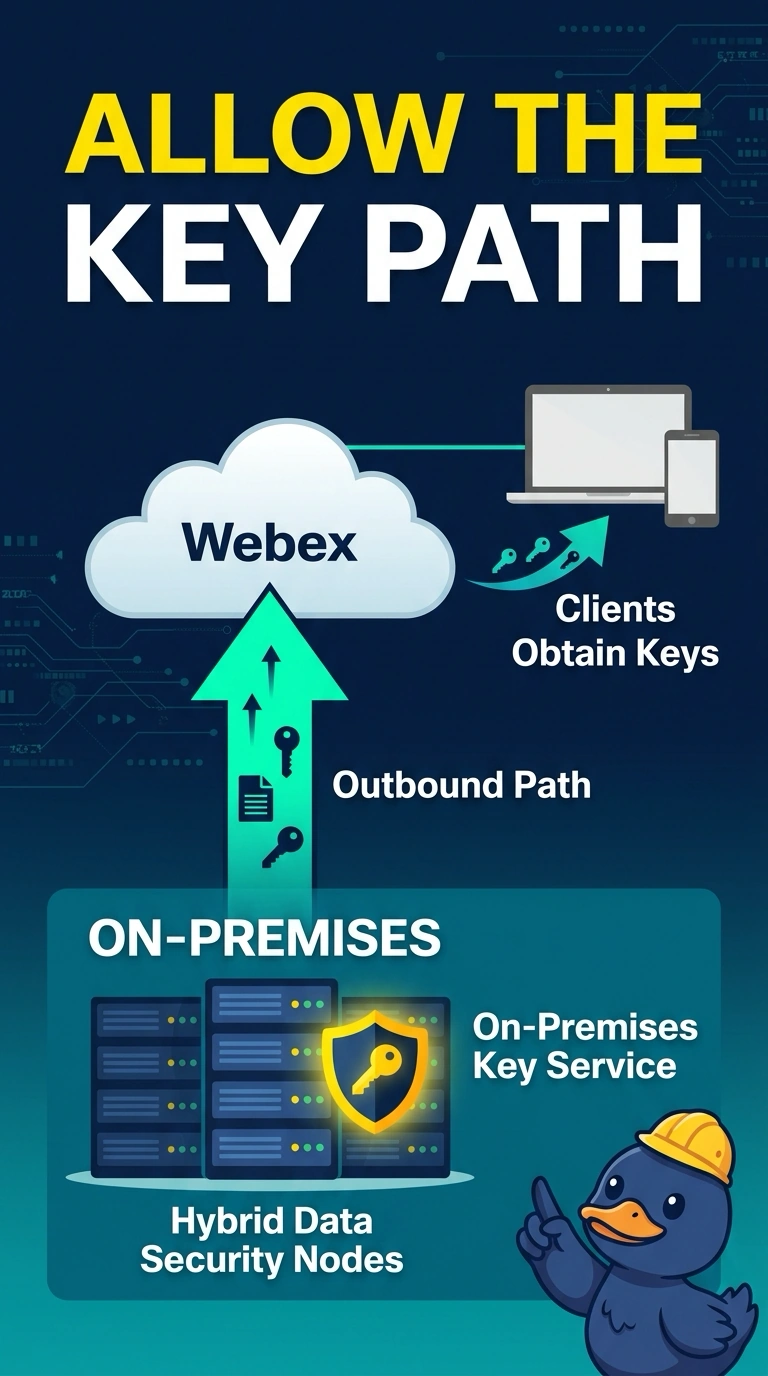
Think of the HDS nodes as the key desk in your building: if you block their route out to Webex, clients cannot obtain keys from the on-premises key service. Allow outbound connectivity from the nodes to Webex; a desk-device macro cannot replace that service or hand out message keys.
Full Explanation
Hybrid Data Security nodes connect outbound to Webex. When the firewall denies those nodes any path to Webex, clients cannot obtain keys from the on-premises key service the nodes provide. Allow the outbound path from the HDS nodes to Webex and restore the connectivity those installed nodes require. Inbound sessions from the internet toward the nodes reverse the required direction: the nodes do not wait for Webex to open a connection into the data center. A macro on every desk system runs locally on the device; it cannot hand message keys out locally or replace the key service when the nodes cannot reach Webex. Switching to bring-your-own-key does not make the existing HDS nodes independent of Webex. That approach keeps a Cisco-operated key service and uses a customer master key; it does not provide the nodes with the missing outbound path or resolve clients’ inability to obtain keys from the on-premises service. Exam caveat: identity and encrypted content storage remain in the cloud even when keys are on-premises, so the HDS nodes still need to reach Webex. Practical check: from an HDS node, confirm the outbound path to Webex succeeds, then have a client open a space and verify that message keys are issued.