
A hotel company copied the downtown dial plan onto the airport site. The airport location’s PSTN connection points to the downtown route group. Which correction belongs on the airport site?
Select an answer to reveal the explanation.
Short Explanation
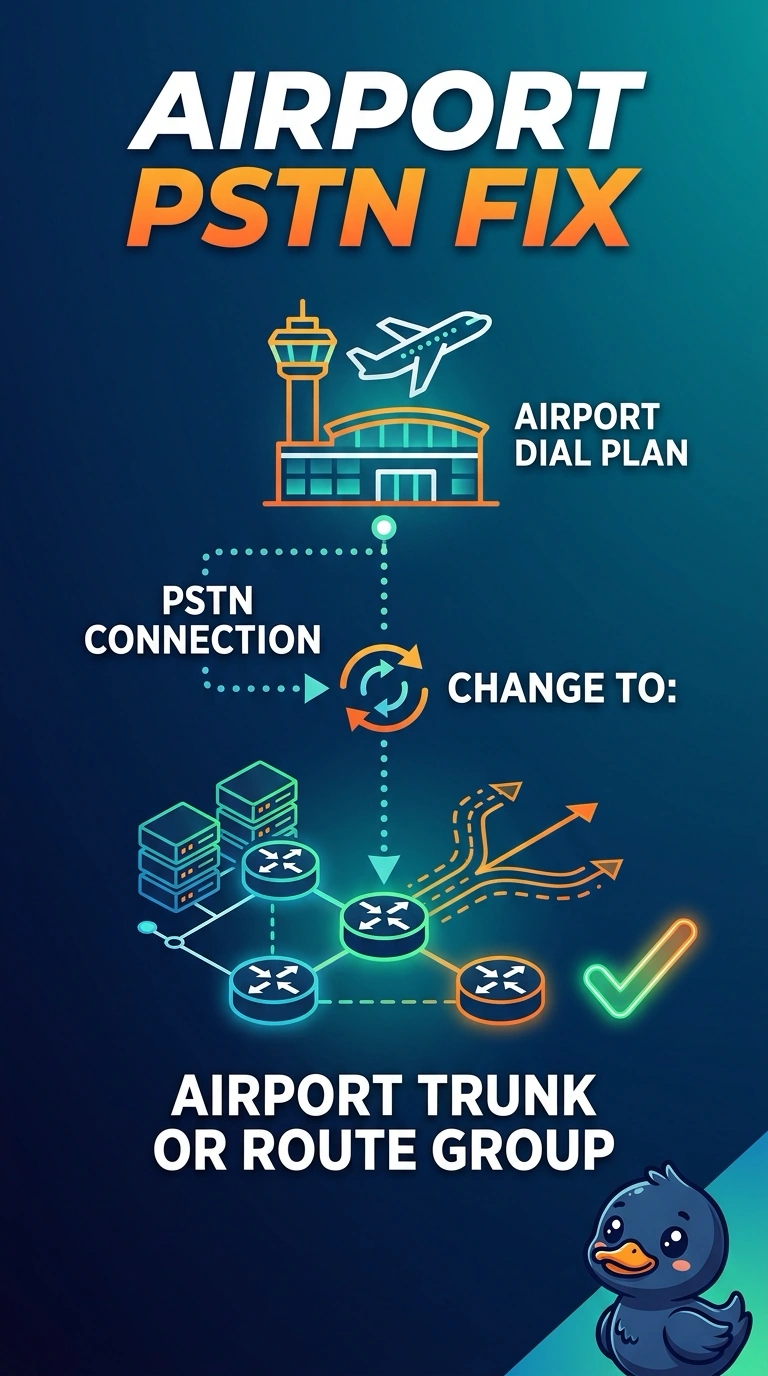
Copying the downtown plan does not give you the right airport trunks. Your airport location’s PSTN connection points to the downtown route group, so you change it to the airport trunk or route group. You will then see your airport calls leave through your own trunks.
Full Explanation
A dial plan chooses which pattern and route handle the call. The airport location’s PSTN connection points to the downtown route group after the copy, so airport calls leave through the wrong trunks. Change the airport location’s PSTN connection to the airport trunk or route group. That correction puts airport outbound calls on airport trunks with correct capacity and failover. Keep the downtown route group on the airport dial plan, because a copied plan is valid only when every site shares that one group. Keeping the downtown group is the fault itself. A copied plan is not valid just because every site shares one group. Remove call permissions at the airport, because a permission change is what selects the route group after a dial plan has been copied between sites. Call permissions allow or block a call type. They do not select which route group a location uses. Add a translation that strips the airport site code, because that digit rewrite chooses which route group a location may use. A translation pattern rewrites digits. It does not choose the trunk or the route group. Exam caveat: A route group is how that site handles capacity and failover among its own trunks, and it still does not change a user's call permission. Operational check: From an airport phone, place an outside test call and confirm it uses the airport route group, then confirm a downtown phone still uses the downtown group.