
A clinic has prepared migration CSVs for user phones. The users lack Webex Calling licenses. What must be configured before migrating and activating those user phones?
Select an answer to reveal the explanation.
Short Explanation
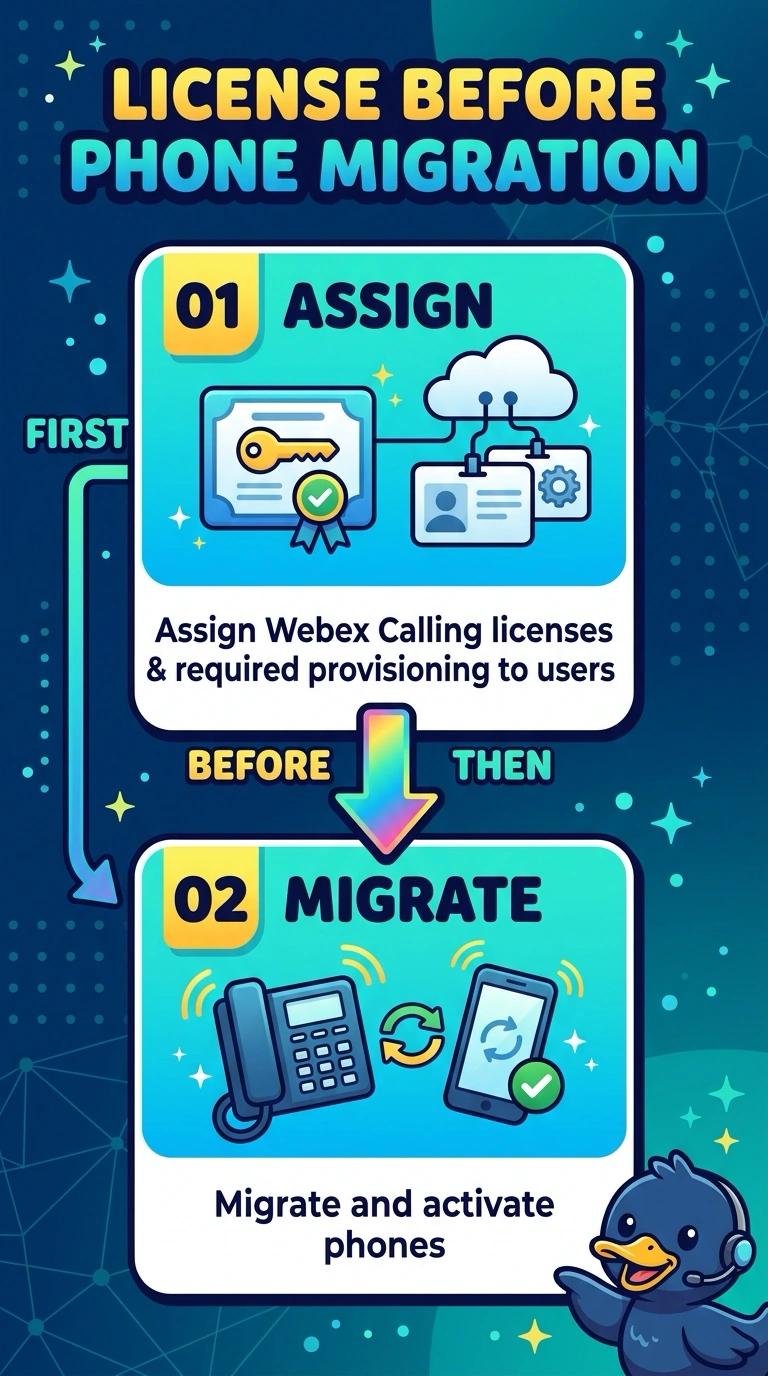
Think of licenses as fuel before the trip. You assign Webex Calling licenses and complete required Calling provisioning before you migrate and activate those phones. You can ignore the admin-role shortcut because a role never replaces a license.
Full Explanation
Control Hub migration moves Unified CM devices and features toward Webex Calling using CSVs, with user phones migrated and activated as calling endpoints. Users without Webex Calling licenses have no calling service, so activation alone cannot allow calls. Assign Webex Calling licenses and required Calling provisioning to the users before phone migration and activation, ensuring each identity is entitled and location, numbers, and features are ready when the device activates. Give every migrated clinic user the full administrator role so dial tone follows that admin role now grants management permission but does not entitle Webex Calling or provision a line, so phones still have no service to place a call. Delete the Unified CM cluster and retype each user, which assigns calling without a separate license discards the workflow yet still requires explicit license assignment, so manual recreation creates no entitlement. Expect the migration to import Unity Connection voicemail and treat those messages as clinic dial tone confuses messaging with call control, and the tool does not natively move Unity Connection voicemail messages, so mailbox audio never provides dial tone. Exam caveat: a role does not replace a license. Operational check: verify CSV users show calling licenses and provisioning in Control Hub, then migrate, activate, and place an on-net test call.