
A school moves an organizational unit in Active Directory, and Directory Connector is about to sync a selection that no longer includes those students. The students must remain in Control Hub. What should the admin do before that sync removes them?
Select an answer to reveal the explanation.
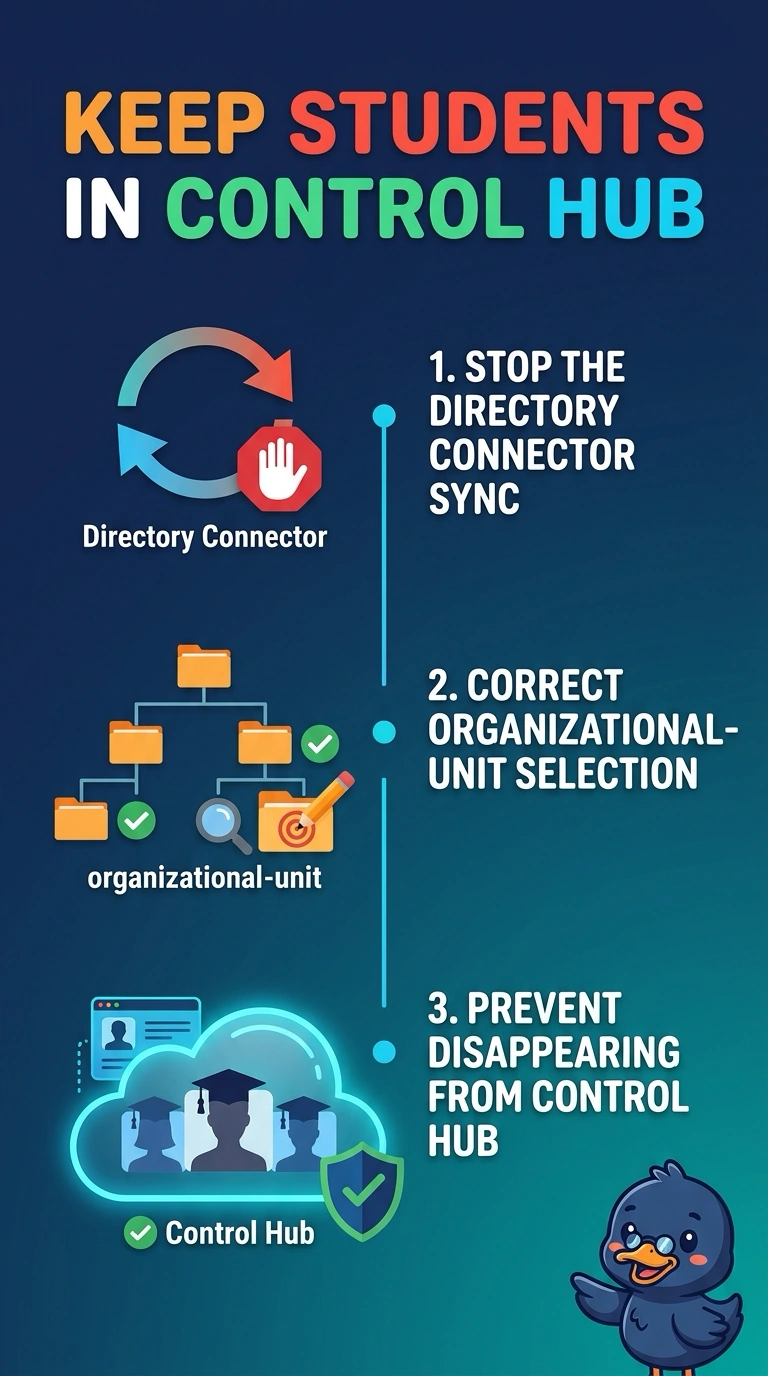
Short Explanation
You do not let the moving truck haul away the right classroom just because a label changed. You stop the connector sync and fix the organizational-unit selection before those students disappear. The trap is finishing the bad sync and then typing the students back in by hand.
Full Explanation
Directory Connector syncs the organizational units it is told to own, and Active Directory remains the source of truth. A move that drops students out of the selected set will remove them on the next sync even though they should stay. You stop the connector sync. Correct the selected OUs and run a dry run before resuming sync. A user who falls outside the connector’s scope can be soft-deleted in Webex. Letting the connector sync finish so Control Hub matches the moved organizational unit, then recreating those students by hand, deletes the users and then fights the connector, because hand-added users are not how a connector-owned directory is maintained. Rotating a SCIM token so cloud provisioning restores the organizational unit that Directory Connector is about to remove uses a cloud token against an on-premises connector, and a SCIM token rotation does not repair that connector. Adding a calling location for the moved unit and expecting that location to keep the students after the connector removes them creates a site object and does not keep directory users. On the exam, a connector that is about to drop a still-valid organizational unit is stopped and the selection is fixed before the sync runs. In operations, review the selected organizational units, include the moved students, and only then let the sync run.