
During a gate-office test, an airline technician ran a JavaScript macro from the room device console, then found it gone after a reboot. How should that macro be kept?
Select an answer to reveal the explanation.
Short Explanation
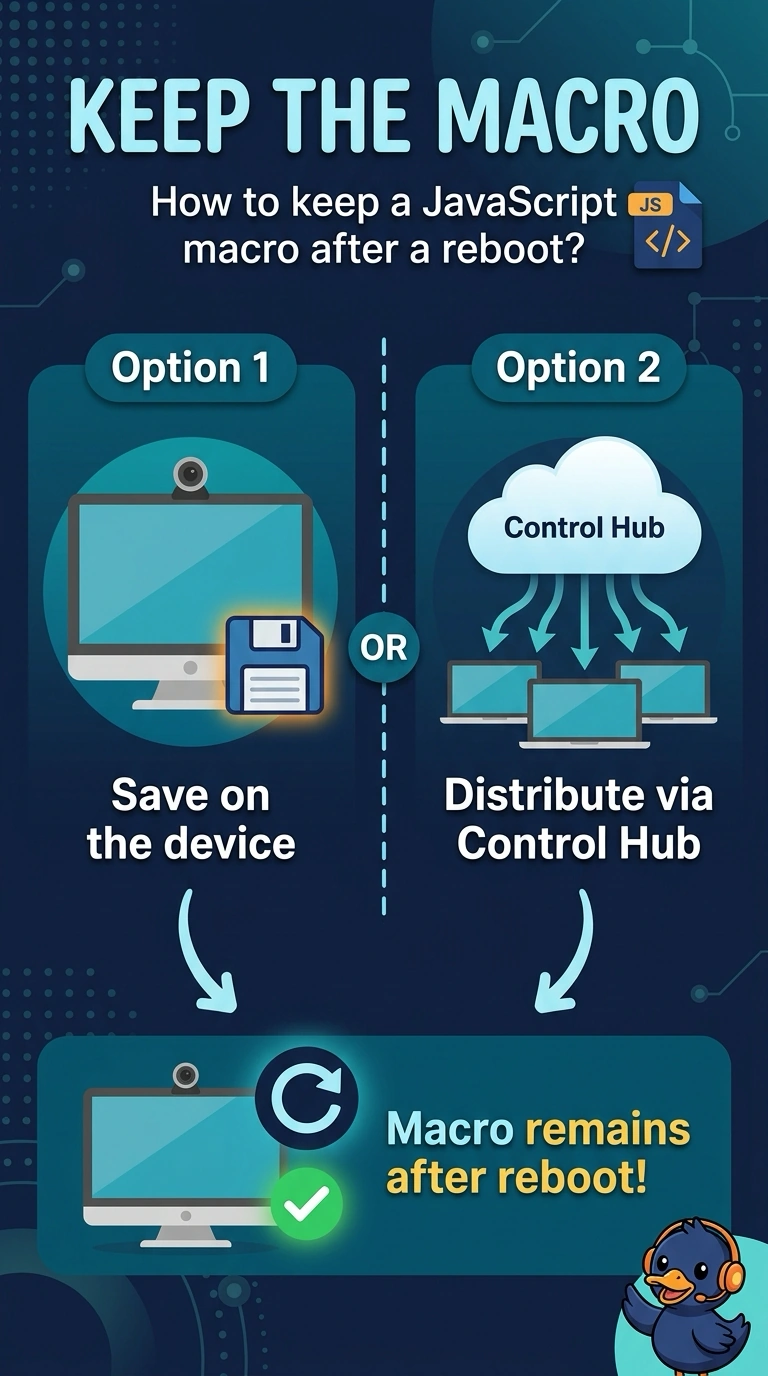
An unsaved macro is like a sticky note on the monitor that the night crew throws away. You save it on the device or let Control Hub distribute it so a reboot does not erase the work. The trap is parking the script in the cloud as a webhook or an event and expecting the device to grow it back.
Full Explanation
A macro is JavaScript that runs on the device and uses the xAPI. A script that was only run once in the console was never stored, so a reboot removes it. You save the JavaScript macro on the device, or have Control Hub distribute it when the organization allows distribution, so the macro remains after a reboot. Registering the same script as a webhook on a Webex REST app puts the logic in the cloud. A macro is not a webhook, and the cloud does not load it back onto the device as a device macro after every reboot. An Events API subscription is an event stream for a Webex app. A cloud event does not start an on-device macro, and the macro does not run in the cloud. Meetings site common settings control the meetings site. They are not a macro store, and the device does not download the macro from that site when it registers. Exam caveat: Control Hub can distribute macros only when the organization allows that distribution, and the macro still executes on the device. Operational check: reboot a test device and confirm the saved macro is listed and still responds to the xAPI event you wrote it for.