
An external script signs in to a RoomOS device as a read-only local user, and the device refuses an xConfiguration write. Which identity should the script use?
Select an answer to reveal the explanation.
Short Explanation
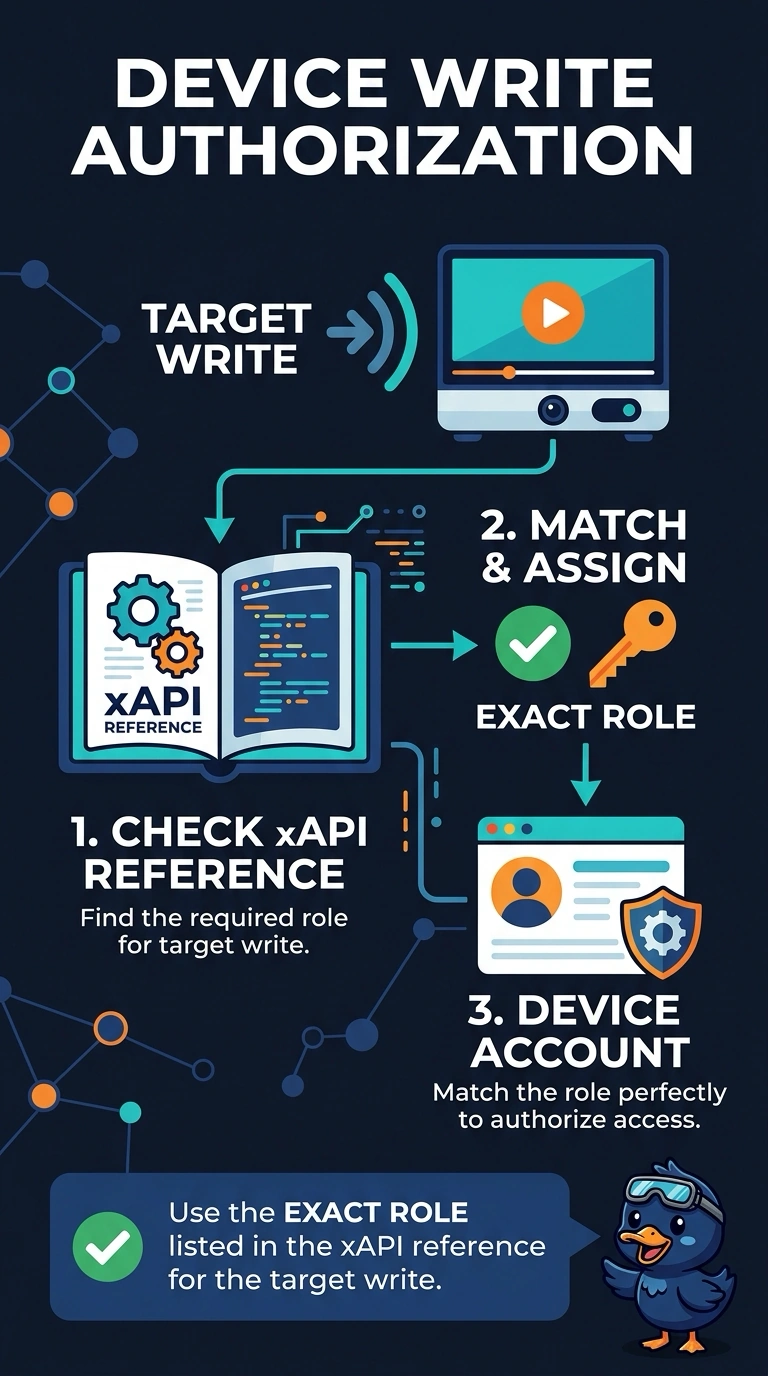
You are hitting a device permission check, not a cloud issue. Switch your script to a device account with the exact role the xAPI reference lists for that write and you will see the device accept it.
Full Explanation
An external script that calls xConfiguration over the RoomOS xAPI is subject to on-device authorization, so the signed-in local account must carry the role permitted for that specific write. The xAPI reference lists the required role per command, and using a device account with that exact role allows the refused write to succeed. A read-only local user can observe status and events but lacks configuration write permission, so retrying the same write under that identity keeps producing the refusal. A People API token administers cloud Webex users and identities and does not authenticate xAPI configuration writes on the device. A messaging webhook subscription delivers cloud space events to an application and has no authority to perform on-device xConfiguration writes. The failure is a device authorization decision, not a cloud token scope issue, so neither a cloud token nor a webhook can grant the codec permission. Exam caveat: distinguish on-device xAPI authorization from Webex cloud REST authorization. Operational check: switch the script to a device account holding the documented role for the target, retry the write, and confirm the device accepts it.