
A utility blocks Control Hub from managing device macros, then expects a macro pushed from Control Hub to appear on a substation room device. Nothing arrives on the device. What must be allowed, or done on the device instead?
Select an answer to reveal the explanation.
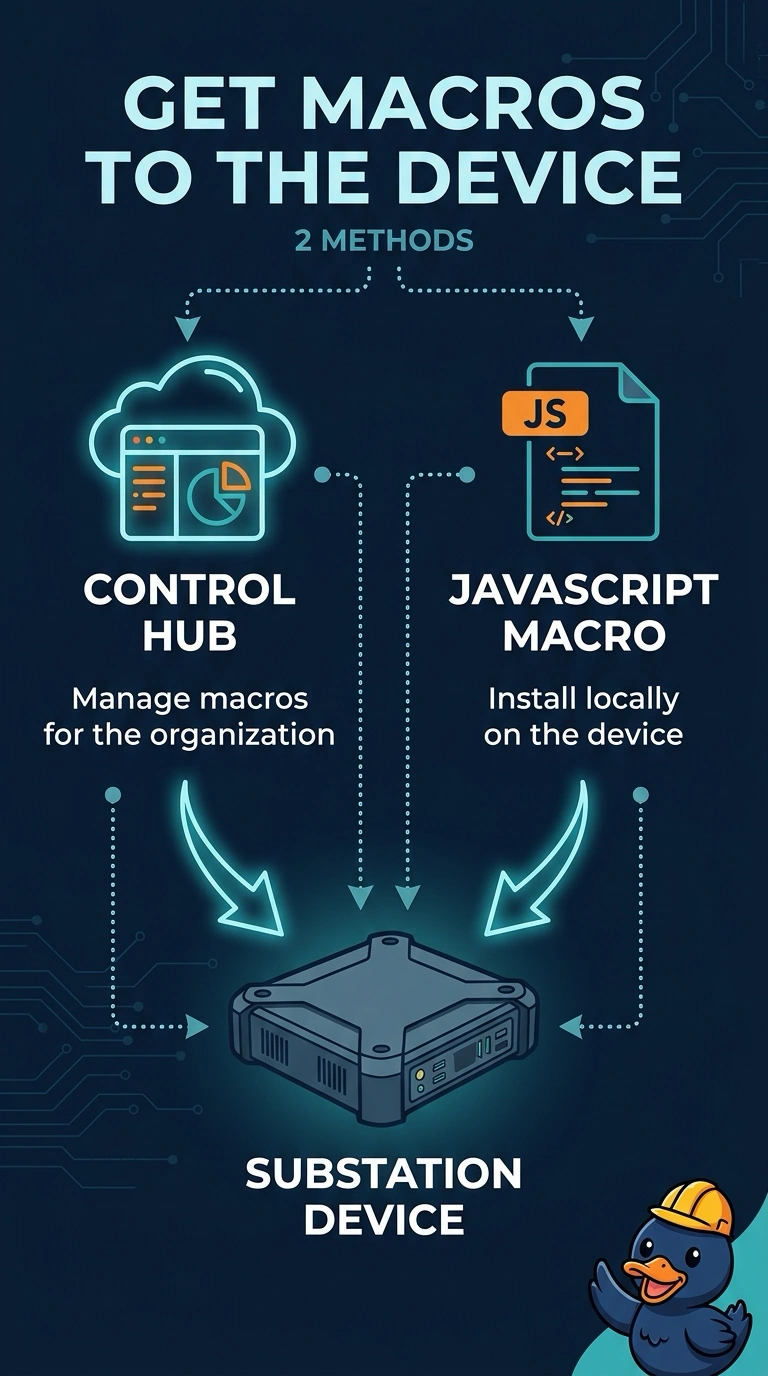
Short Explanation
If the loading dock refuses deliveries, the package will not appear unless you lift the ban or carry it in yourself. You allow Control Hub to manage macros, or you install the JavaScript on the device. A cloud webhook, a People API license, or a survivability registration does not put that macro on the device.
Full Explanation
Allow Control Hub to manage macros for the organization, or install the JavaScript macro locally on the substation device. Control Hub distributes macros only when the organization allows that management, and otherwise the JavaScript has to be installed on the device itself. Save the macro as a cloud webhook on a bot so the substation panel runs in the Webex service instead of on the room device. A webhook on a cloud app is not a device macro, and it does not make a pushed macro appear on the room device. Assign a calling license through the People API and expect that license assignment to start the macro on the room device. The People API assigns user licenses and roles, and a calling license does not install or start a macro on a device. Register the room device to the Survivability Gateway so the macro loads from that gateway during normal cloud registration. A Survivability Gateway registration is a calling fallback when the cloud path fails, and it does not load a macro onto the device. Exam caveat: A macro uses the on-device xAPI and does not run in the cloud, whether Control Hub is allowed to distribute it or it is installed locally. Operational check: Either allow Control Hub macro management and push again, or install the macro on the device, then confirm the substation device lists it.