
A hotel administrator enabled an App Hub integration that requested full organization administrator scopes. What should be reviewed before that integration stays enabled?
Select an answer to reveal the explanation.
Short Explanation
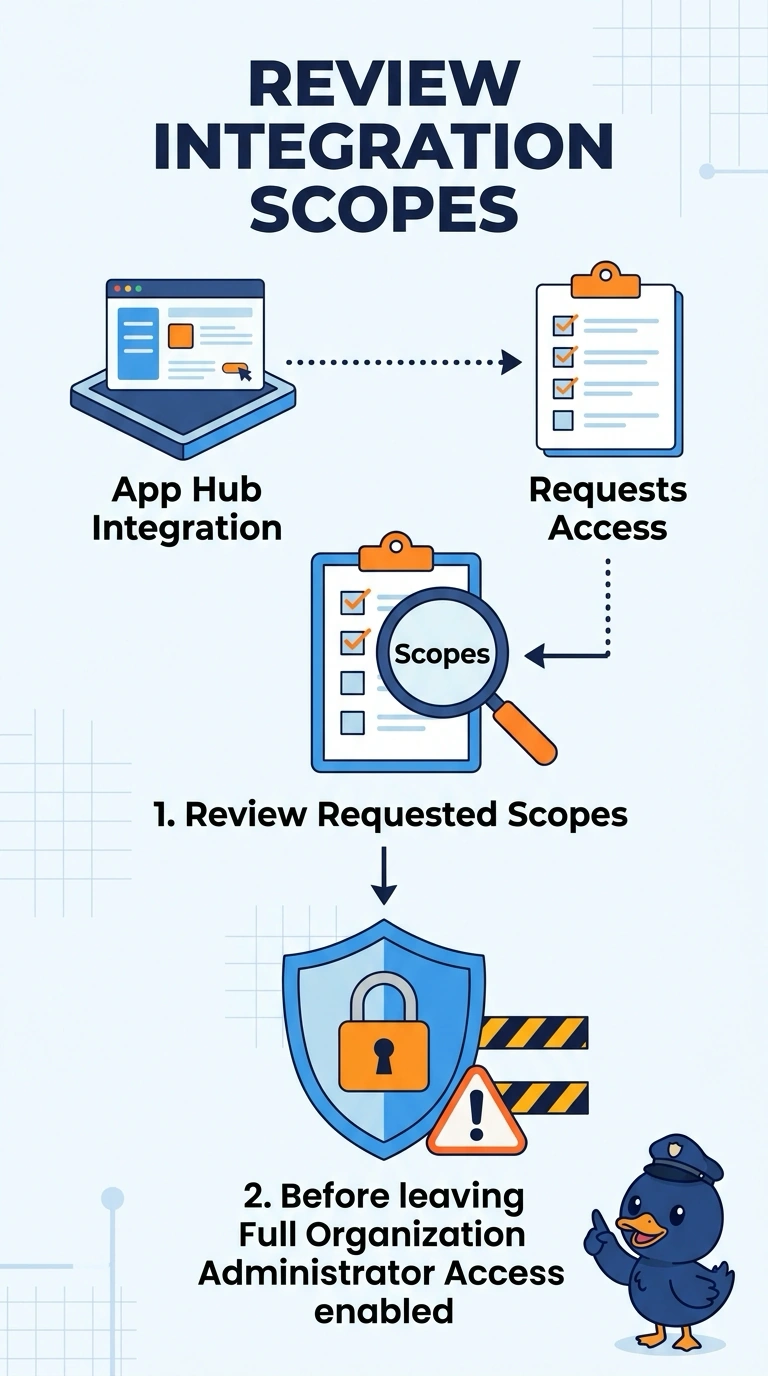
Think of a vendor badge cut to open every door in the hotel, including rooms the vendor should not enter. Before you leave full administrator access enabled, review the scopes the App Hub integration requested. Building a RoomOS macro on a front-desk device, recreating hotel users with the People API, or moving the integration to a second meetings site does not review or reduce those scopes.
Full Explanation
App Hub is where you find and add an integration, and its scopes define the access it receives in the organization. Full organization administrator scopes are broader than a typical integration job, so review the scopes the App Hub integration requested before leaving full administrator access enabled. Building a RoomOS macro on a front-desk device writes JavaScript that runs on the device; it does not review the scopes of a cloud integration. Creating the hotel users again with the People API uses the user-administration API, and creating users does not inspect the integration that was added. Moving the integration onto a second meetings site assumes that a site can limit organization administrator scopes, but it cannot. Exam caveat: adding an integration and reviewing its scopes are part of the same App Hub decision, while a device macro is a different runtime. Practical check: open the installed integration, read the scopes it was granted, and remove organization administrator access the hotel did not intend to give it.