
A university developer needs an access token for a new Webex bot. Where should the developer create that bot?
Select an answer to reveal the explanation.
Short Explanation
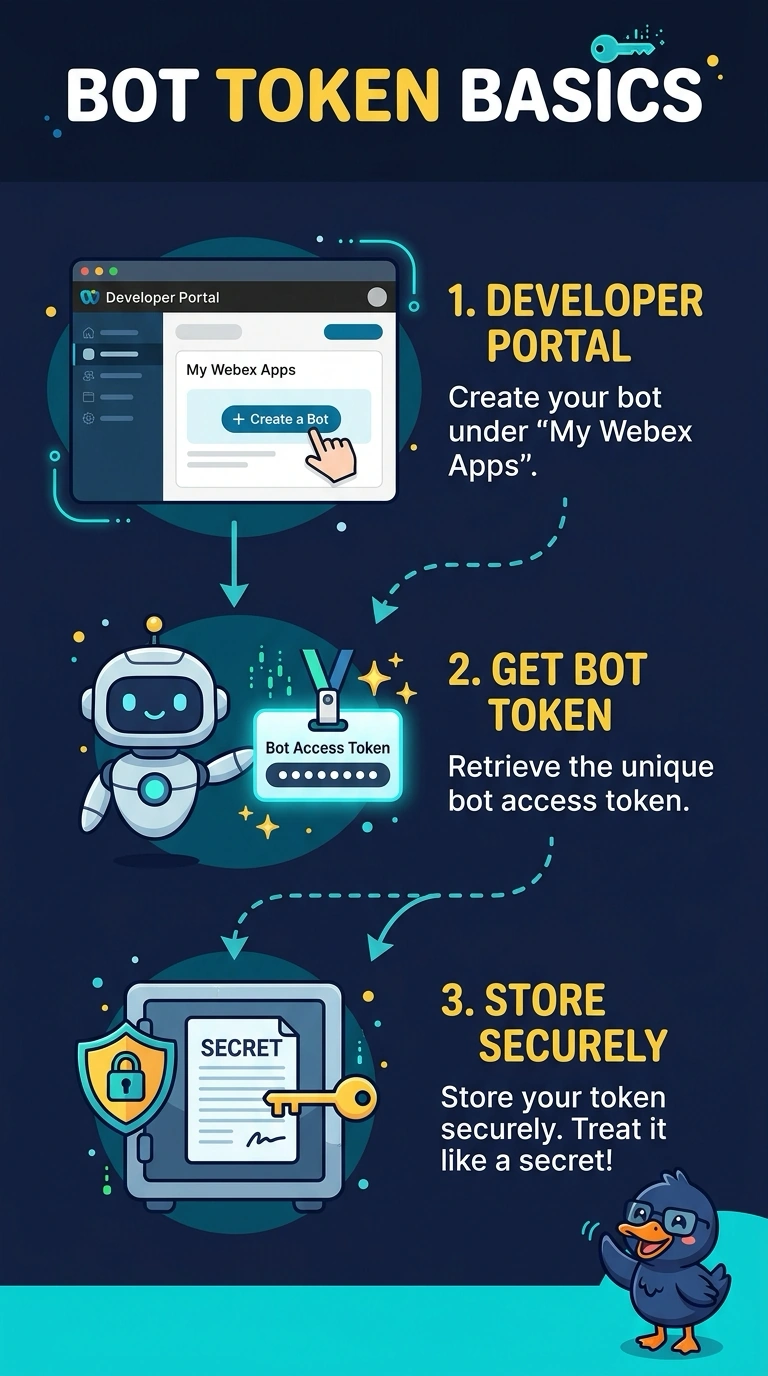
The shop that cuts new keys is not the showroom that sells finished locks. You create the bot token and secret in the Developer Portal, because that is where a new bot is built. The trap is browsing App Hub and expecting it to mint a secret for an app that does not exist yet.
Full Explanation
The Developer Portal is where you build apps and bots and manage their credentials. A bot authenticates with its access token. An OAuth integration has separate client credentials. You create it under My Webex Apps in the Developer Portal and store the bot access token securely. App Hub, where ready-made integrations are browsed and added, and where a new bot secret would be issued for this build, is the wrong claim: App Hub is for finding and adding integrations, and it does not mint this bot's access token. The room-device macro editor, where JavaScript runs on the device and calls the on-device command set, runs code on a device and is not where a Webex bot credential is issued. The meetings site common settings, where join rules and site features are stored for the university meeting service, hold meeting-site behavior and do not create bot access tokens. On the exam, new bot access tokens belong to the Developer Portal, and App Hub is where an existing integration is added. In operations, create the bot in the Developer Portal and confirm an access token exists there that App Hub did not issue.