
A hotel integration in App Hub stays unavailable because the organization lacks the license that integration requires. Which change enables it?
Select an answer to reveal the explanation.
Short Explanation
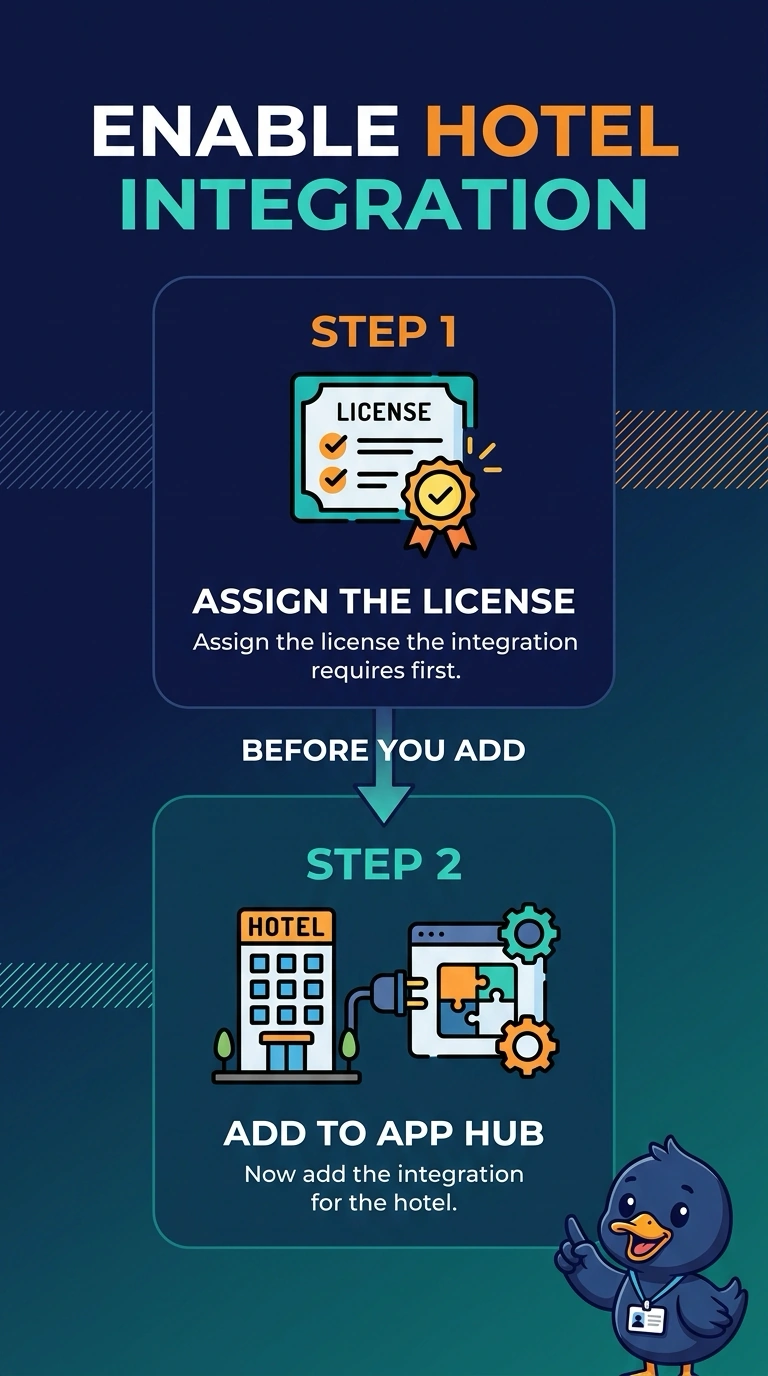
A vending machine can show you a snack that stays locked until you pay for it. You assign the license the integration requires before App Hub can add it for the hotel. Editing the dial plan does not turn that integration on.
Full Explanation
App Hub is where you find and add integrations, and an integration that requires a license stays unavailable until that license is assigned. Assign the license the integration requires before that App Hub integration can be added for the hotel, which is the missing prerequisite. A dial-plan edit does not enable an integration. Edit the hotel dial plan so the integration name matches a translation pattern, which rewrites digits and does not enable the integration, and you change call routing instead of licensing. Register a second local gateway and place it in a route group that is dedicated to the hotel integration and you add PSTN capacity, which does not unlock an App Hub listing. Start a Survivability Gateway at the hotel so the integration keeps running when the cloud path drops and you prepare basic backup calling for an outage, which does not grant the license the integration requires. Exam caveat: an App Hub listing stays unavailable until the required license is assigned, and a dial plan, a local gateway, or a Survivability Gateway does not supply that license. Operational check: assign the required license, return to App Hub, and confirm the hotel integration can be added for the organization.