
A city library puts catalog PCs on the internal network, and the core firewall treats them as trusted staff machines. Patrons use those PCs. Which endpoint control stops them from opening staff shares?
Select an answer to reveal the explanation.
Short Explanation
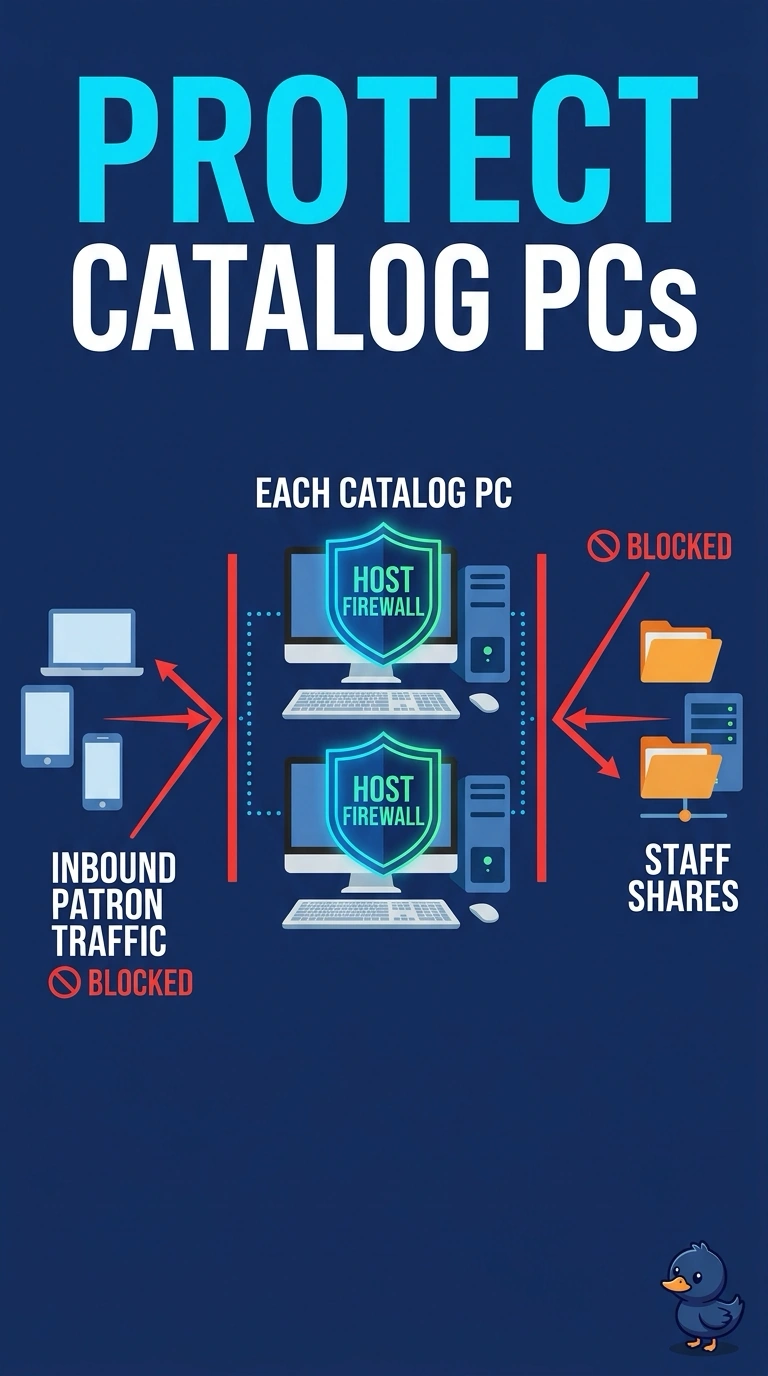
Because the core firewall trusts these catalog PCs, you need a control on each PC itself. A host firewall can stop a patron session from opening staff shares while blocking inbound patron traffic. Full-disk encryption, a cryptographic erase for a stolen laptop, and a dedicated admin workstation do not filter that live session.
Full Explanation
The core firewall treats the catalog PCs as trusted staff machines, so it cannot distinguish a patron’s live session from other trusted activity. A host firewall on each catalog PC can block access to staff shares and inbound patron traffic at the endpoint, where it can enforce the needed boundary. Full-disk encryption that does not limit what a live patron session can open protects data on a powered-off drive, but it does not prevent a logged-in patron from browsing staff shares. A cryptographic erase kept for a laptop that has left the building and been stolen addresses data on a lost device, not access from a PC still in use on the library floor. A dedicated admin workstation for library staff who are not sitting at these catalog PCs is a separate machine and does not filter the patron session on a catalog PC. Exam caveat: A host firewall helps only if patrons cannot disable it or install a bypass, so also lock the PC to the catalog application. Practical check: From a lab catalog PC, try opening a staff share and connecting inbound from a second patron seat; confirm both attempts fail while the catalog page still loads.