
A survey crew lost a tablet that stores site plans. The tablet is encrypted, enrolled, and still reachable over cellular, and the crew cannot recover it. Which control protects the plans?
Select an answer to reveal the explanation.
Short Explanation
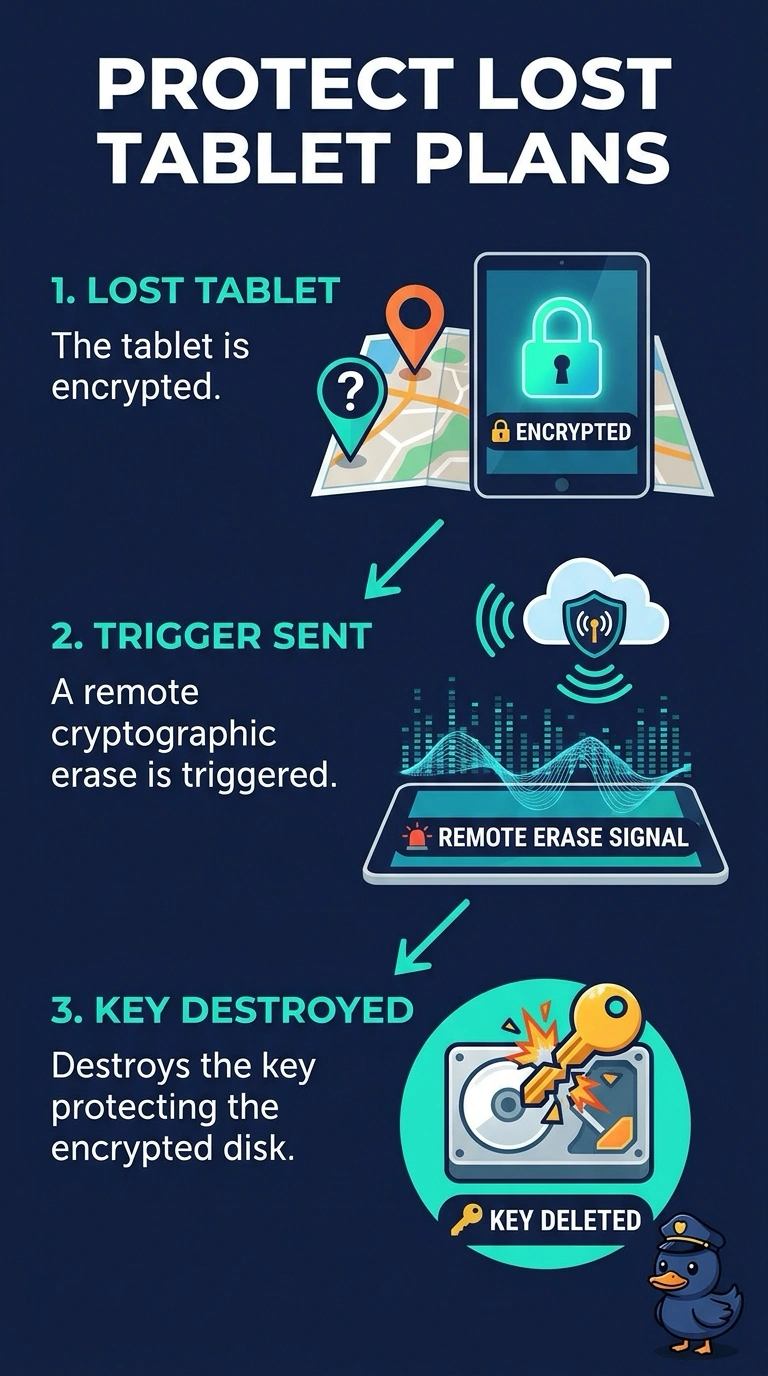
Think of the encrypted tablet as a lockbox: you need to destroy the key that opens it. You can send a cryptographic erase over the tablet’s management path to make the stored plans unreadable. A firewall policy, a virtual desktop for next week, or office-network isolation does not erase the lost tablet’s plans.
Full Explanation
Encryption protects the plans only while the key remains secret. Because the lost tablet is still reachable over cellular, you can send a remote cryptographic erase that destroys the key protecting its encrypted disk, making the stored plans unreadable. A local firewall policy pushed toward a tablet the crew can no longer put on the office LAN does not destroy the disk key, and the tablet is not available on that LAN to receive the change. A virtual desktop the crew will use next week may provide another way to work, but it leaves the lost tablet and its plans intact. Network isolation of the tablet on the office LAN it is no longer connected to cannot reach the device, and isolation would not erase the disk key even if it could. The remote cryptographic erase is the control that addresses the data already stored on the lost device. Exam caveat: if the tablet never checks in again, the erase command cannot reach it, so the encryption already on the disk remains the protection available. Practical check: enroll a lab tablet, confirm that a remote cryptographic erase completes, and verify that the previous disk key no longer unlocks the stored test plans.