
A help desk reset a compromised law-firm mailbox password, and a hidden rule kept forwarding client mail to an outside address the next morning. Which redesign follows from that incident?
Select an answer to reveal the explanation.
Short Explanation
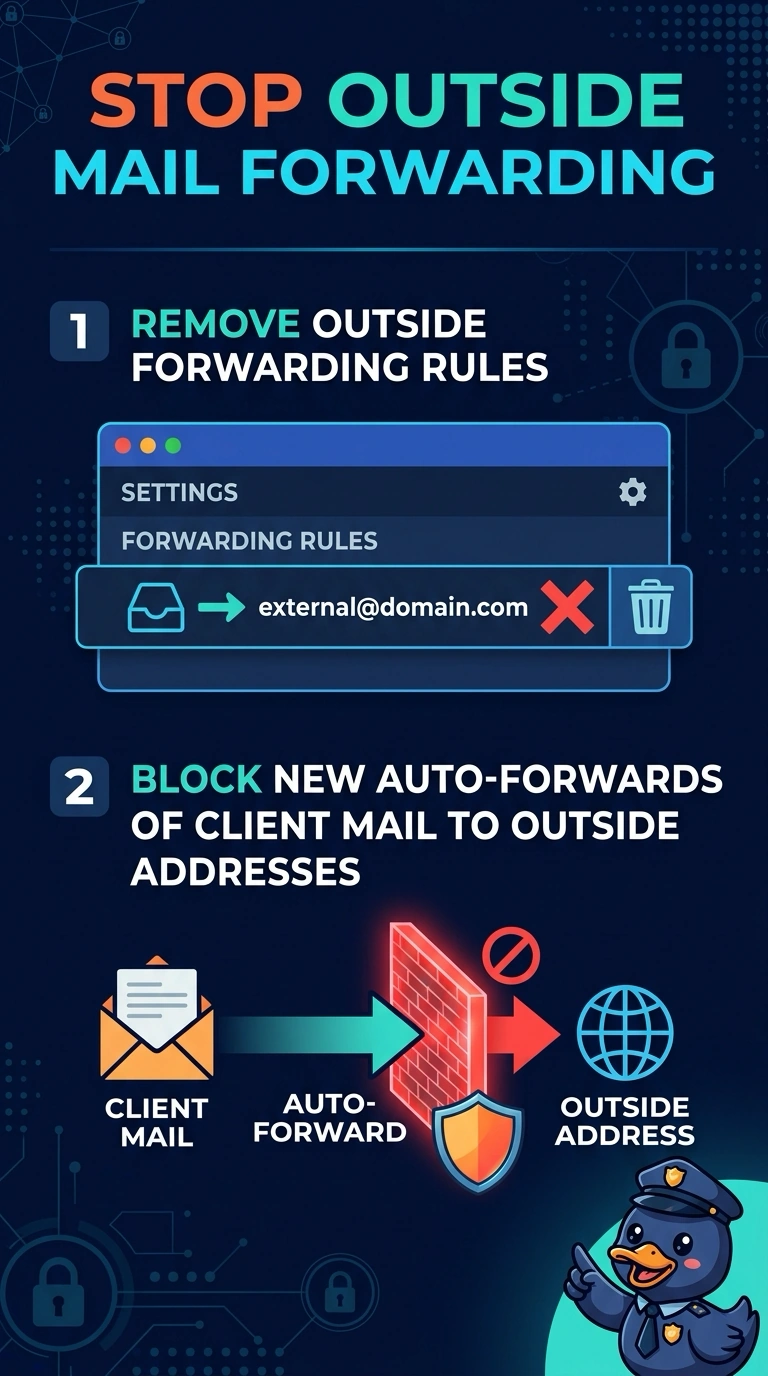
Changing the lock does nothing if the mail slot still sends every letter next door. You remove outside forwarding rules and block new auto-forwards of client mail to outside addresses. Resetting the password again while leaving rules in place, reimaging the clerk’s workstation, or moving to guest wireless leaves the forwarding rule untouched.
Full Explanation
The reset removed the password the attacker had used but left the rule that continued the leak. Remove outside forwarding rules and block new auto-forwards of client mail to outside addresses, so a later password compromise cannot reuse that copy path. Resetting the same mailbox password again while leaving existing rules in place does not remove the hidden forward that leaked client mail. Reimaging the clerk workstation does not help because it did not store the rule; the forward ran inside the mailbox. Moving the office onto guest wireless does not help because mailbox rules do not consult that network, so client mail could still be copied to the outside address. A stronger sign-in is still wise if the password was phished, but it does not delete a forward rule that is already installed, so the redesign must address the rule itself. After the change, confirm the hidden forward is gone and verify with a lab mailbox that an attempt to auto-forward client mail outside is blocked.